7800/7700 MultiFrame Manual
7814 Series Dual HDTV Up/Down/Cross Converters
Revision 1.1.3 Page - 9
2. INSTALLATION
All 7814 series modules come with a companion rear plate and occupy two slots in the 7800FR frame or
three slots in the 7700FR-C. If a 7814 series module is installed in a 7700FR-C without the “slot blocker”
installed, the card will not power-up and will show RED on its main status LED. For information on
mounting the rear plate and inserting the module into the frame see section 3 of the 7700FR manual.
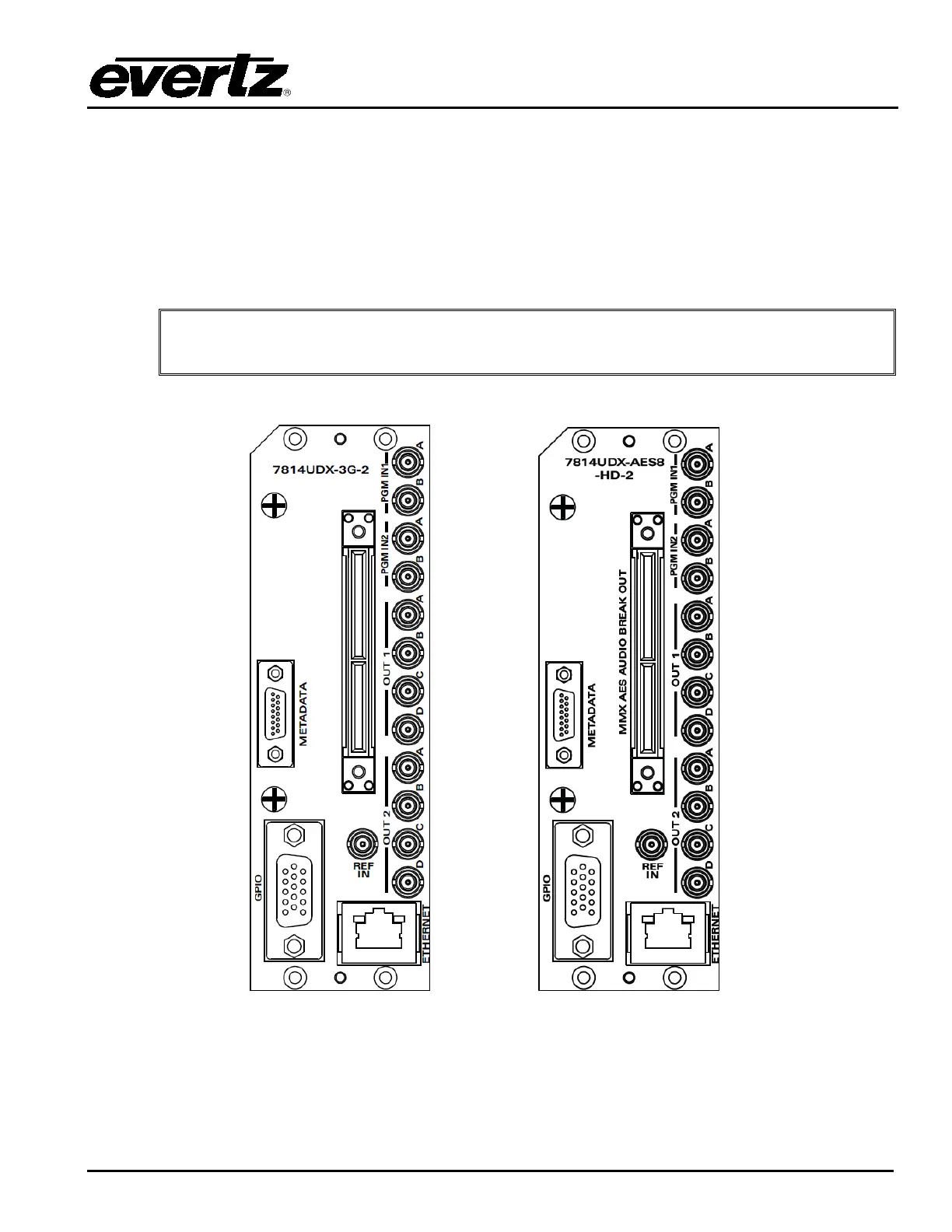
Refer to section 8.2 of this manual for more information on the 7814 series slot blocker. Refer to Figure
2-1 for 7814 series rear plate layouts.
Note: For proper operation in the 7700FR-C, the on-board “slot blocker” must be
installed in order for the card to power-up.
Figure 2-1: 7814XXX-XX-2 Rear Plate Layout & 7814XXX-AES8-XX-2 Rear Plate Layout



 To Next Page