FLEX-6000 Signature Series - SmartSDR for Windows Software User’s Guide
Page 156
Copyright 2018 FlexRadio Systems. All Rights Reserved.
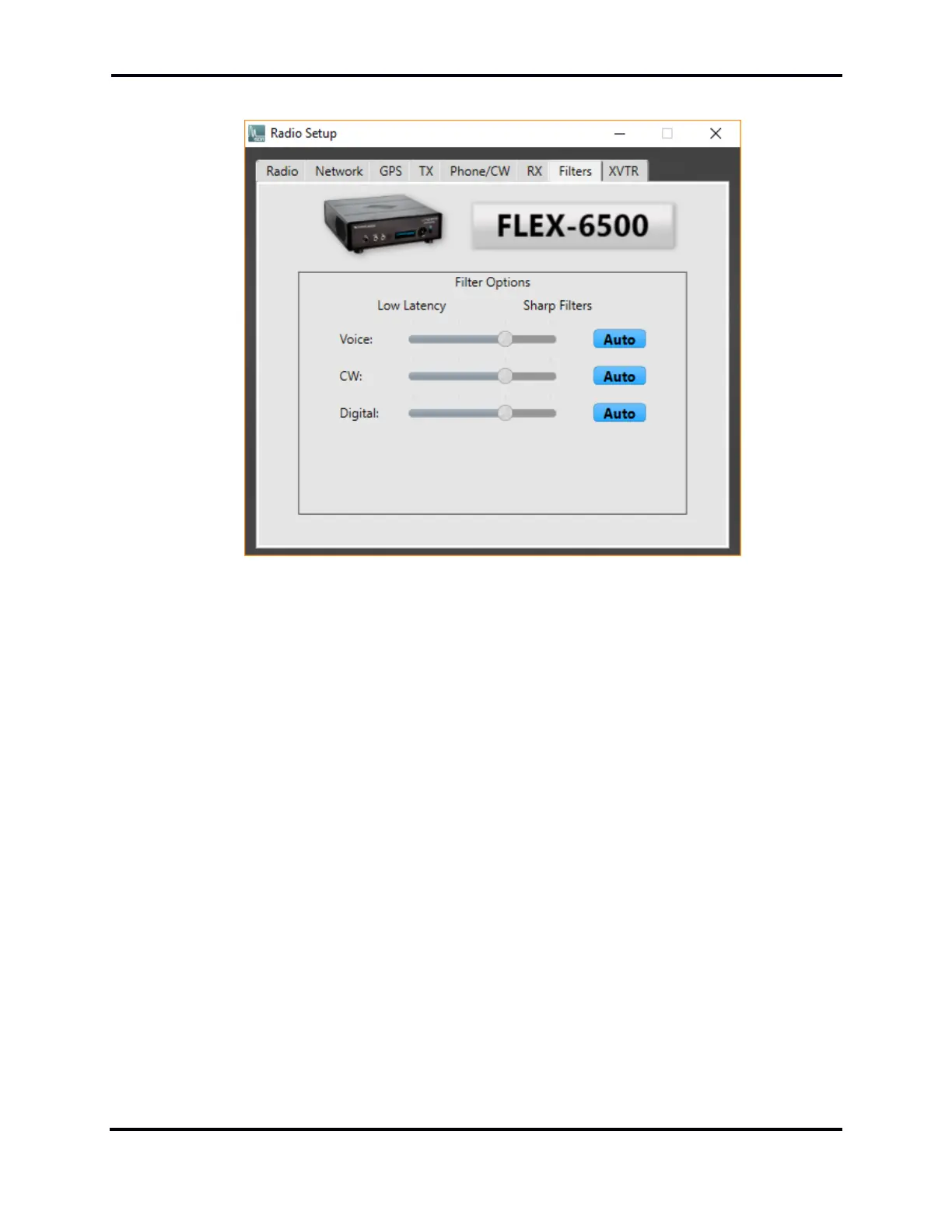
35.9 FILTERS TAB
The three sliders in the Filters tab control the RX filter sharpness/latency for the three mode groups,
Voice (USB/LSB/AM/SAM/FM), CW and Digital (DIGU, DIGL, DFM, RTTY). The processing time, or
latency, of the digital RX filters increases as the slider is moved to the right. Sharper filters require
more processing time. In applications requiring fast turnaround of signals (e.g. certain contest
environments), faster filtering of the received signal may be more desirable than adjacent signal
rejection.
When Auto is selected for a mode group, the sharpness of the filter depends on the bandwidth of
the filter. In general, the filter gets sharper, but slower, as the bandwidth narrows. In the following,
Level 0 is the lowest latency (least sharp) and Level 3 is the highest latency (most sharp).
• DIGU/DIGL
o Bandwidth from zero to 500 Hz: Level 3
o Bandwidth from 500 to 1000 Hz: Level 2
o Bandwidth from 1000 to 2000 Hz: Level 1
o Bandwidth from 2000 to 10000 Hz: Level 0
• RTTY
o Bandwidth from zero to 400 Hz: Level 3
o Bandwidth from 400 to 1000 Hz: Level 2
o Bandwidth from 1000 to 1200 Hz: Level 0
• CW
o Bandwidth from zero to 400 Hz: Level 3
o Bandwidth from 400 to 1000 Hz: Level 2
o Bandwidth from 1000 to 1500 Hz: Level 1
o Bandwidth from 1500 to 10000 Hz: Level 0



 To Next Page
 Loading...





