FLEX-6000 Signature Series - SmartSDR for Windows Software User’s Guide
Page 25
Copyright 2018 FlexRadio Systems. All Rights Reserved.
8 HOW TO DETERMINE THE IP ADDRESS OF THE RADIO AND THE
SOFTWARE VERSION NUMBERS
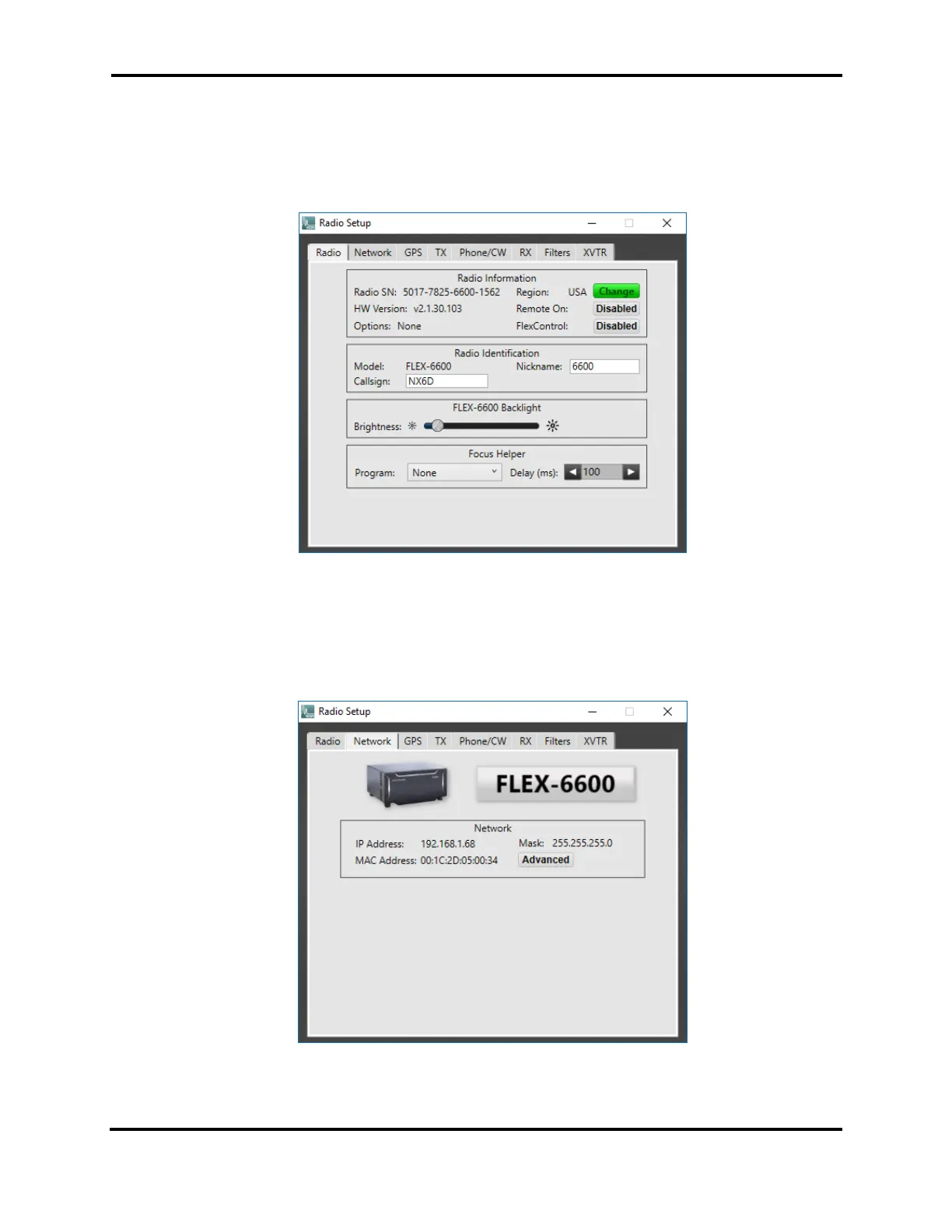
Bring up the Radio Setup Panel by clicking the “Settings” drop-down menu at the top left of
SmartSDR. Then select “Radio Setup”.
Located in the “Radio” tab is basic information about the selected radio. Radio Hardware version
refers to the version of SmartSDR that is running and the associated radio firmware.
Located in the “Network” tab is information about the Flex 6000 Series radio, including the IP address
used by the radio.



 To Next Page
 Loading...





