FLEX-6000 Signature Series - SmartSDR for Windows Software User’s Guide
Page 157
Copyright 2018 FlexRadio Systems. All Rights Reserved.
• USB/LSB/AM/SAM
o Level 3 for all bandwidths
• FM/NFM/DFM
o Level 0 for all bandwidths
All TX filtering is performed with low latency (less sharp) filters, but SmartSDR will sharpen the TX
filters as necessary to prevent any signal being emitted outside of the lower limit set by the Lo Cut
control. See section 37.7.4, Voice Mode Panel for more information.
35.10 XVTR TAB
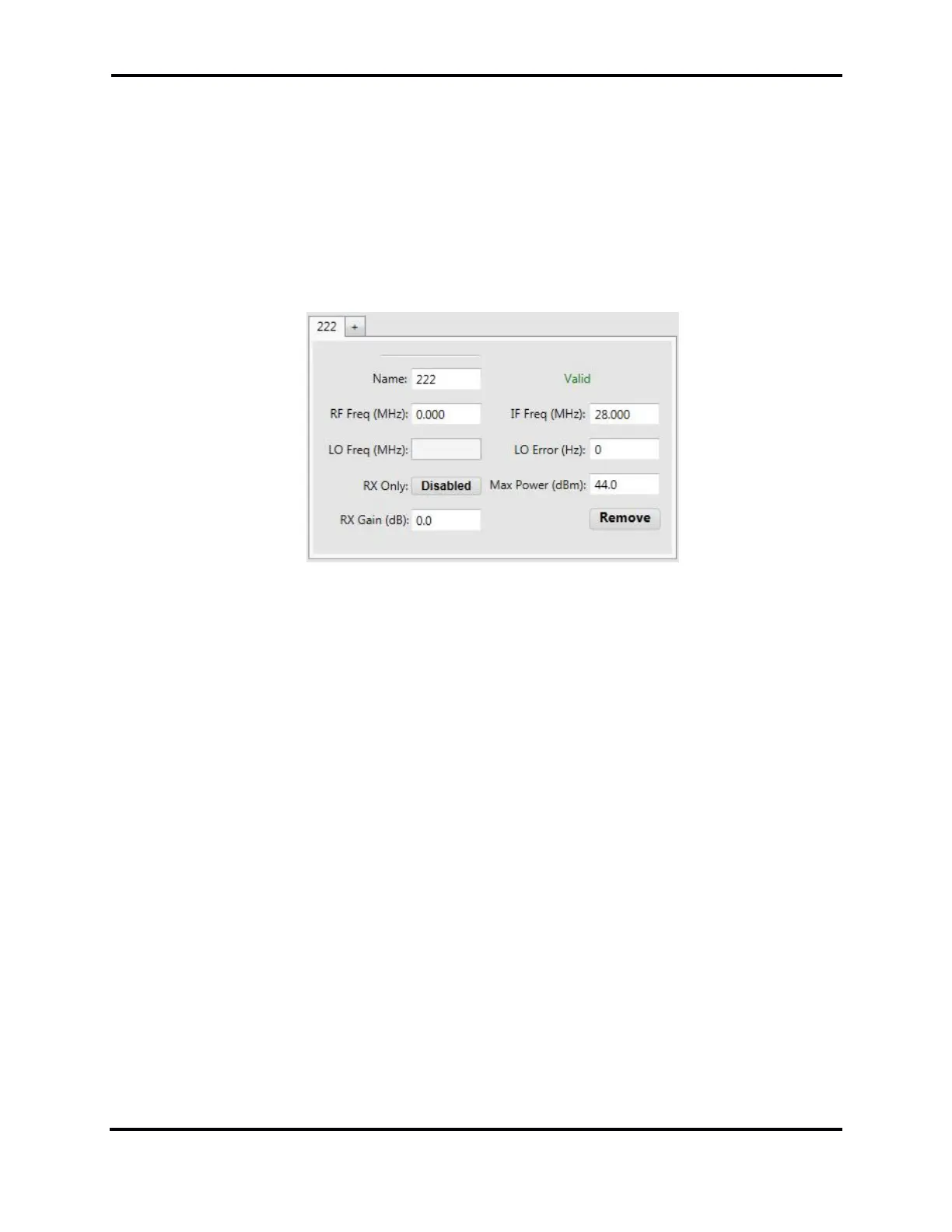
The XVTR Tab allows the user to set up transverter bands for the FLEX-6000. Clicking the ‘+’ will create
a new tab for a new transverter band. Refer to the section How to Configure Transverters for detailed
information on configuring transverters.



 To Next Page
 Loading...





