Fax/Internet Fax Options
263
Fax
4
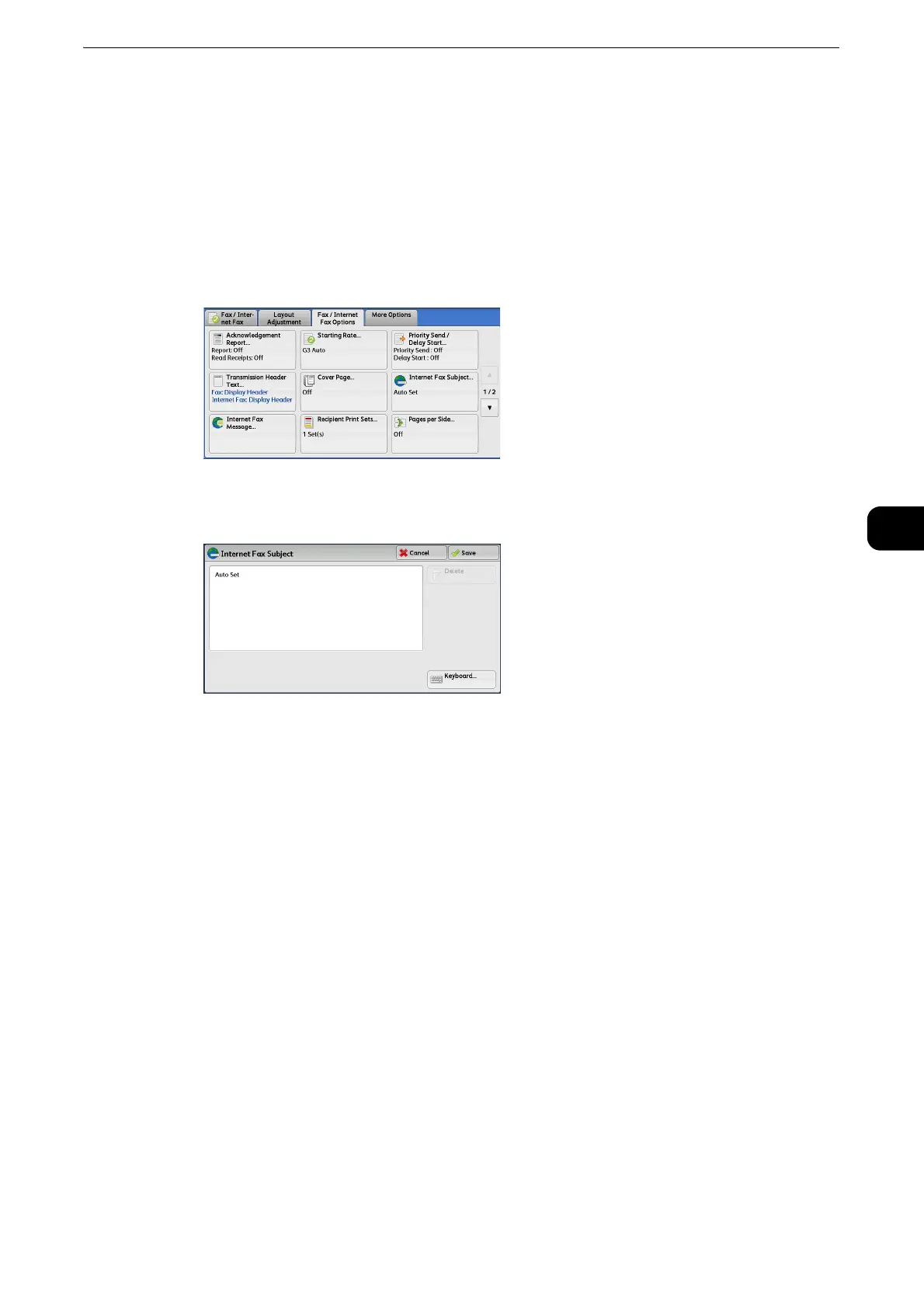
Internet Fax Subject (Specifying the Internet Fax Subject)
You can specify an Internet Fax subject. If no subject is specified, the preset subject is
automatically entered.
z
This feature is not available for some models. An optional component is required. For more information,
contact our Customer Support Center.
1 Select [Internet Fax Subject].
2 Select [Keyboard].
3 Enter a subject with up to 128 characters using the displayed keyboard.
z
For information on how to enter characters, refer to "Entering Text" (P.77).
z
If no subject is entered, the following will be automatically entered as a subject: [InternetFAX;<From> ; <Send
Date and Time>].
Internet Fax Message (Editing the Internet Fax Mail Contents)
You can edit Internet Fax comments. Enter text using the keyboard or use a pre-registered
comment.
z
This feature is not available for some models. An optional component is required. For more information,
contact our Customer Support Center.
z
For information on how to register comments, refer to "Tools" > "Setup" > "Add Fax Comment" in the Administrator Guide.



 To Next Page
 Loading...


