142
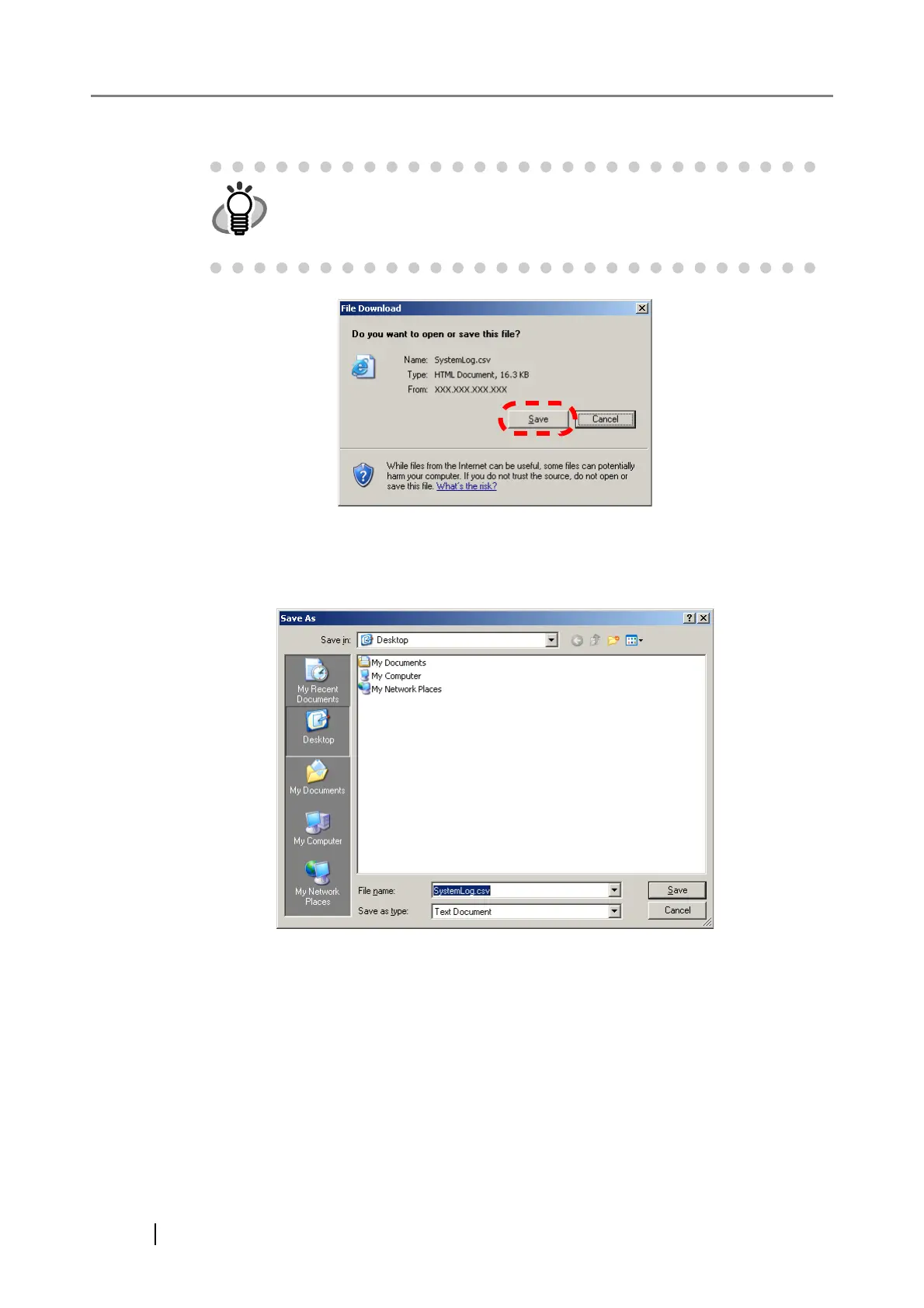
4. Press the [Save] button.
⇒ The "Save As" dialog box appears.
5. Enter a file name.
The file will contain CSV format data.
6. Press the [Save] button.
⇒ A file containing CSV format data is saved.
The size of the user log file is displayed in the "File Download" dialog box.
Make sure there is enough free space on the disk where it is to be saved
and press the [Save] button. If there is not enough free disk space, an
incomplete file may be saved.



 To Next Page
 Loading...









