4.8 Setting the Scan Options
Network Scanner fi-6000NS Operator's Guide 247
Regular User Operations
4
4.8.8 Compression
When [Auto] or [RGB Color] is selected for the "4.8.1 Color Mode" (page 230), it is also possible
to set the compression level.
Setting a compression level (1 to 5) reduces the file size when scanning documents such as photo-
graphs or figures.
Changing the compression level affects the scanned data in the following ways.
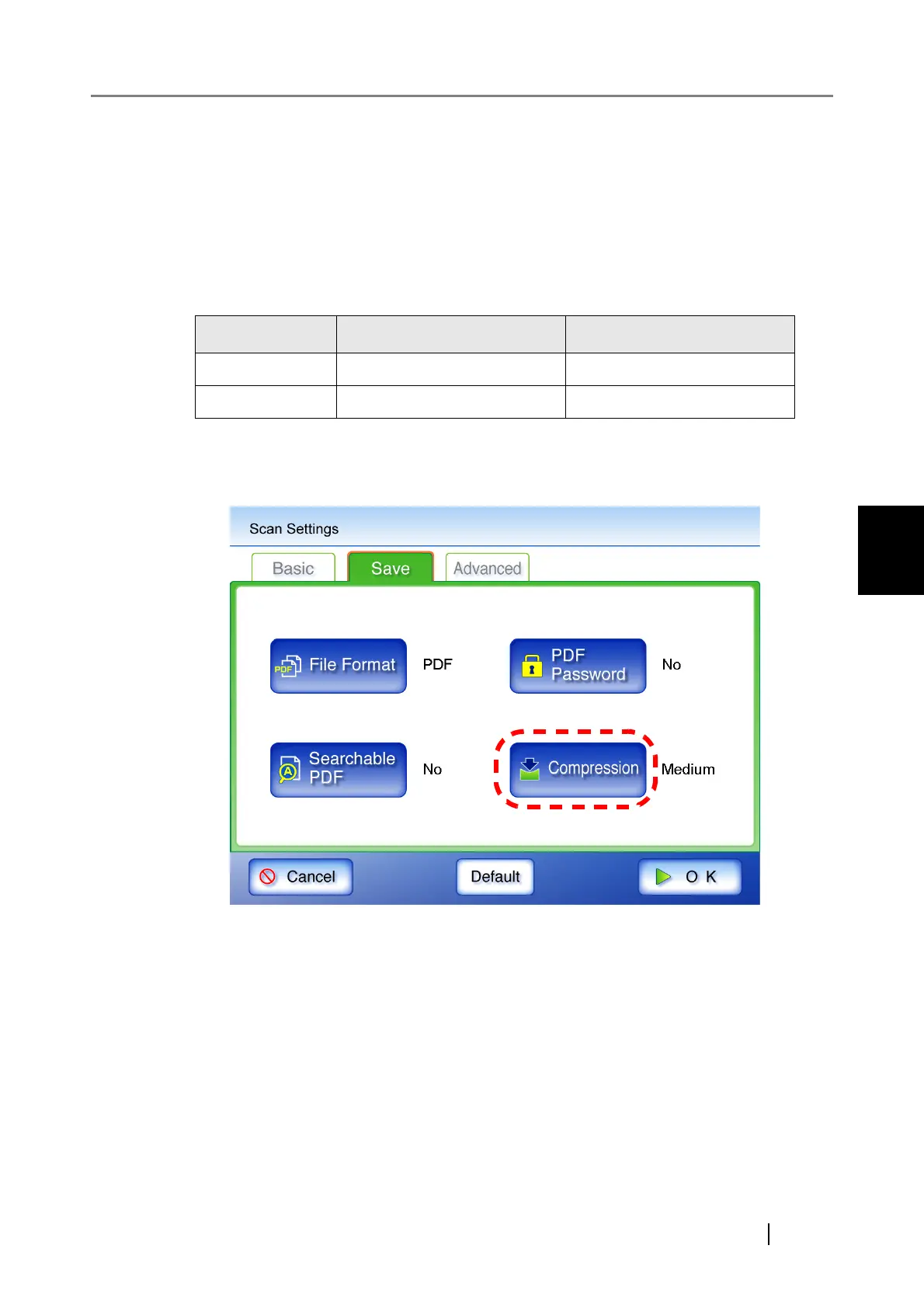
1. On the "Scan Settings" screen, select the [Save] tab.
2. Press the [Compression] button.
⇒ The "Compression" screen appears.
High compression Low compression
Quality Low High
File size Small Large



 To Next Page
 Loading...









