4.8 Setting the Scan Options
Network Scanner fi-6000NS Operator's Guide 237
Regular User Operations
4
■ Long Page Mode
When scanning pages which are longer than standard documents, the "Allow long pages" setting
must be specified.
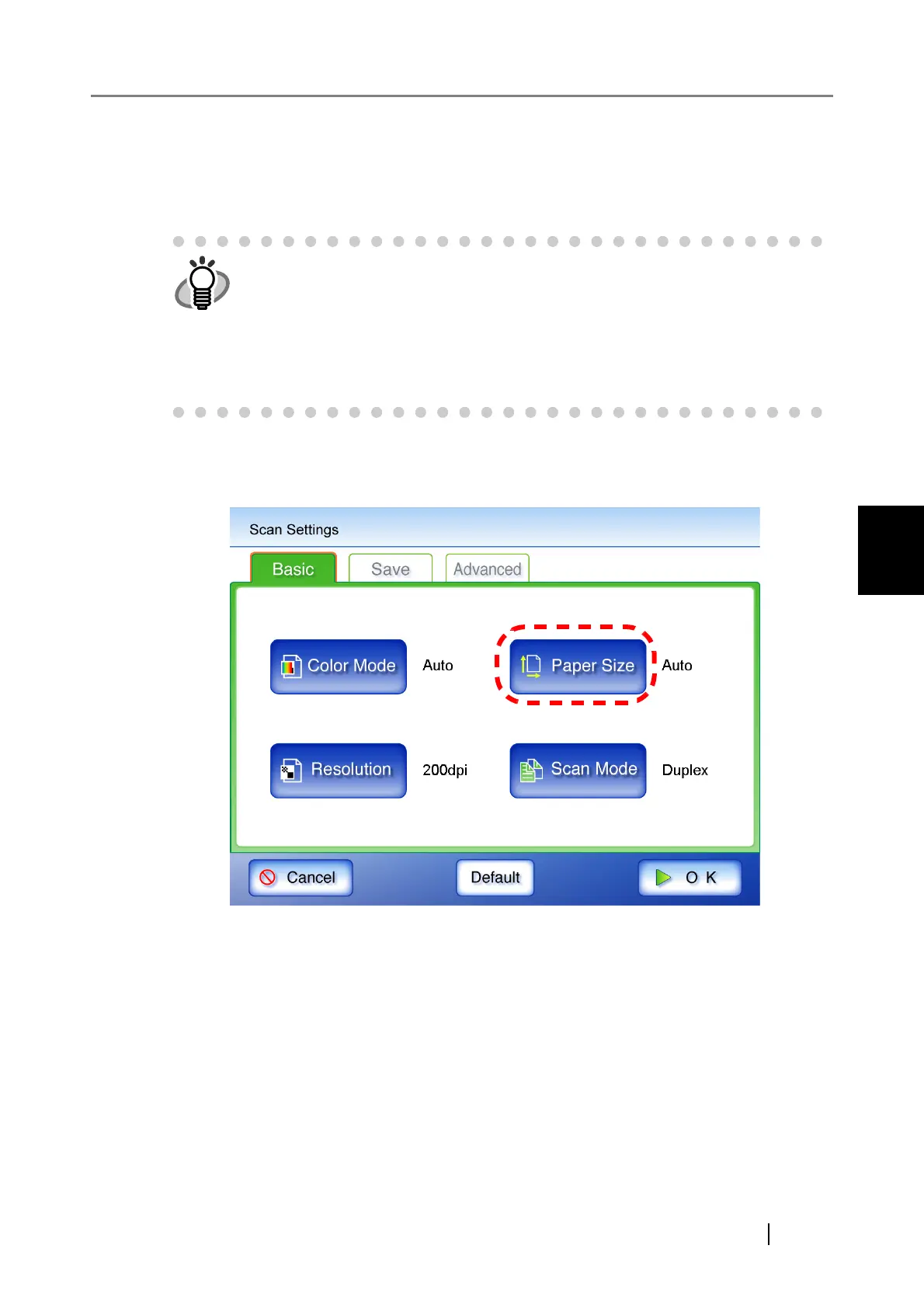
1. On the "Scan Settings" screen, select the [Basic] tab.
2. Press the [Paper Size] button.
⇒ The "Paper Size" screen appears.
When long page scanning is set, the following settings can not be used.
• [Auto] Color Mode
• [600dpi] Resolution
• Searchable PDF
• Page Orientation
• Blank Page Skip
• Multifeed Setup












 To Next Page