1.4 Scanner Quick User Guide
Network Scanner fi-6000NS Operator's Guide 11
Scanner Overview
1
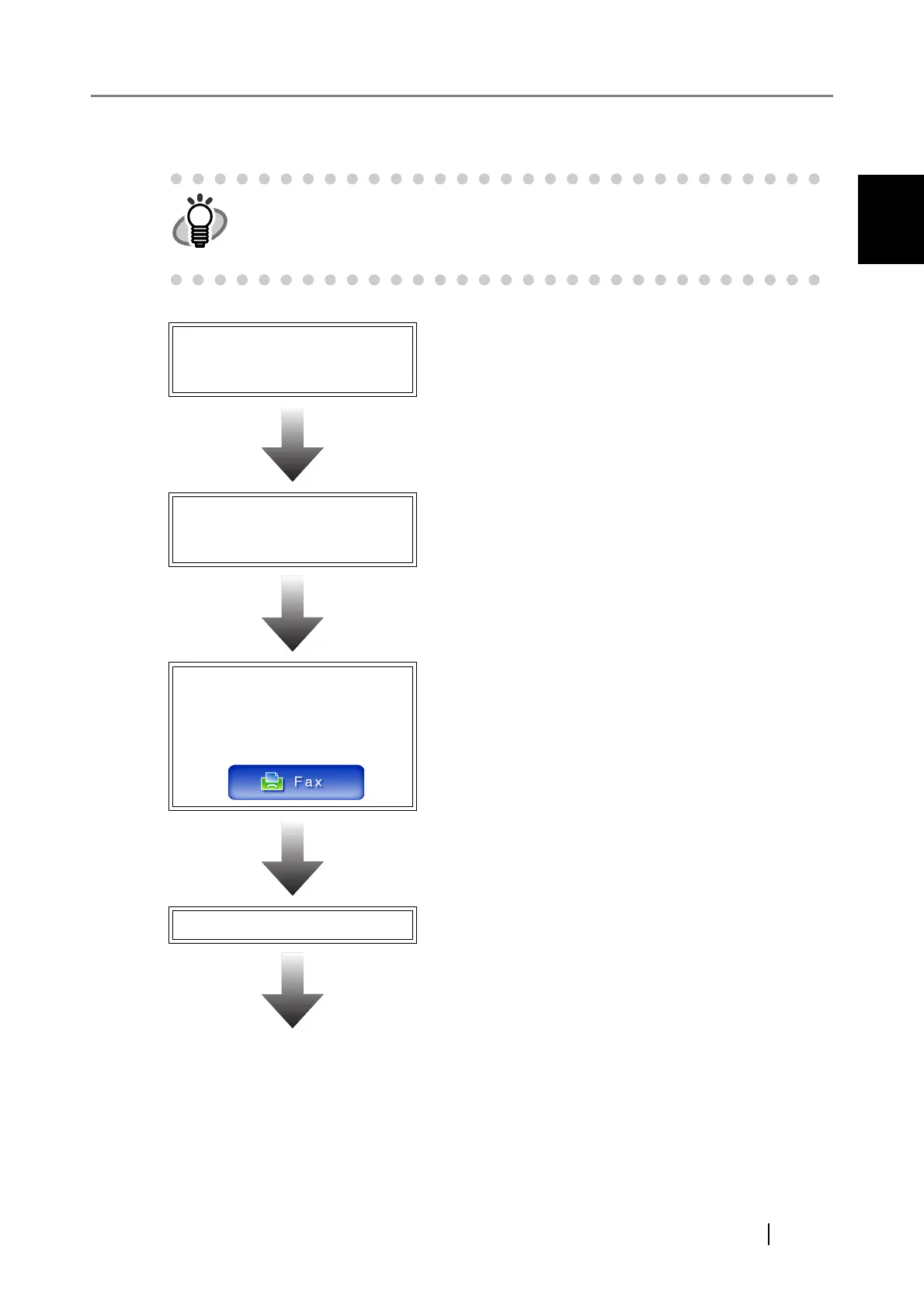
1.4.2 Sending Scanned Data by Fax
The administrator must setup the "Send Fax" function for the user to be able to
send scanned data by fax.
For details about the required settings, refer to "3.1 Required Scanner Function
Settings" (page 28).
Loading Docu-
ments
For details, refer to "4.1 Loading Documents"
(page 176).
Logging in: Regu-
lar User Mode
For details, refer to "4.3 Logging in: Regular
User Mode" (page 183).
On the "Main
Menu" screen,
press
For details, refer to "4.5 Sending the Scanned
Data by Fax" (page 199).
Setting the Scan Options
Adjust the scan settings as necessary.
For details, refer to "4.8 Setting the Scan
Options" (page 228).












 To Next Page