70
3.6 Using the Network Settings Menus
3.6.1 Giving the Scanner an IP Address
An IP address must be set in order to connect the scanner to a network.
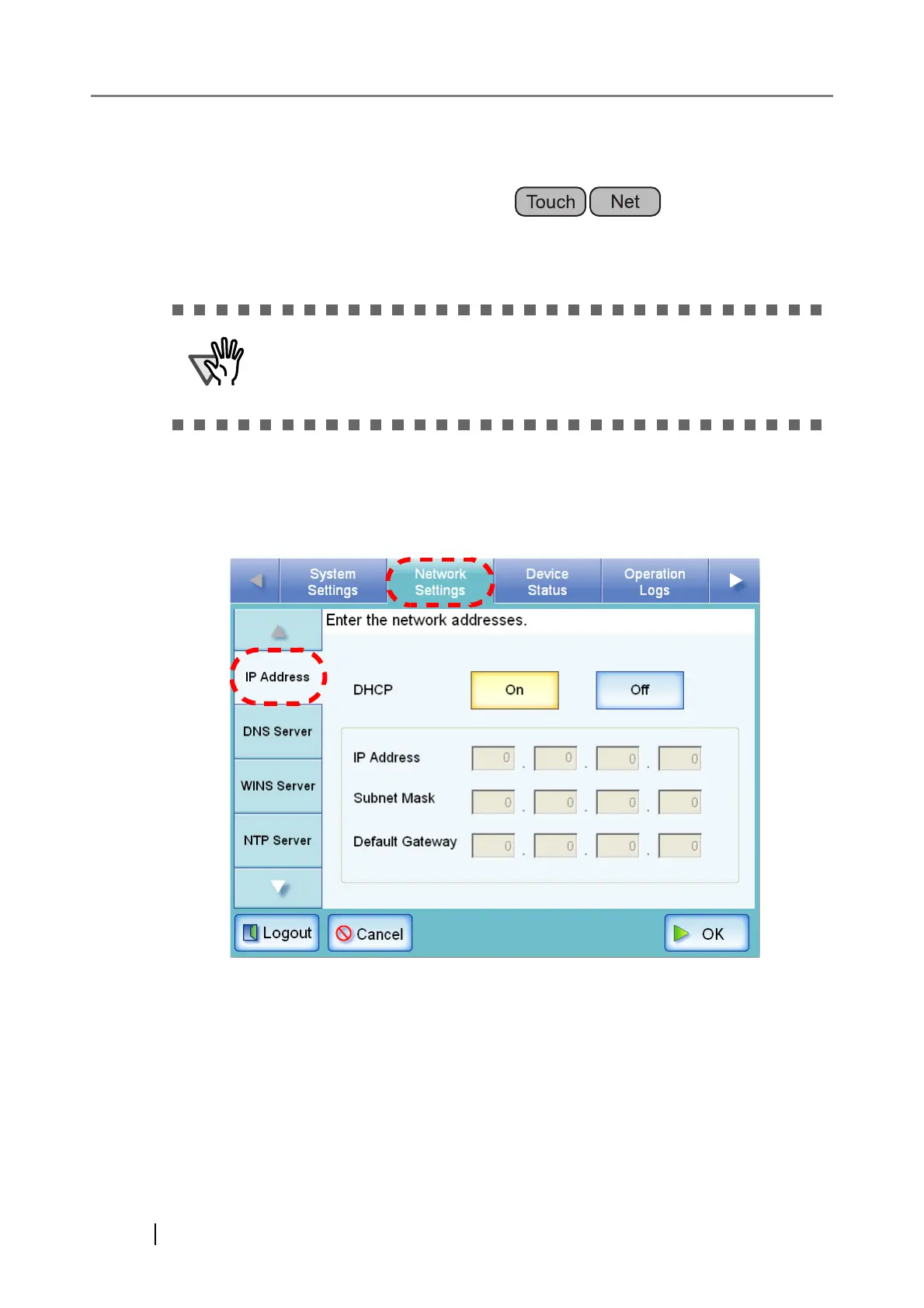
1. Select the [Network Settings] tab on the top menu.
2. Select the [IP Address] tab on the left side menu.
⇒ The DHCP or IP address setting screen appears.
Do not use an IP address that already exists in the network. IP address
duplication will cause a network connection error. For more details about
how to deal with such errors, refer to "C.1.1 Administrator Screen Mes-
sages" (page 337).












 To Next Page