146
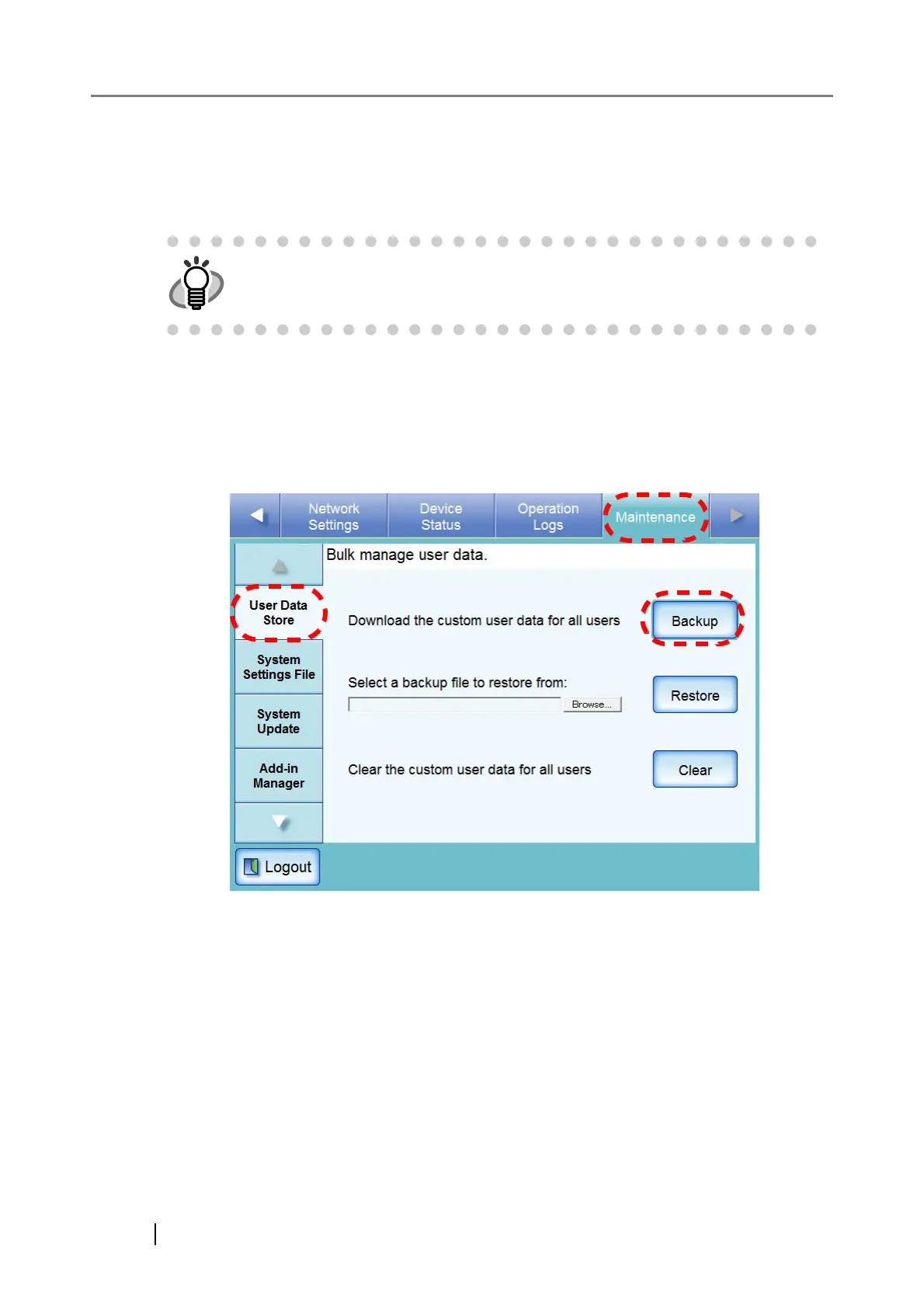
■ Backing up the User Data Store
As a precaution, the user data store should be backed up regularly.
The default file name is "restored_data".
1. Select the [Maintenance] tab on the top menu.
2. Select the [User Data Store] tab on the left side menu.
⇒ The "User Data Store" screen appears.
3. Press the [Backup] button.
⇒ The "File Download" dialog box appears.
User logs cannot be backed up.












 To Next Page