4.6 Printing the Scanned Data
Network Scanner fi-6000NS Operator's Guide 219
Regular User Operations
4
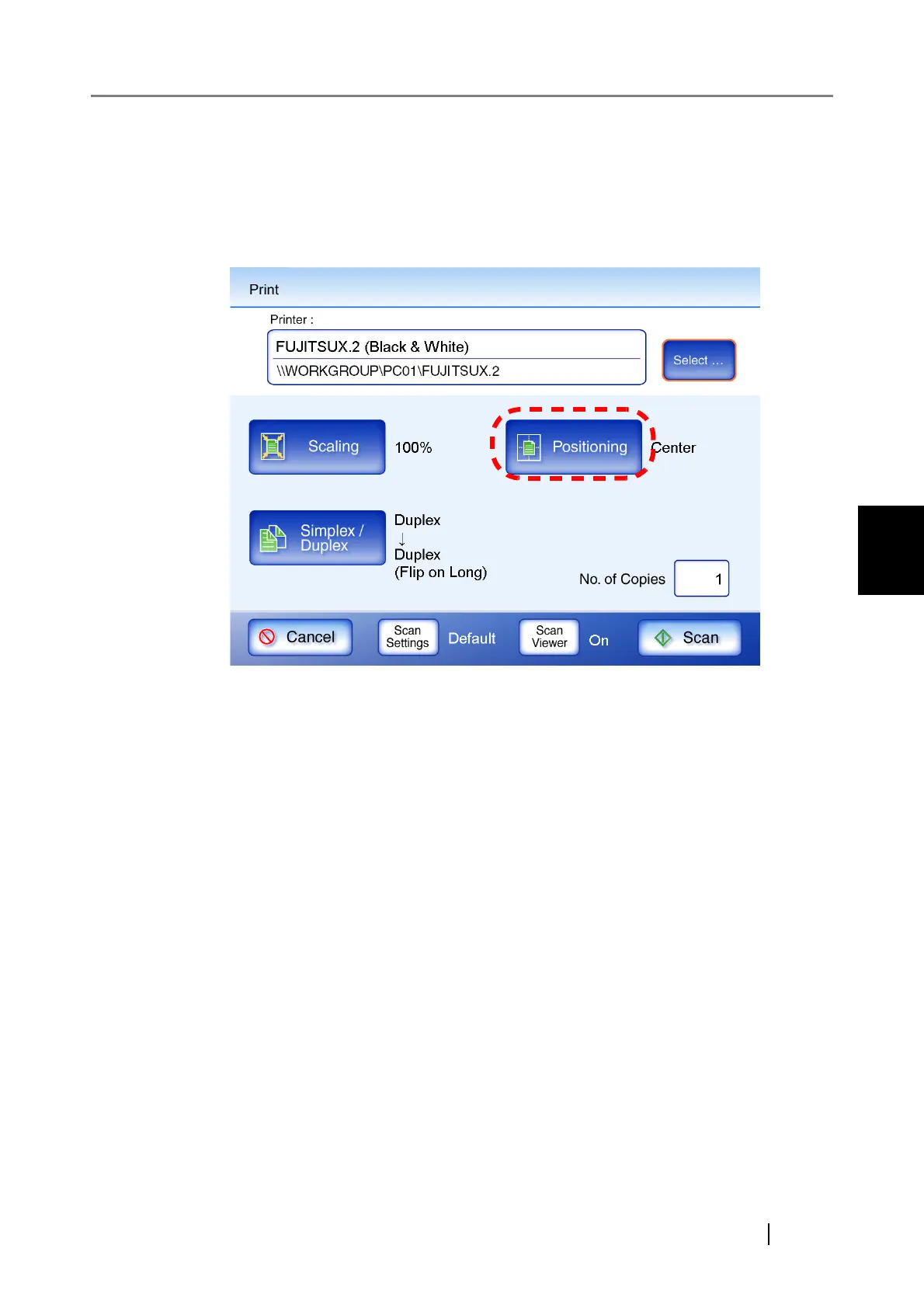
4.6.2 Positioning
Set the print position of the scanned data.
The setting selected here will be used every time the user prints a document.
1. Press the [Positioning] button.
⇒ The "Positioning" screen appears.












 To Next Page