3.8 Using the Operation Logs Menus
Network Scanner fi-6000NS Operator's Guide 141
Administrator Operations
3
■ Downloading the System Log in CSV Format
The default file name is "SystemLog.csv".
When downloaded to a computer, the file will contain CSV format data. The file is saved in the fol-
lowing form:
"Date","Time","Type","Message"
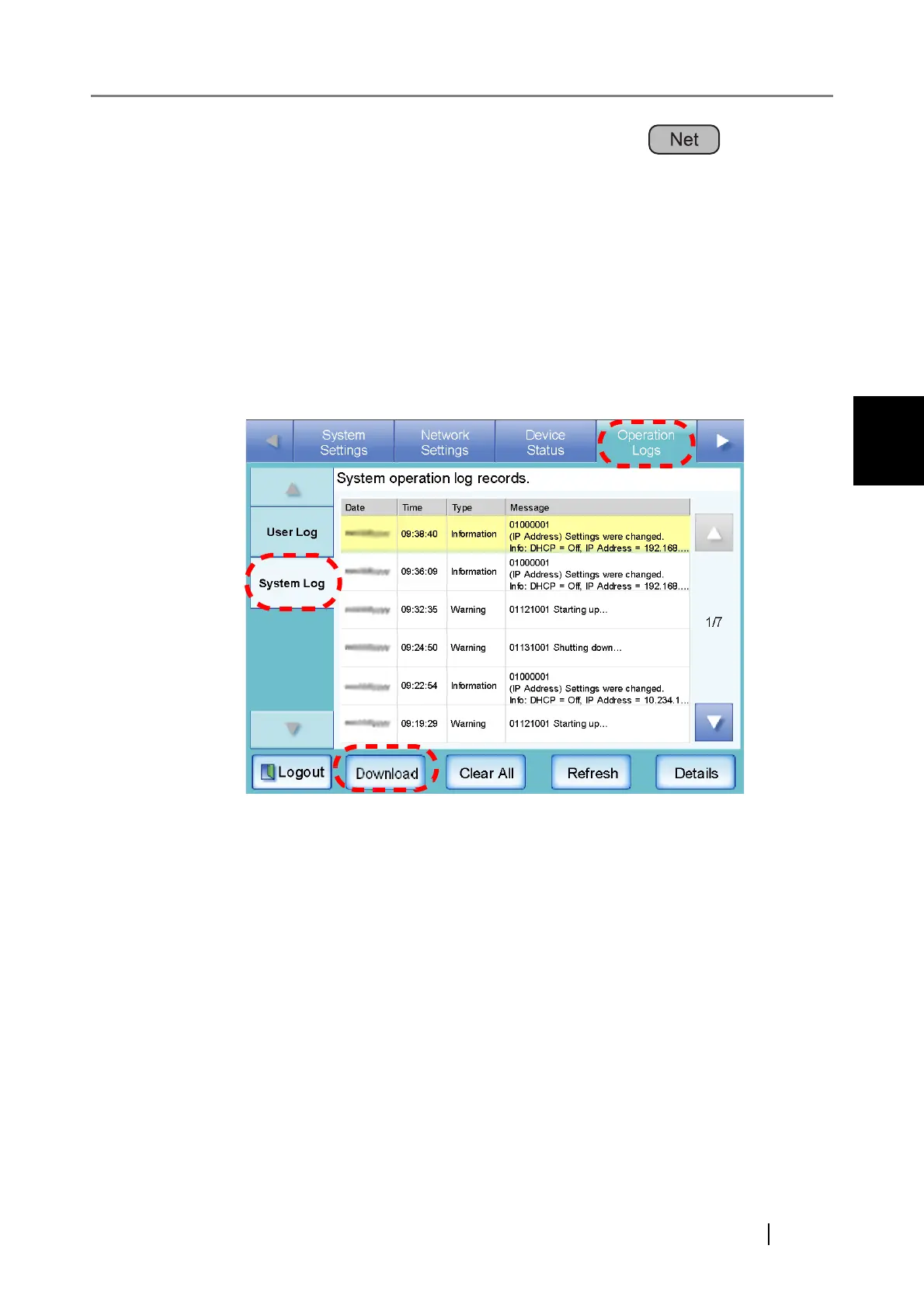
1. Select the [Operation Logs] tab on the top menu.
2. Select the [System Log] tab on the left side menu.
⇒ The "System Log" screen appears.
3. Press the [Download] button.
⇒ The "File Download" dialog box appears.



 To Next Page
 Loading...









