48
3.5.2 Setting the Scanner Name
A scanner name may be set to provide a network alias for the device.
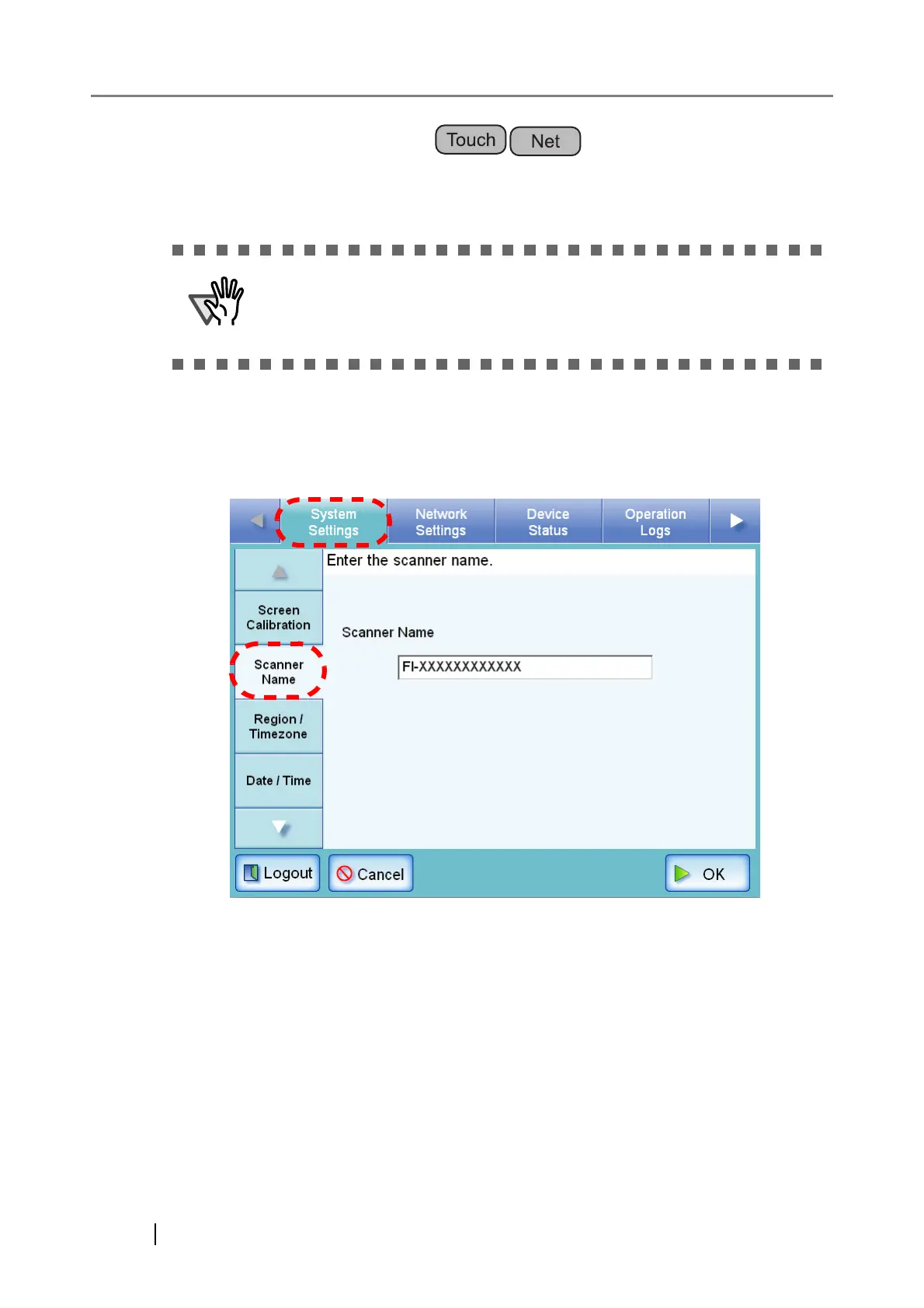
1. Select the [System Settings] tab on the top menu.
2. Select the [Scanner Name] tab on the left side menu.
⇒ The "Scanner Name" screen appears.
Do not use a name already being used in the network.
Name duplication will cause a network connection error. For more details
about how to deal with such errors, refer to "C.1.1 Administrator Screen
Messages" (page 337).












 To Next Page