3.5 Using the System Settings Menus
Network Scanner fi-6000NS Operator's Guide 49
Administrator Operations
3
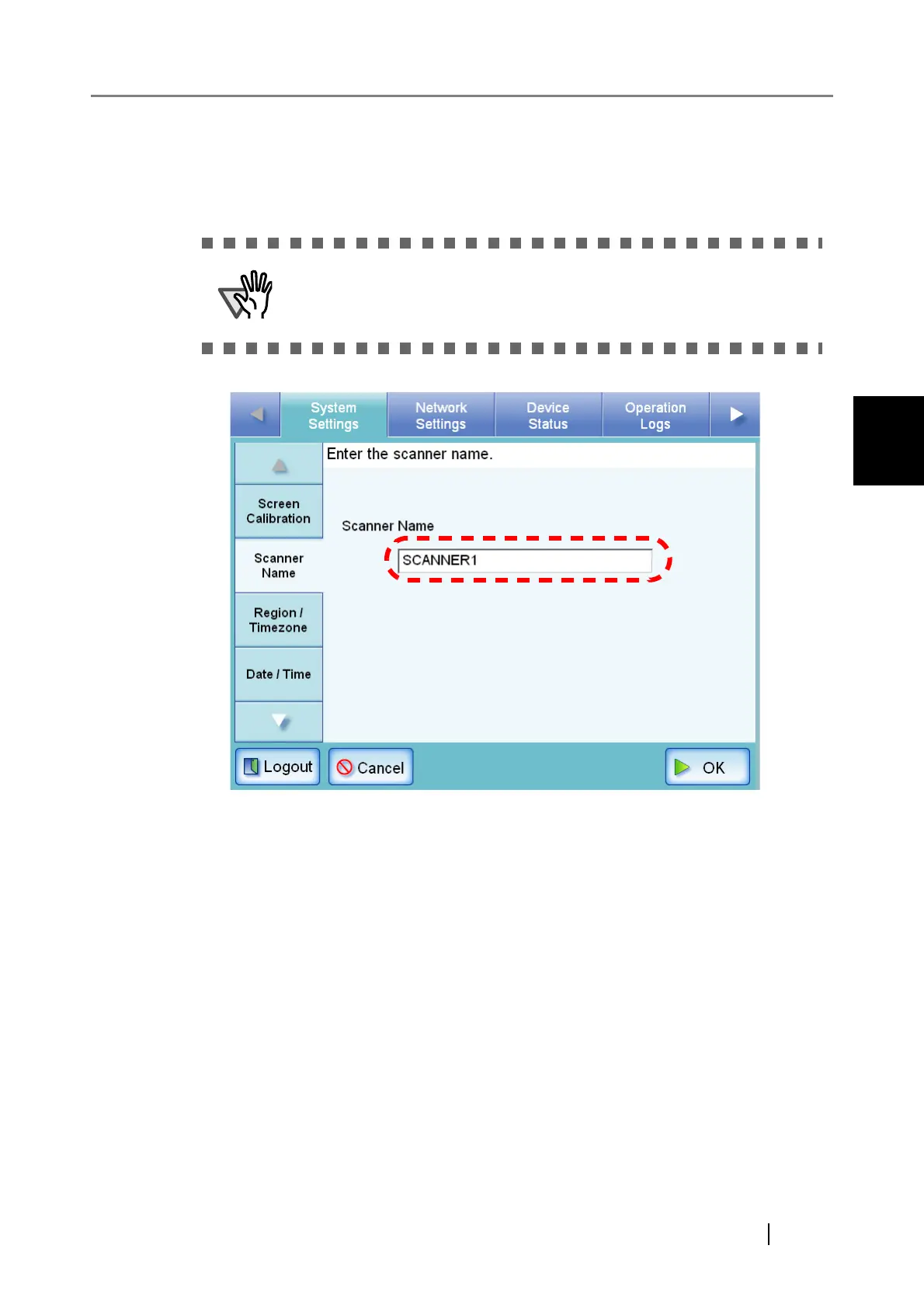
3. Enter a Scanner Name.
Scanner names may be up to 15 characters long.
Alphanumeric characters (case sensitive) and hyphens may be entered.
Initial character may not be a hyphen.
4. Press the [OK] button.
⇒ The restart confirmation screen appears.
Do not use a name that is already being used in the network.












 To Next Page