6.3 Network Connection Troubleshooting
Network Scanner fi-6000NS Operator's Guide 301
Troubleshooting
6
■ Checking the NTP server settings by synchronizing the system
time
On the "NTP Server" screen, press the [Sync Time] button to check if the system time can be syn-
chronized.
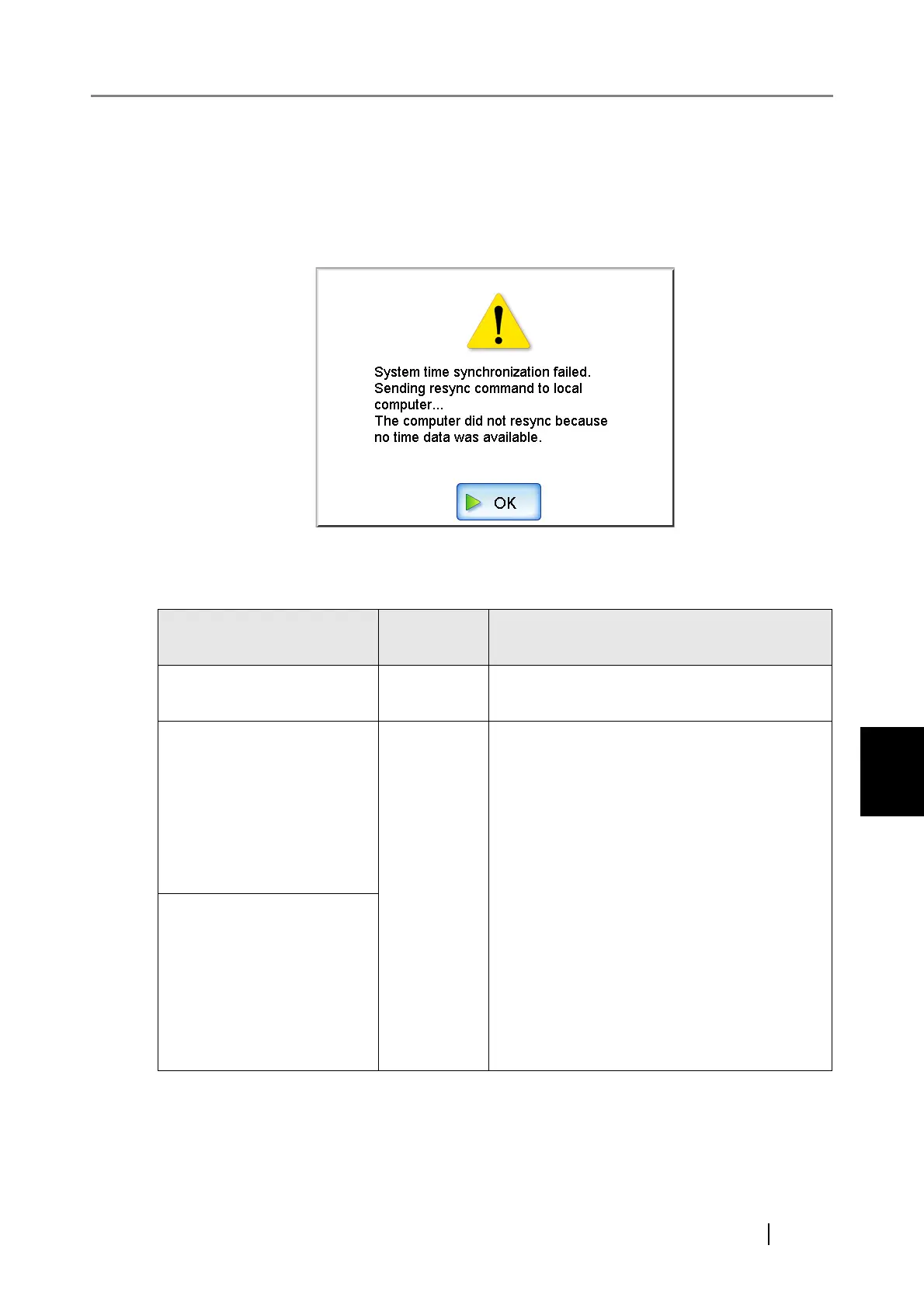
After pressing the [Sync Time] button, a message dialog such as the following is displayed:
The following outcomes are possible:
Message
Connection
status
Action
System time has been suc-
cessfully synchronized.
OK
None
System time synchronization
failed.
Sending resync command to
local computer...
The computer did not resync
because no time data was
available.
NG
Try the following:
•
Check the NTP server name and address settings
for errors.
• Check the network path between to the NTP
server for problems.
• The NTP server may be busy. Wait a short time
before trying again to synchronize the system
time. If that does not work, the specified server
may not be an NTP server, so try a different NTP
server.
• The specified NTP server cannot provide a
trusted date and time. It attempted to acquire the
date and time from a higher level NTP server,
but failed. Try a different NTP server or have the
network administrator investigate.
• Check that the time is correct. If the time is
incorrect, adjust the date/time, and try again.
System time synchronization
failed.
Sending resync command to
local computer...
The computer did not resync
because only stale time data
was available.












 To Next Page