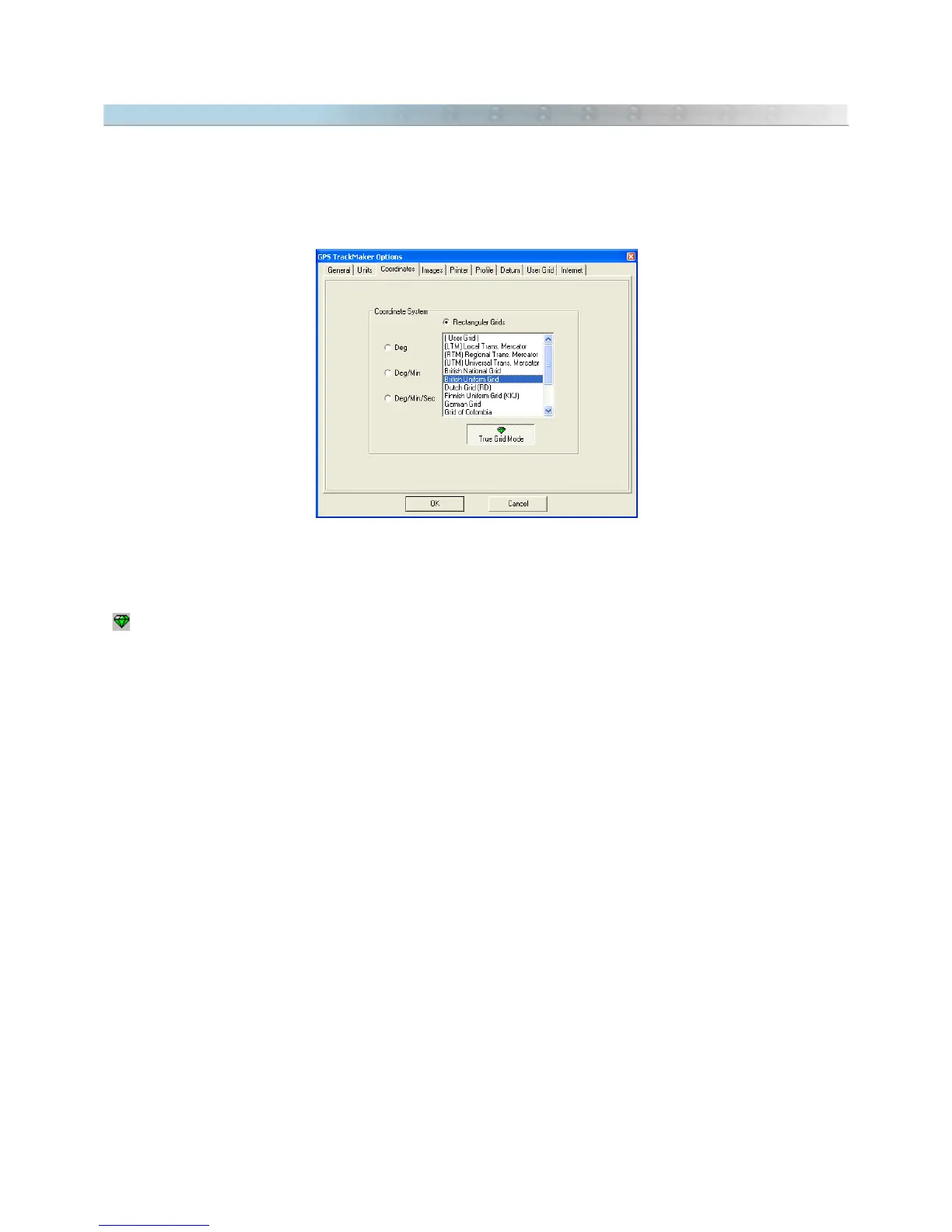
9.11 True Grid Mode
Rectangular systems divide the earth into zones, presenting it in sections, which can be an obstacle for User in the
beginning. However, for UTM and others rectangular systems, GPS TrackMaker® allows a detailed presentation
on screen of up to 4 serial zones, allowing a global view. Above 4 zones, the program will only show the meridians
and separation parallels of each zone in red. For more about UTM and others rectangular system, see Configuring
the Coordinate System
Normal Grid Mode
When a rectangular coordinate system is chosen in the
Tools > Options
menu, without enabling
True Grid
button
, the program enters normal mode.
To assist in viewing several zones, this method is used to draw on screen the coordinates in geographic
coordinates (angular coordinates) and grid lines with the positions defined by the rectangular system. This
method, in spite of allowing a general view of several zones, brings the inconvenience of not being very accurate,
because rectangular systems present small variations in the extremity of the zones. These variations are called
Meridian Convergence
or
Grid Declination
.
The advantages of normal mode are:
• Allows for quick viewing on the screen
• Visualization of several zones in the rectangular system
Disadvantages:
• Presents variations on screen, introduced by Meridian Convergence (Grid Declination).
103



 To Next Page