12.2 Setting the PC Local Time Clock through GPS
This function is available only to Garmin® models.
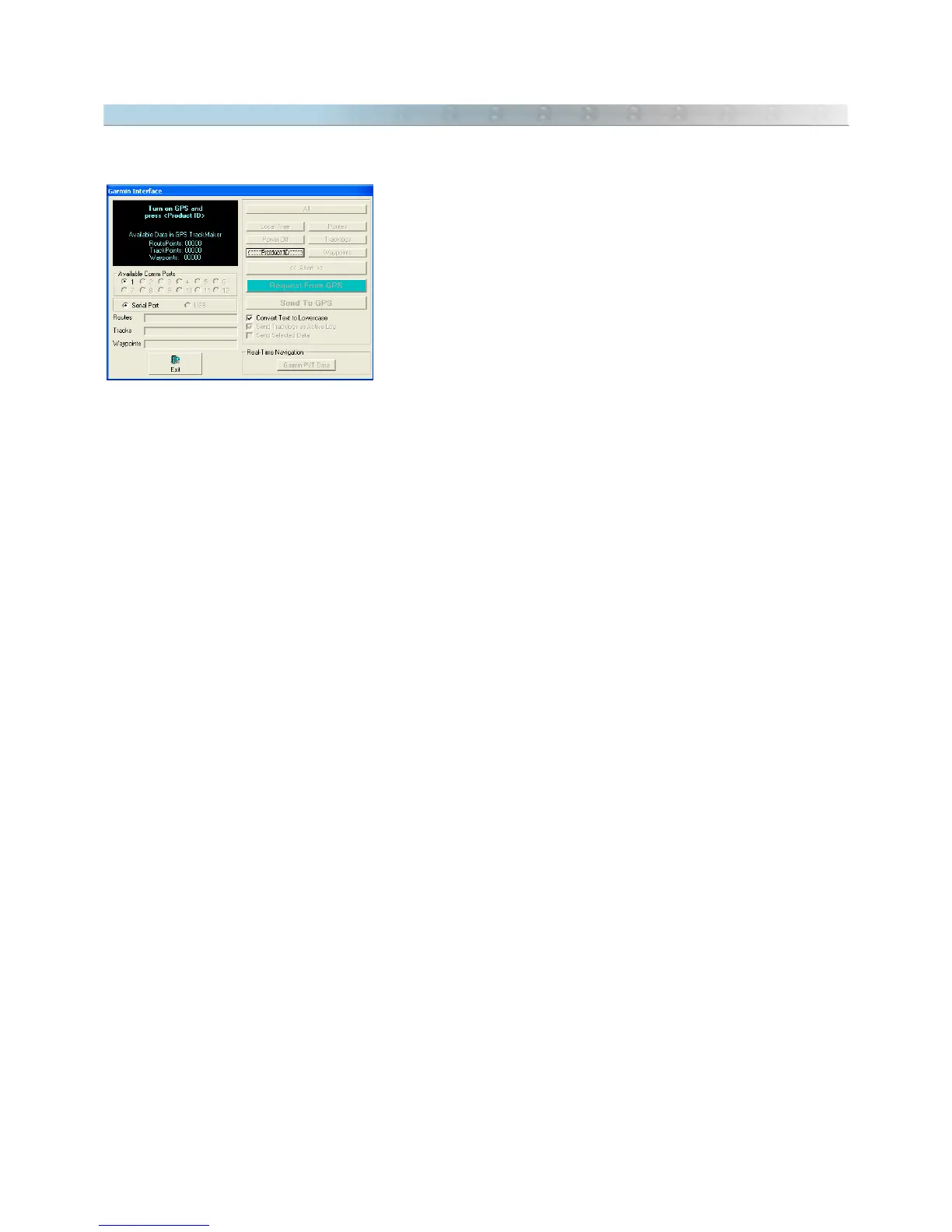
To set the PCs internal Clock, just click on the <Local Time> button
located in the
Garmin Interface
window so the date and time stored in
the GPS will be transferred to the PC clock. For that, it is necessary
that the program recognizes the receiver; if not, this button will be
disabled. To configure the local time, see Configuring Local Time.
143



 To Next Page