10.10 Calculation of Maximum Difference of Altitudes
In GTM PRO® you can calculate the maximum altitude, minimum altitude and maximum altitude difference
from Tracklogs or Routes. Just select the data in which you want to extract the altitude difference and then
press the button .
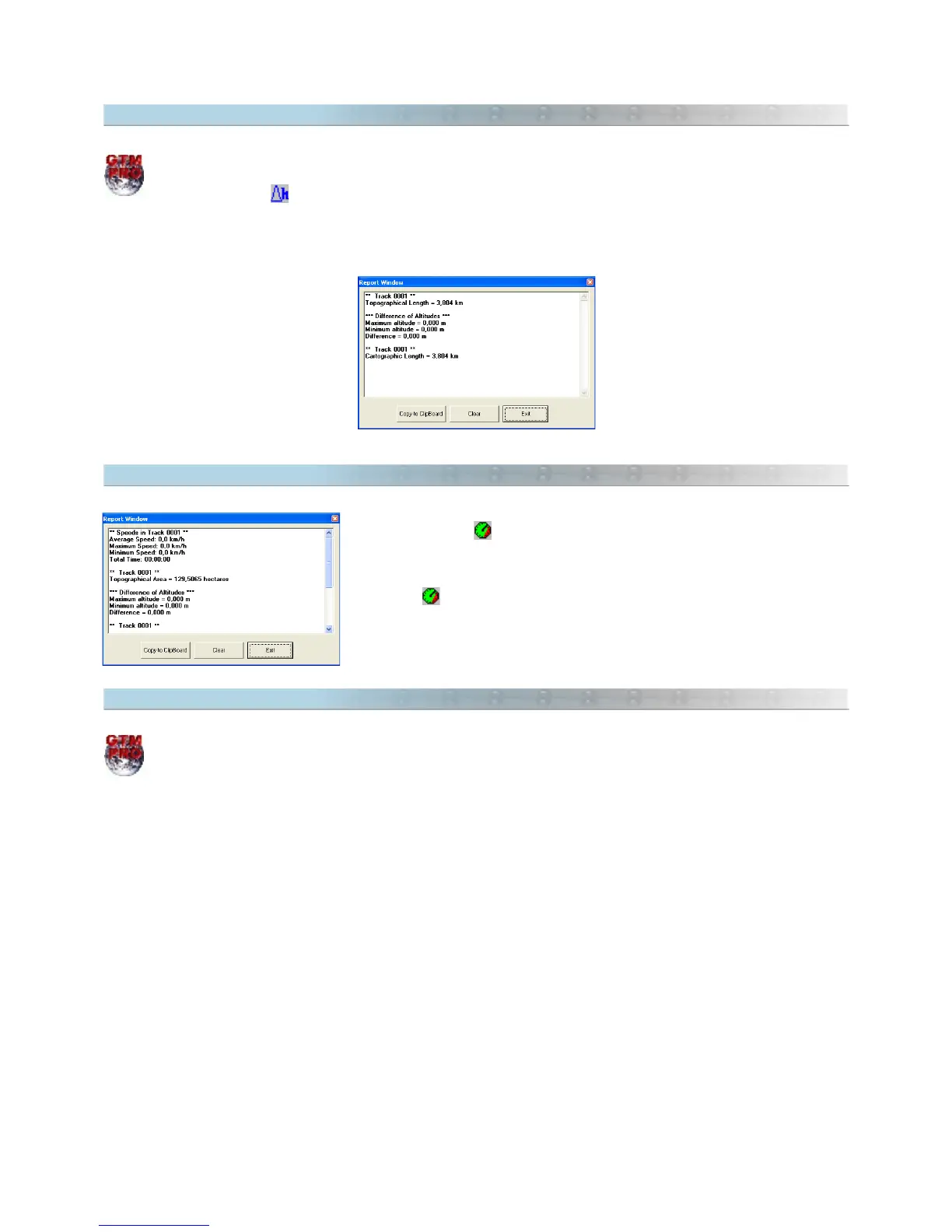
In the Report window, the maximum altitude, minimum altitude and the maximum difference from altitudes will be
shown.
10.11 Speed and Total Time in Tracklogs
By pressing the button it is possible to calculate the maximum,
minimum and medium speed, and the travel time spent in the Track. Select
the Tracklog according to the Data Selection, and click on the
Speed in
Tracklogs
button on the Tool Bar or in the
Tools
menu. The value will
be indicated in the Report window.
10.12 UTM Scale Factor and Meridian Convergence
This option is available only in GPS TrackMaker Professional®.
UTM Scale Factor
Scale factor represents the scale distortion on a rectangular zone. The more distant of the central meridian, bigger
will be the deformation in the scale. For UTM system, the more distant from the value 0.9996, bigger will be the
deformation in the scale.
To calculate the UTM scale factor, first select the desired Waypoints through selection tools already described in
Selecting Data. Then choose
Tools > UTM Calculations > Scale Factor
. The values will be shown in the Report
Window.
UTM Meridian Convergence
Meridian Convergence is the angle formed between the north grid and true north. Taking the UTM system as a
base, the closer to the central area of a UTM zone, smaller the value, getting to zero in the central meridian of the
UTM zone.
To calculate the UTM meridian convergence, first select the desired Waypoints through selection tools already
described in Selecting Data. Then choose
Tools > UTM Calculations > Meridian Convergence
. The values will be
shown in the Report Window in degrees, minutes and seconds.
128



 To Next Page