10.8 Estimate of Area Calculation Error Using Handheld GPS
The GPS technology allows accuracy from 5 to 15 meters with a handheld GPS. However new technologies are
emerging and they are able to reduce the horizontal error for values from 1 up to 3 meters. Survey works with a
handheld GPS must be accomplished with caution because the error is still significant for small areas.
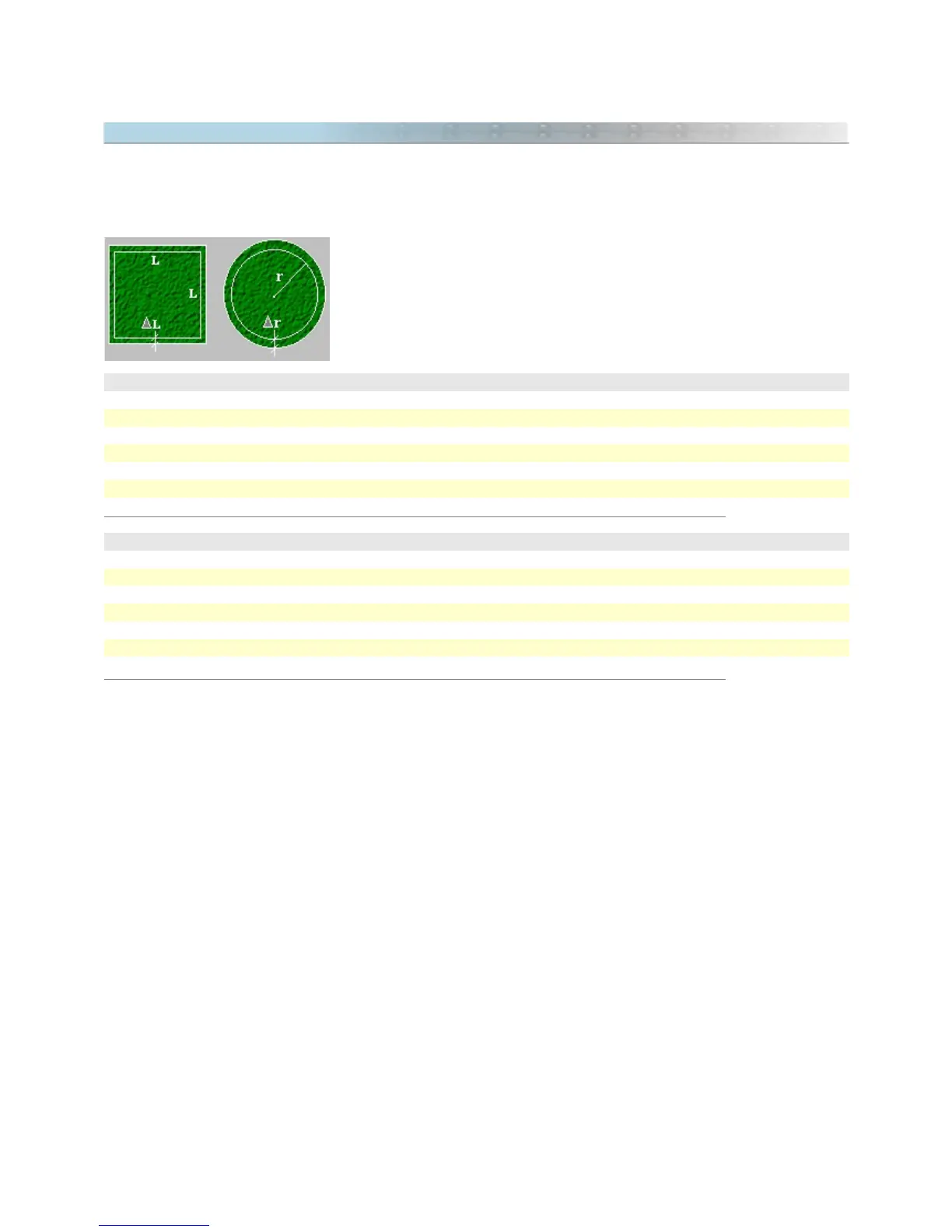
As an example, two tables are shown below indicating the percentage of error
that the user gets in the area calculation of a square and a circumference if
we admit an error of 5 meters outside the drawing. This error can be in any
direction.
Square Area with a medium error of 5 meters
1 ha 10%
25 ha 2%
100 ha 1%
2500 ha 0,2%
10000 ha 0,1%
40000 ha 0,05%
Circular area with medium error of 5 meters
3,14 ha 10%
28,0 ha 5%
78,0 ha 2%
314 ha 1%
7800 ha 0,2%
31400 ha 0,1%
The tables above show that the larger the measured area with the handheld GPS, the smaller the percentage of
error. So, the User must verify if the handheld GPS will be useful in the area calculation. For works that demand
accuracy, the best thing to do is use the handheld GPS just as an auxiliary instrument.
Procedures to reduce the error when registering data
Whenever possible, check if the area to be measured with the handheld GPS have GPS signals available that
improve the accuracy, as an example, WAAS or DGPS. For DGPS an external receiver will be necessary. If you
region is not covered by WAAS, disable it in you GPS.
The larger the area, the better the accuracy of the measure with a handheld GPS. For areas smaller than 5
hectares (50000 m²), the error can be considerable.
Try to do the land demarcations with Waypoints. Don't trust the Tracklogs registered by GPS because they to not
always provide a safe registration of the correct position of each vertex of the area. In the office, create the
Tracklogs with the pen tool of GTM PRO®, and join the Waypoints registered in field.
When collecting, check if there are signals for at least 5 satellites. Also verify the EPE value. If it is under 10
meters, you will have a good register.
In GTM PRO®, calculate the topographical areas instead of cartographic areas. They best represent the reality of
data in field.
126



 To Next Page