10.2 Conversion to the Local Topographical Surface
This option is available only in GPS TrackMaker Professional® .
Introduction
This function assists in taking Tracklogs, Routes and Waypoints
to the local topographical surface using the UTM system as
support. With the topographical conversion, slight deformations
are minimized due to the meridian convergence and because of
the difference between the topographical and cartographic
lengths, getting a real drawing of the data obtained with the GPS. For further information about the difference
between the cartographic and topographical surfaces, see Topographical Surface x Cartographic Surface
The topographical conversion is very useful when the user wants to combine survey work done with the GPS with
topographical survey work that already exists, accomplished with Theodolite or Total Station. When the conversion
is done, the azimuths will have the true north as origin, not the north of the grid, and the distances will be closer
to reality.
To do the topographical conversion, select Waypoints, Tracklogs or Routes according to Data Selection, and then
click on the
Topographical Conversion
option in the
Tools
menu.
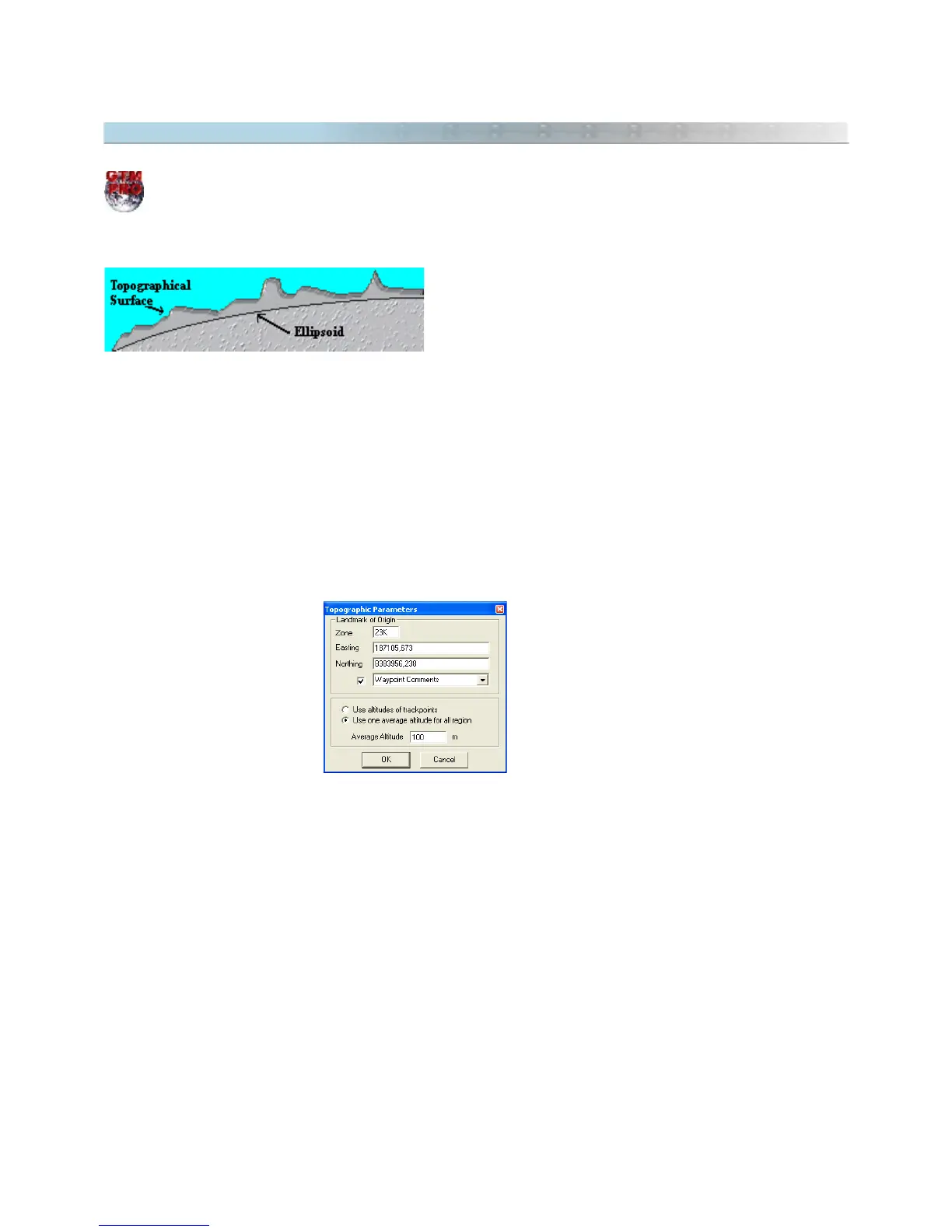
The window below will appear, offering the following options:
• Point of Origin: To eliminate the influence of the local meridian convergence and other angular
deformations, the selected data must be rotated. For that, it is necessary to choose an origin point that will
stay fixed while the other data is rotated around it. Generally, the point of origin is an official point with known
coordinates and created by accurate instruments. Though, another point can be chosen as origin limit. By
default, GPS TrackMaker® chooses the first point of the first selected Tracklog as origin.
• Tracklogs Altitude: Selecting this option the calculation will be done considering the individual altitudes of
each Tracklog and Waypoint segment. This option is useful when the handheld GPS sends the Tracklogs
altitude to the computer, or when the points of the Tracklogs have the altitude field filled in.
116



 To Next Page