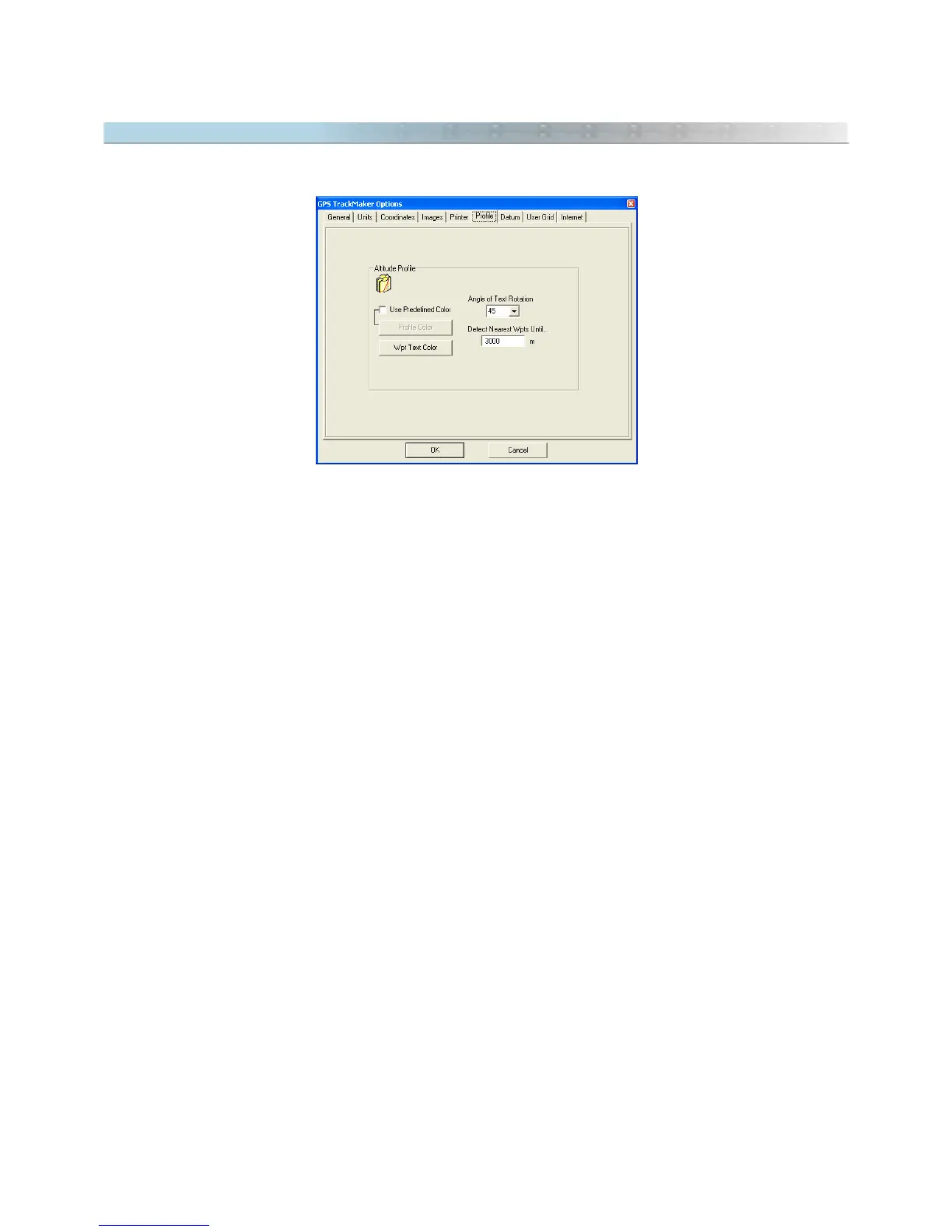
9.13 Configuring the Altitude Profile
To open the configuration window of Altitude Profile, click in
Tools > Options > Profile
.
Use Predefined Color
This option defines the color of the Profile.
Enabled:
Allows to choose the color of the profile.
Disabled:
the Profile will have the same color of the Tracklog (default).
Text Color
Defines the text color of the nearest Waypoints.
Angle of Text Rotation
Defines the angle of text rotation of the nearest Waypoints. The default value is 45º.
Detect Nearest Waypoints Until.
Defines the maximum distance between the Tracklog and the nearest Waypoints. The default value is 3000m
(9840 ft).
107



 To Next Page