14 Printing Data
14.1 Print Preview
This option is available only in GPS TrackMaker Professional®.
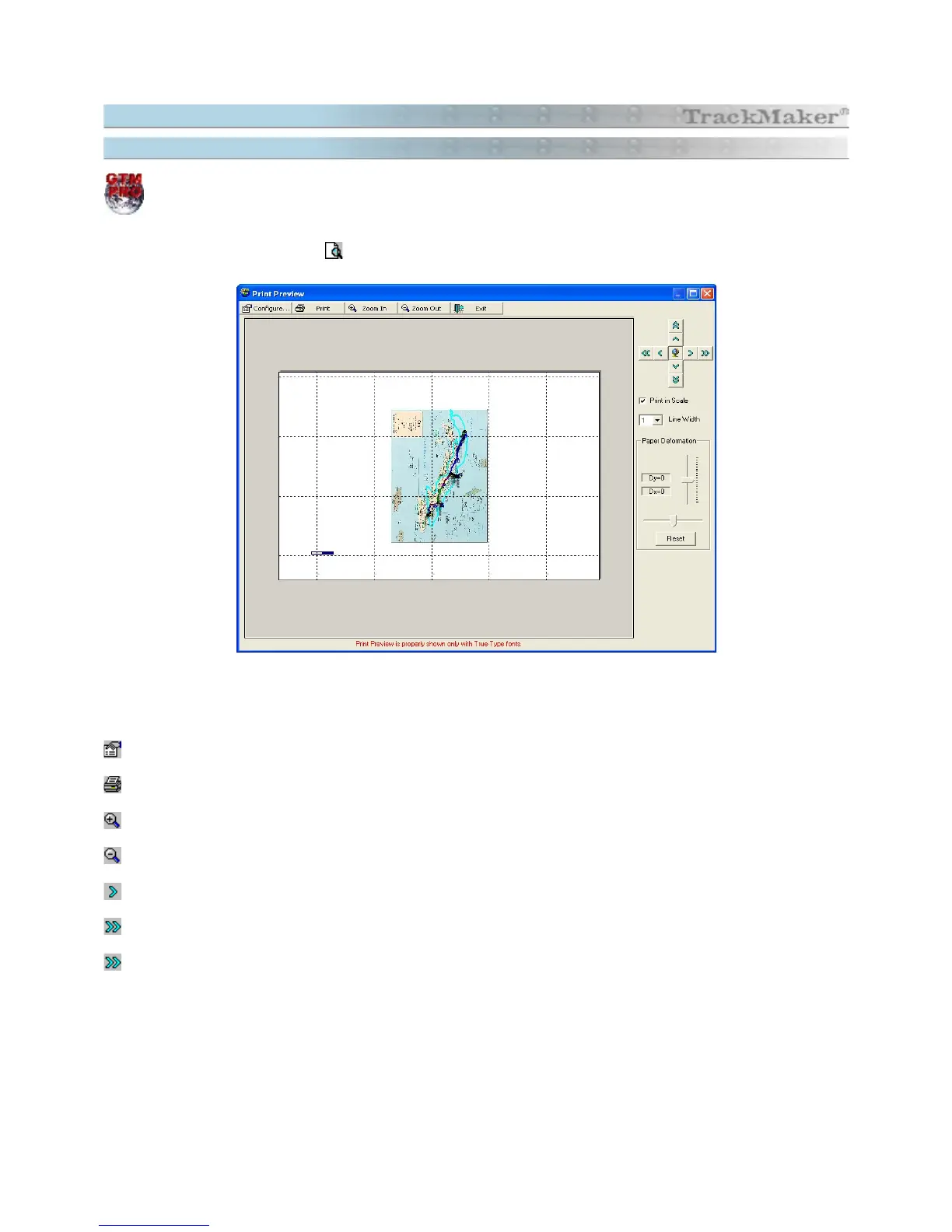
Print Preview
function allows to view the map on screen before sending it to printer. To access it, choose
File >
Print Preview
or press the button
Important: print preview is properly shown only with
true-type
fonts.
Print and View Options
Modify printer configurations.
Prints accordingly indicated on screen.
Zoom in . <Page Down> , <+> ou <F2>
Zoom out. <Page Up>, <-> or <F3>
Buttons of small displacement of image. <Arrow Keys>
Buttons of big displacement of image.
General view on the whole image. < F4 >
Option of Print in Scale: Activates the Print in Scale
Option of Line Width: Modifies the Line Width on Printer
Adjustment of Horizontal and Vertical Deformation: Adjusts Deformation of Paper
152



 To Next Page