7.8 Rotating Waypoints, Tracklogs and Routes
This option is available only in GPS TrackMaker Professional® .
To rotate Waypoints, Tracklogs and Routes, select them according to Data
Selection and click in
Rotate Data
button on the Tool Bar or in the
Tools
menu.
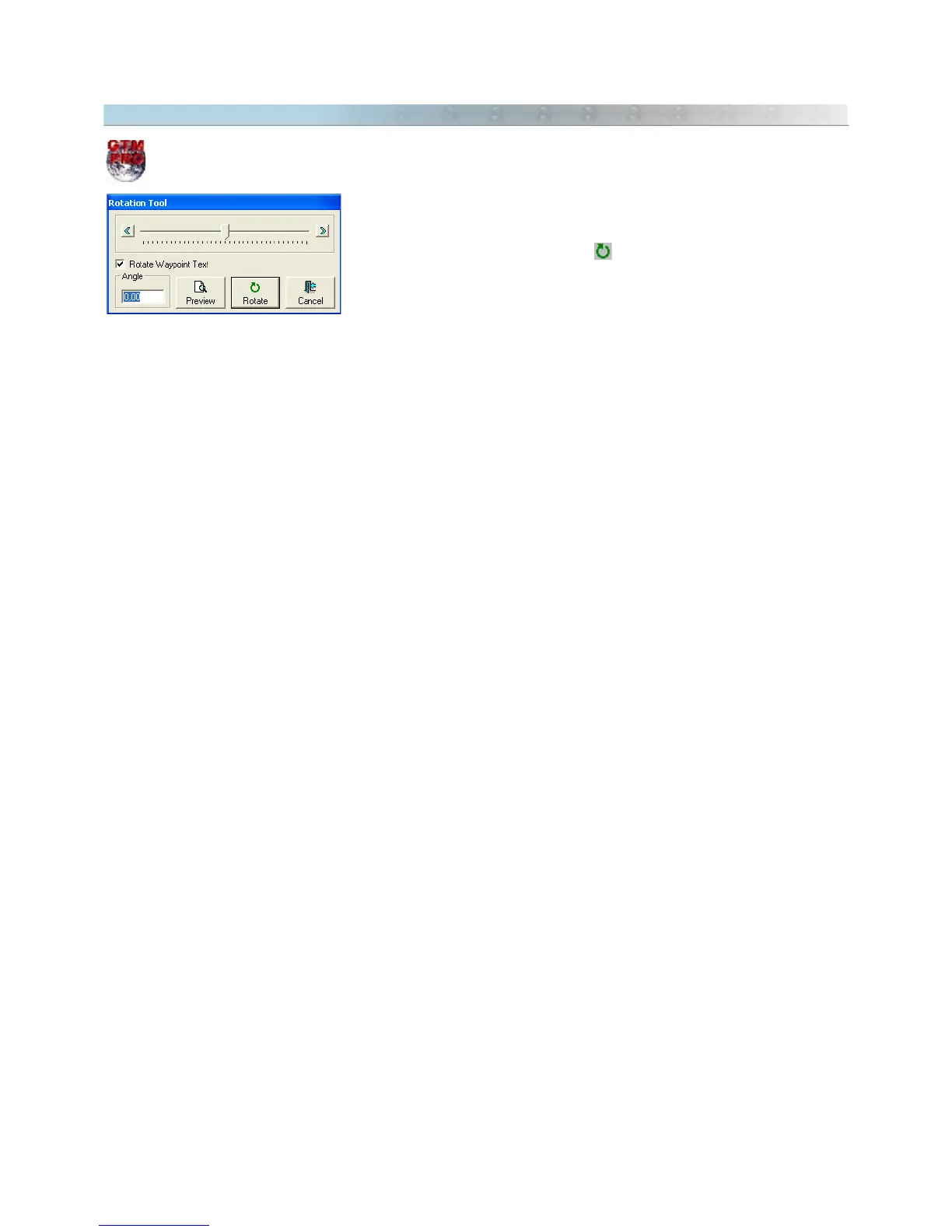
The rotation angle can vary from –180 to 180 degrees, and it can be defined through the text box or through the
slider bar.
<Verify>: Allows the previous verification of the rotated data in the screen.
<OK>: Executes the rotation of the data.
<Exit>: Cancels the rotation of the data.
73



 To Next Page