4.12 Creating Altitude Profile Starting From Contour Lines
This option is available only in GPS TrackMaker Professional®.
Contour lines are imaginary lines that represent the same altitude on the terrain. The altitude is the vertical
distance above the mean sea level.
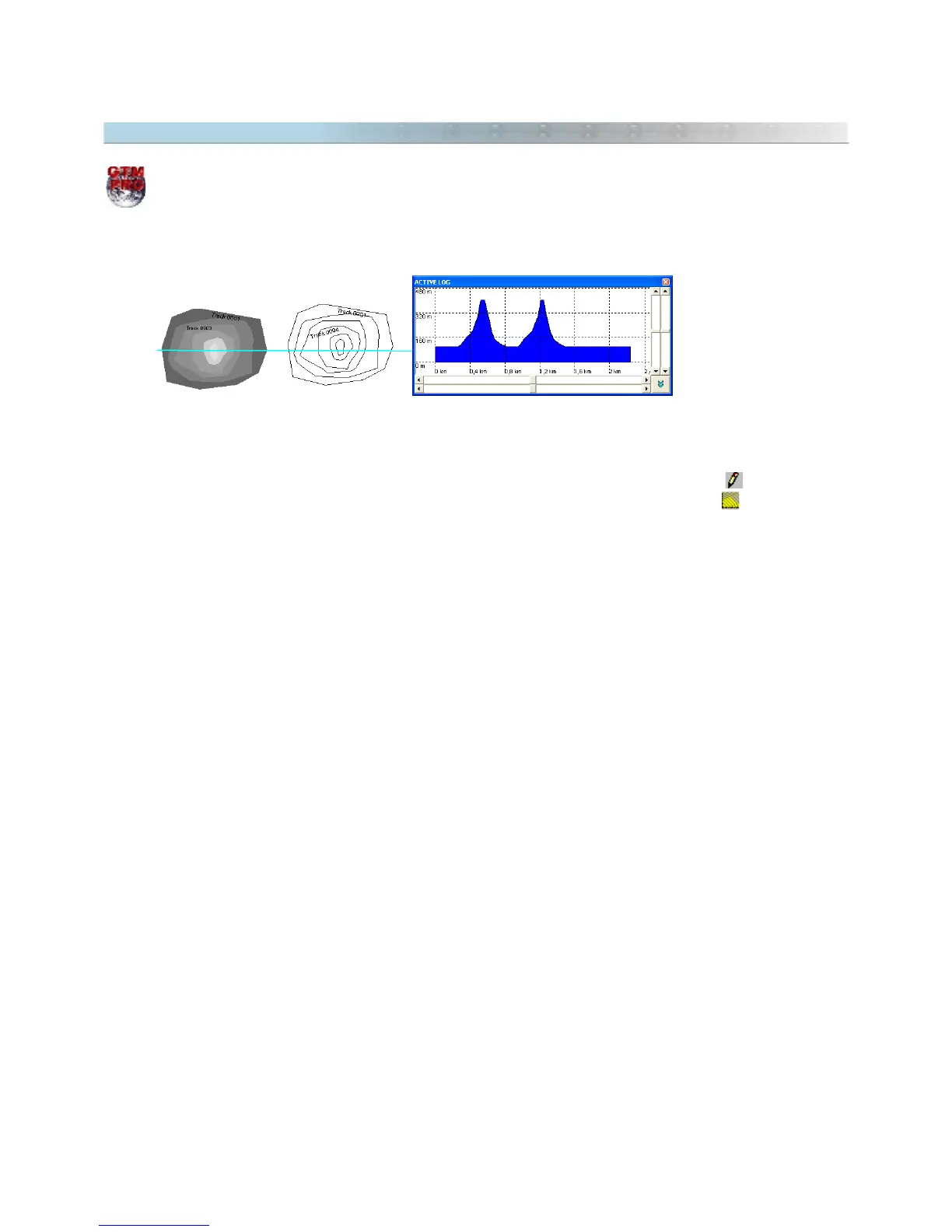
GTM PRO® allows the creation of altitude profiles starting from contour lines represented by Tracklogs. To create
the altitude profile from a group of contour lines, create a Tracklog with the
Pencil
tool , with just one
segment crossing the contour lines. Then, select the created Tracklog and click in or in
Tools >
Tracklogs/Routes > Create Tracklog of Altitude Profile
.
The Tracklog will be fragmented in the intersection points of the contour lines, registering the altitudes of each
contour line. The Altitude Profile window will be opened, showing the altitudes of the Tracklog.
Also, see Applying Altitudes in Contour Lines
53



 To Next Page