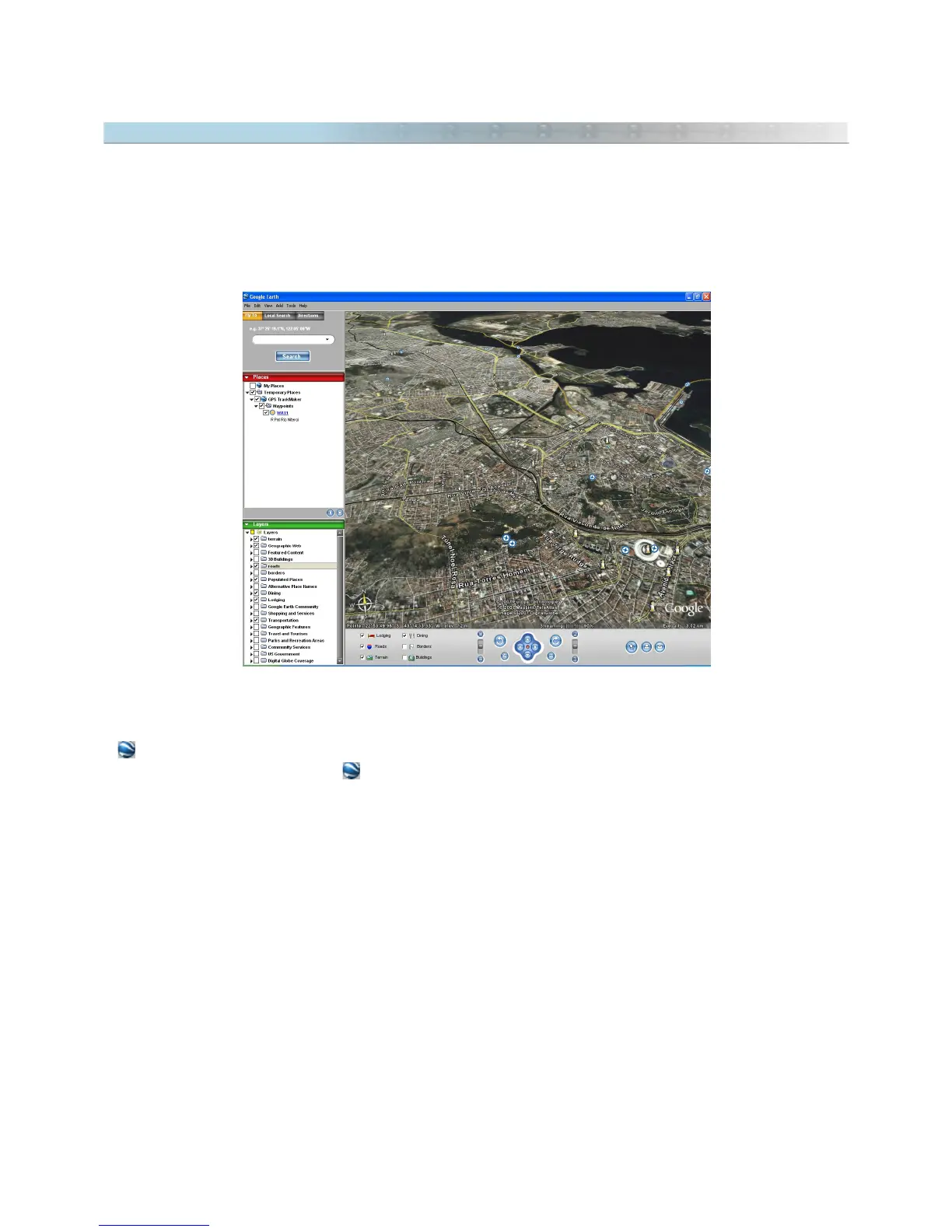
16.3 Opening Maps in Google Earth®
Google Earth® is a fantastic program to visualize 3D maps through Internet, offering free satellite images of all
World.
To install Google Earth®, it is necessary to have a fast Internet connection and a good video card. You can
download the program at http://earth.google.com
GPS TrackMaker® has total support for Google Earth®:
- Allows to import and export KML files with support for images, Tracklogs, Routes and Waypoints.
- sends selected Tracklogs, Routes and Waypoints to Google Earth®.
- In Real-Time Navigation, press to see the current position in Google Earth®.
- Click on map images and choose the option
View 3D in Google Earth
Important: for map images, Google Earth® doesn’t support
True Grid Mode
. Before sending an image to Google
Earth®, first change the datum to WGS84 and the coordinate system to
Geographic Coordinates.
If the image
doesn’t present relevant variation of position, it can be sent to Google Earth®.
163



 To Next Page