6.7 Editing Projects of Maps
This option is available only in GTM PRO®.
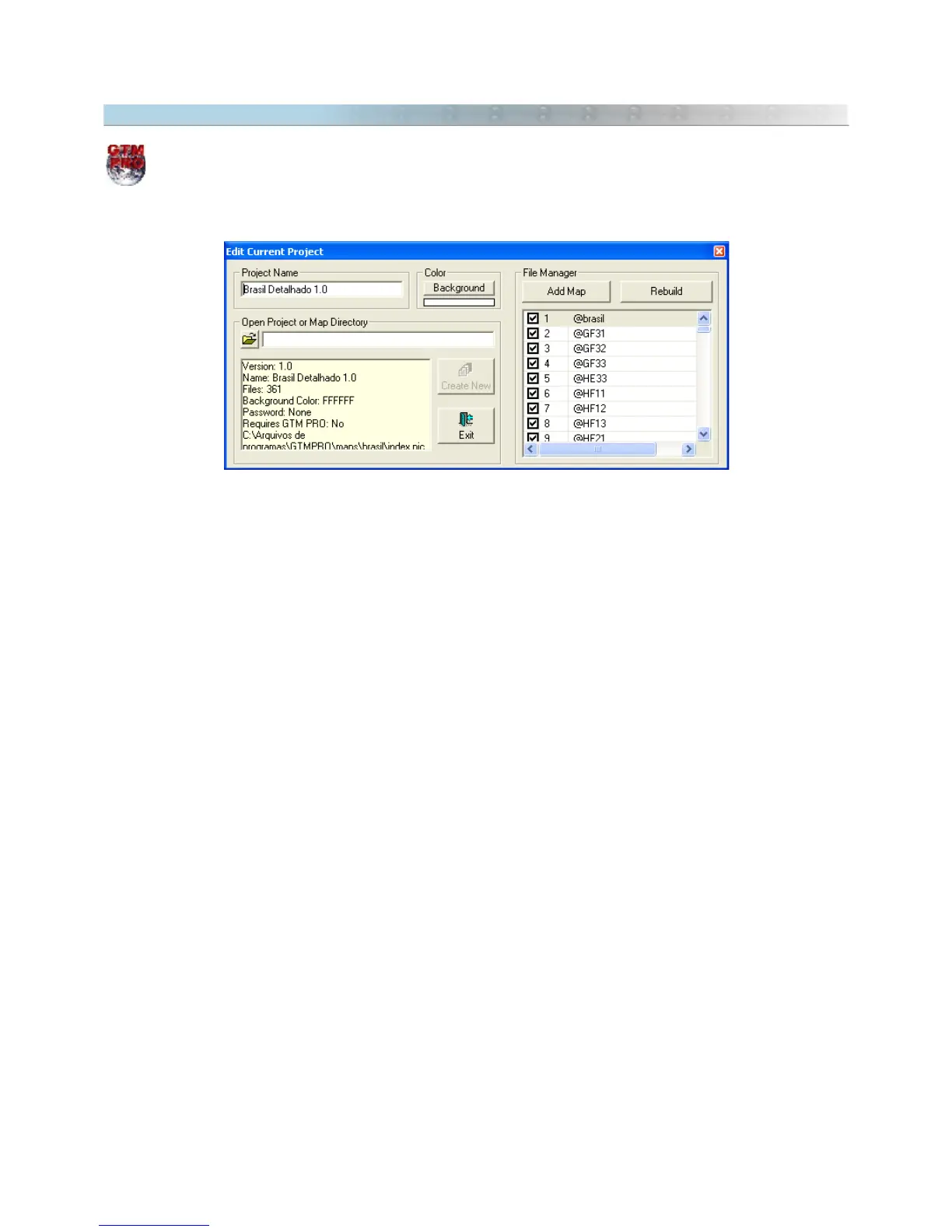
To edit the current project of maps, click on
Maps -> Edit Current Project.
The window of edition will be opened with the following options:
Project Name
To change the name of the current project, type the new name and press
Rebuild.
Background Color
To change the background color, press
Background
button and choose the new color. The color default is white.
File Manager
The File Manager shows the list of MAP files of the Project.
To modify the file position in the list, click on the file and drag it to the new position. Then, press the
Rebuild
button. Files that have overlapped polygons in a same level of zoom must be reordered to show the polygons
correctly on screen.
To delete a file from the list, just uncheck the file and press
Rebuild
button.
To add a new MAP file to the list, press the
ADD
button and select the MAP file.
68



 To Next Page