10.5 Horizontal Length of Tracklogs and Routes
In GTM PRO®, to calculate the length of the horizontal projection, select the Tracklog or Route according
to Data Selection and click on the
Horizontal Cartographic Length
button or the
Horizontal
Topographical Length
button located on the Tool Bar. The value will be indicated on the status bar at
the bottom of the screen, in the respective length unit.
The horizontal length disregards the Altitude values, considering only the horizontal projection of the Tracklogs
and Routes. To calculate the length accounting for the altitudes, see Calculating Cartographic Length of Tracklogs
and Routes.
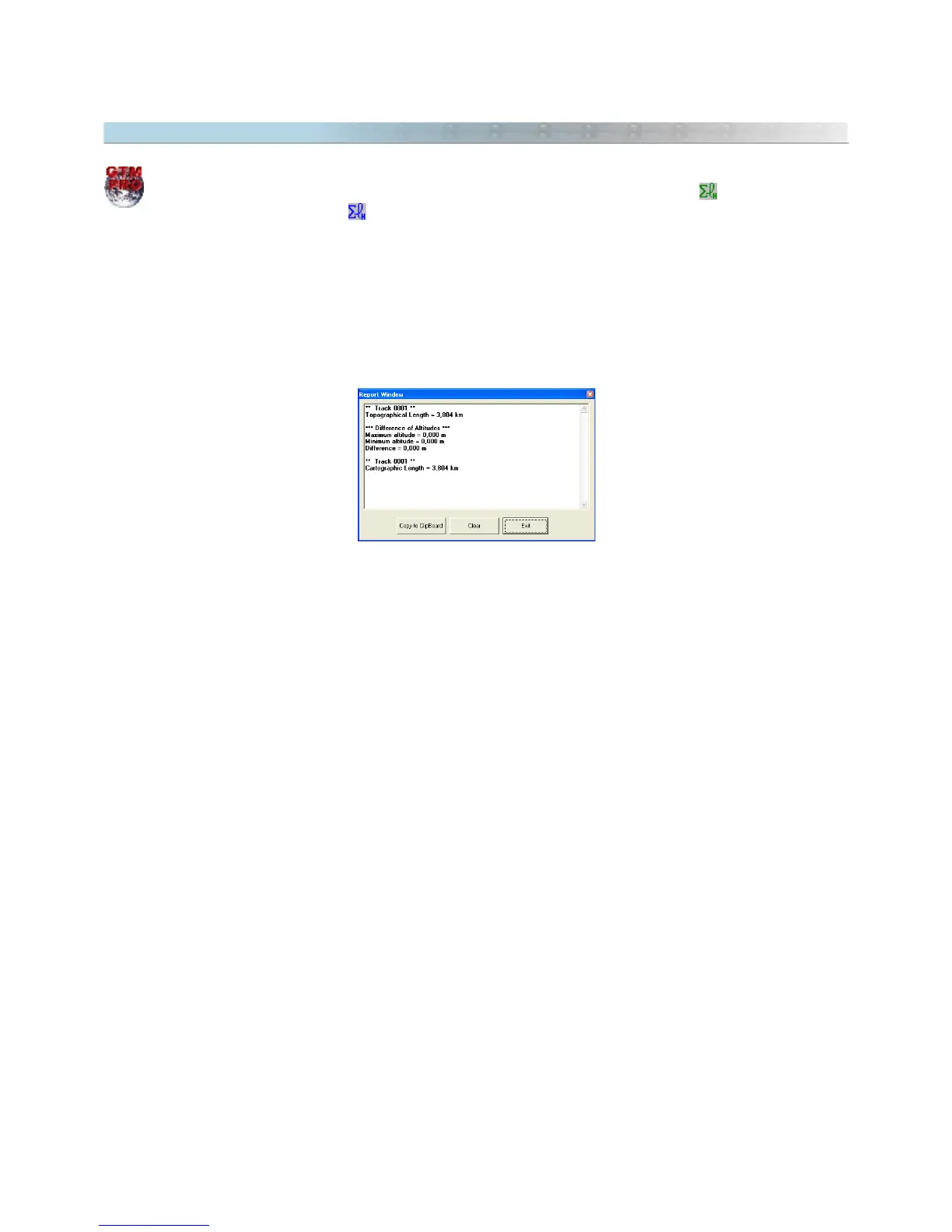
The horizontal length can be seen in the Report window.
121



 To Next Page