16.4 Opening Images from Google Maps®
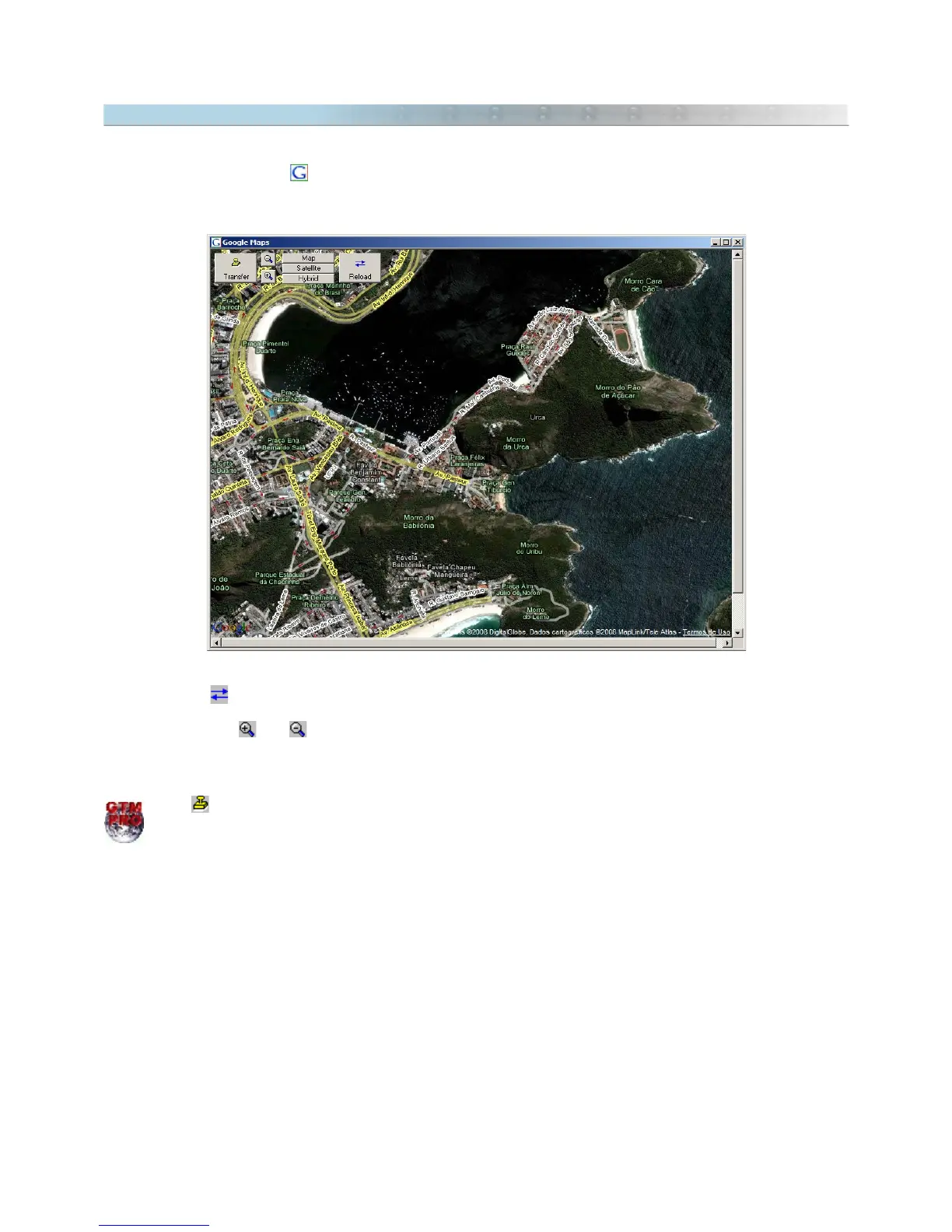
Google Maps® is a fantastic service that distributes in Internet free maps and high resolution satellite images. To
access Google Maps® press . It is necessary that your computer is connected to Internet.
The Google Maps® will be opened with a zoom level similar to the current scale of GPS TrackMaker®.
● Click with the left mouse button to drag the screen.
● Click on button to refresh the images.
● Click in the map type box to choose satellite images, maps or both.
● The buttons and and the mouse wheel define the map zoom level.
Tip: if you select Waypoints before opening the Google Maps window, they will be shown on the map.
Press to transfer the georeferenced image from Google Maps® to the main screen of GPS TrackMaker
Professional®.
164



 To Next Page