9.8 Configuring the Azimuth Angle
This option is available only in GPS TrackMaker Professional®.
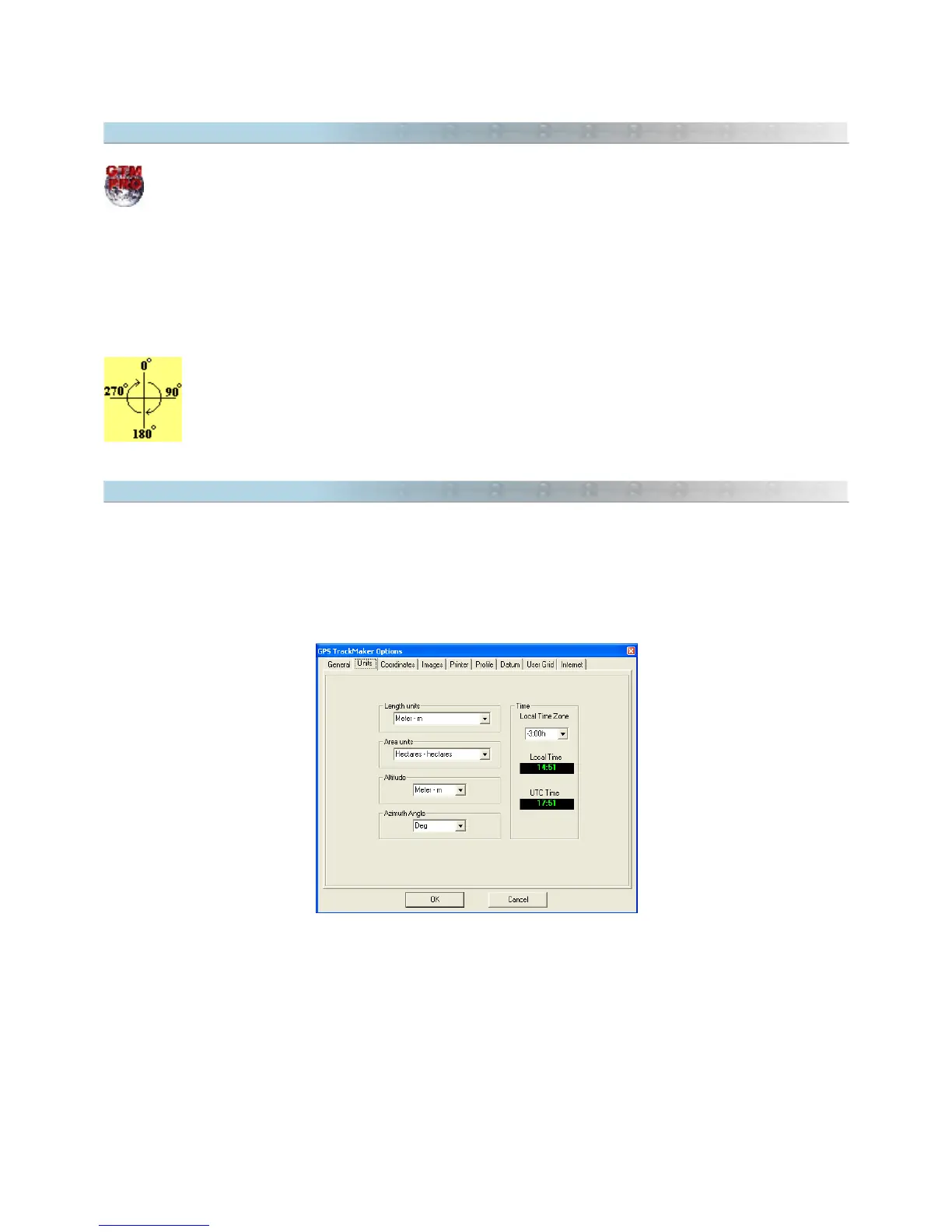
The notation of the azimuth angle can be changed in
Tools > Options > Units > Azimuth Angle.
The following
notations are supported:
• dd.ddddd: degrees with 13 decimal places.
• dd mm' ss'': Degrees, minutes and seconds.
• dd mm': Degrees, minutes and its decimals.
The azimuth (bearing) must be between 0º and 360º (as shown). The reference will be the true
axis North-South when the program is configured for geographic coordinates (Azimuth/North). In
rectangular systems such as UTM, if the segment is contained in only one zone, the reference will be
the north-south axis of the grid (Azimuth/Grid).
9.9 Configuring Local Time
The GPS receiver transfers to PC the UTC time (London Time) and the User must configure the time difference
between the local time and UTC in
Tools > Options > Units > Local Time Zone
.
Places located west of the Greenwich Meridian (0º) will have negative time differences, and places located east will
have positive differences.
99



 To Next Page