11.8 Removing Images
There are two ways to remove a background image:
Through
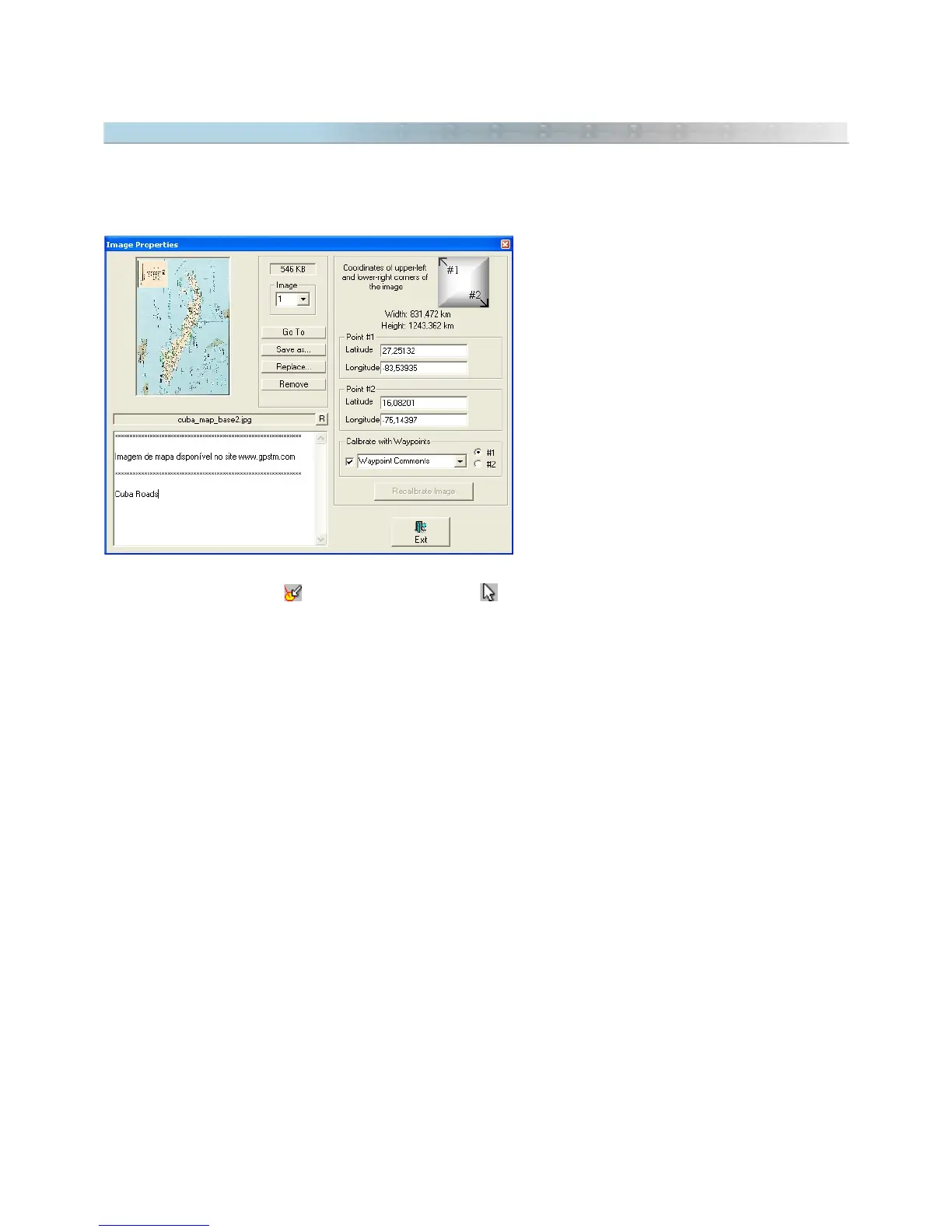
Map Image Properties
window
You can remove the scanned image by accessing
the
Map Image Properties
window in the
Tools
menu. Then, choose the image to be removed,
using the up or down arrow keys, or by typing
the index number of image. After choosing the
image, press the
Remove
button so it will be
removed from the memory of the program. See
Showing Image Scanned Properties
Through
pop-up
menu
To remove an image through
pop-up
menu,
follow these steps:
• Press
Detect Elements button
and Selection Tool button.
• Click with the left button of the mouse on the image.
• A
pop-up
menu will appear next to the mouse pointer.
• Choose
Remove Image
.
138



 To Next Page