9.4 Configuring the Data Shown by the Mouse
With the
Detect Elements button
pressed, every time that the mouse arrow is close to Waypoints,
Tracklogs or Routes, a small yellow box shows the data of the element.
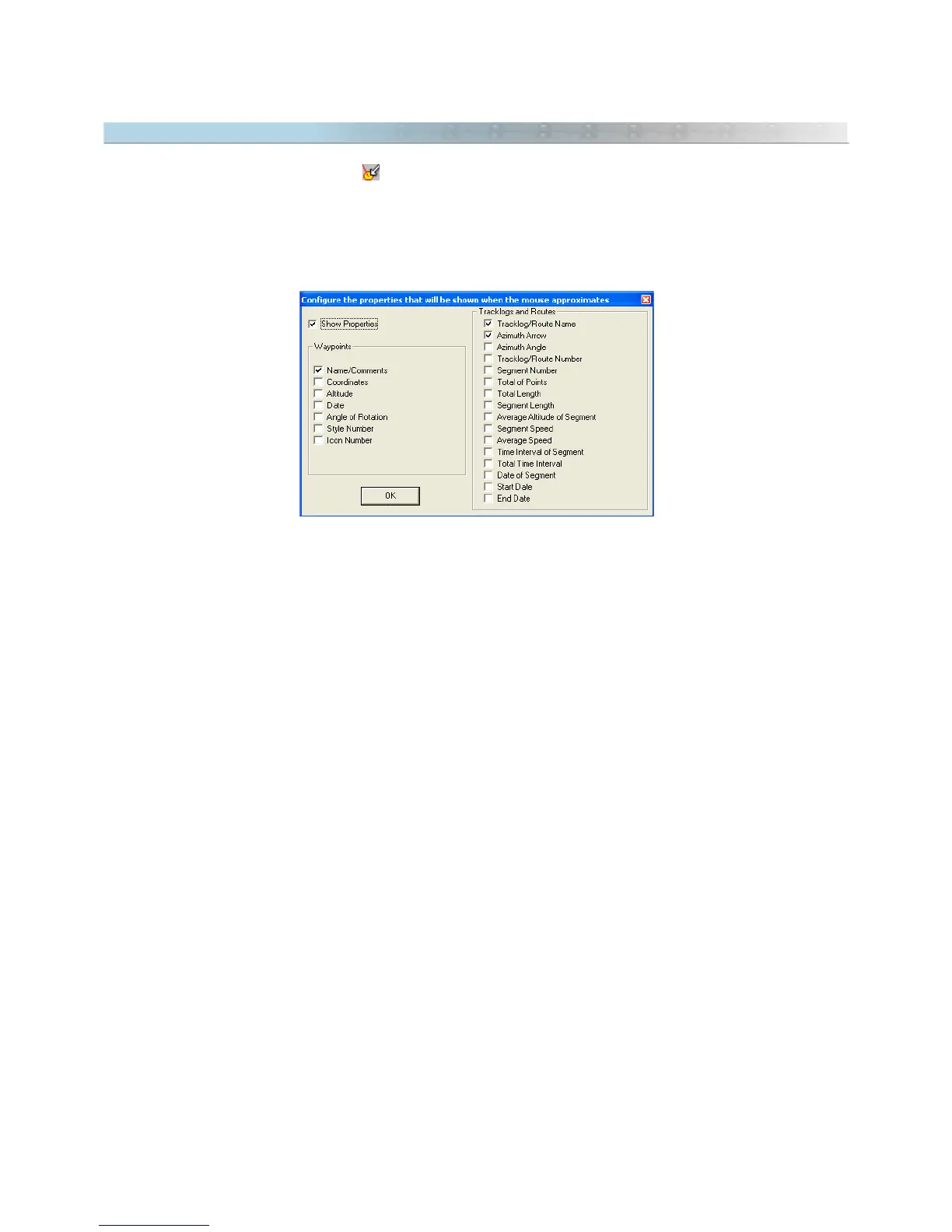
To configure which data will be shown close to the mouse arrow, click in
Tools > Options > Show Data Properties
> Configure
.
Waypoints
- Name or comment
- Coordinates in the current notation
- Altitude
- Date
- Angle of text rotation
- Style number (S)
- Icon number ( I )
Tracklogs/Routes
- Tracklog/Route name
- Azimuth arrow (bearing)
- Azimuth angle
- Tracklog number (T#) / Route number (R#)
- Segment number (S#)
- Total of points (Tp)
- Total length (Tl)
- Segment length (Sl)
- Average altitude of the segment (Alt)
- Segment speed (Spd) *
- Average speed in the whole Tracklog (Asp) *
- Time interval of the segment (TS) *
- Total time interval in the Tracklog (Tt) *
- Date of the segment *
- Start date of the Tracklog (Sdt) *
- End date of the Tracklog (Edt) *
* Not available for Routes.
95



 To Next Page