10.6 Calculating Cartographic Areas
This option is available only in GPS TrackMaker Professional® .
The cartographic area is calculated directly on the cartographic grid, considering only Earth dimensions, not
accounting for local characteristics like altitude and meridian convergence. For further information about the
difference between cartographic surface and topographical surface, see Topographical Surface x Cartographic
Surface.
GPS TrackMaker® calculates the cartographic area in the following rectangular systems:
- User Defined Grid
- UTM (Universal Transverse Mercator)
- RTM (Regional Transverse Mercator)
- LTM (Local Transverse Mercator)
- British National Grid
- British Uniform Grid
- New Zealand Grid
- Swiss Grid
- Swedish Grid
- Irish National Grid
- German Grid
- Finnish National Grid
- Grid of Colombia
- Taiwan 67 Grid
- Dutch Grid
If the program is configured to geographical coordinates, the cartographic area will be calculated based on the
UTM system.
Note: use the specific datum of your area.
To calculate cartographic areas delimited by Tracklogs, select the Tracklog
as shown in Selecting Data then click on the
Cartographic Area
on the
Toolbar or in the
Tools
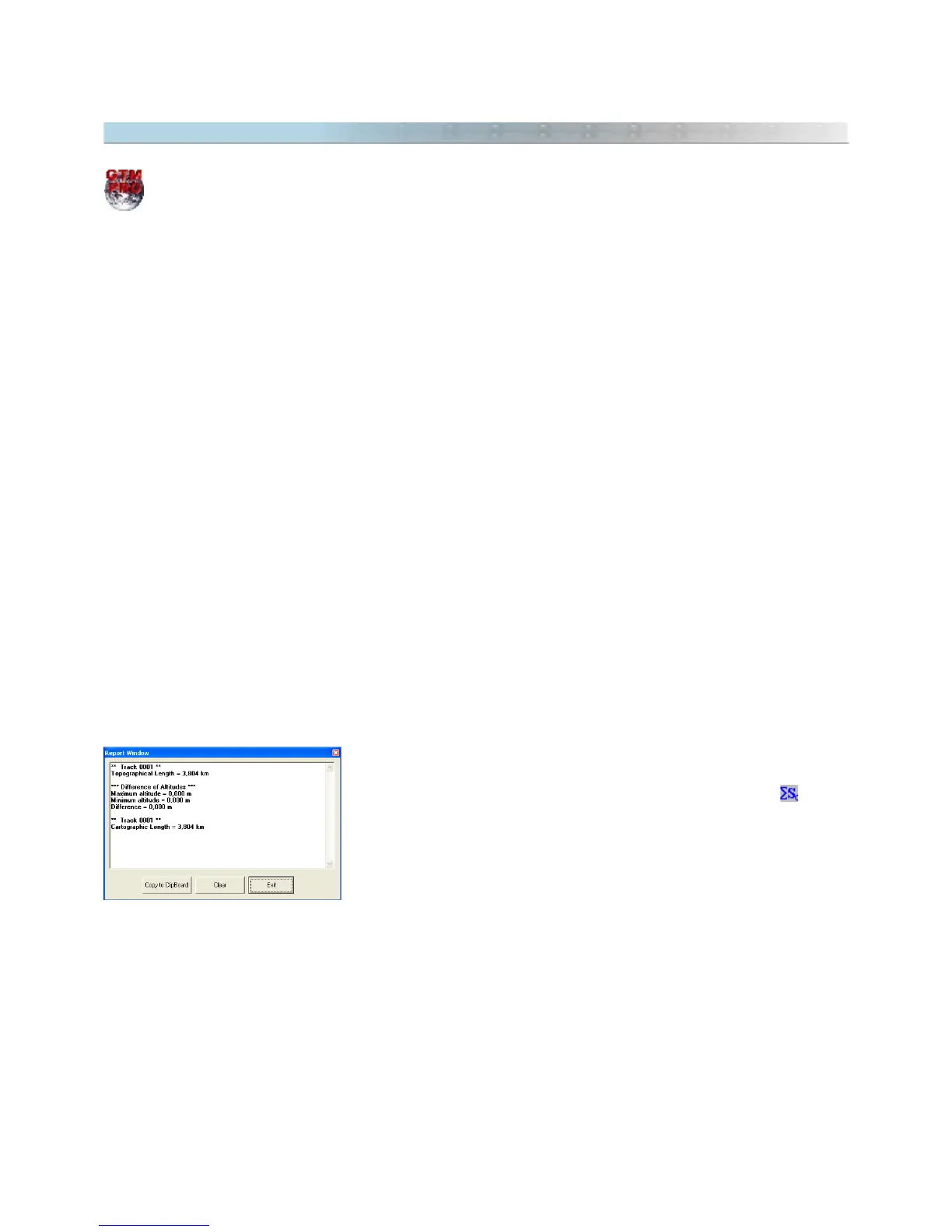
menu. The value will be indicated in the status bar
at the bottom of the screen, in the Area Unit of Measurement, as well as in
Report window.
TIP: The calculated area can be indicated in the screen as a Waypoint. Just click on the
comments
textbox when
creating the Waypoint, and using the arrow keys, select the value. When length and area are calculated, they are
recorded (hidden) in the textbox of the Waypoint
comments
.
Ellipsoidal Area: the cartographic area is only calculated, if all points of Tracklog are in the same zone. If any
point is located in other zone, GTM PRO® will calculate the Ellipsoidal Area. This area is calculated considering a
tangent surface from Earth Ellipsoid, ignoring the scale factor.
122



 To Next Page