15.3 Uniting Several Catalogs
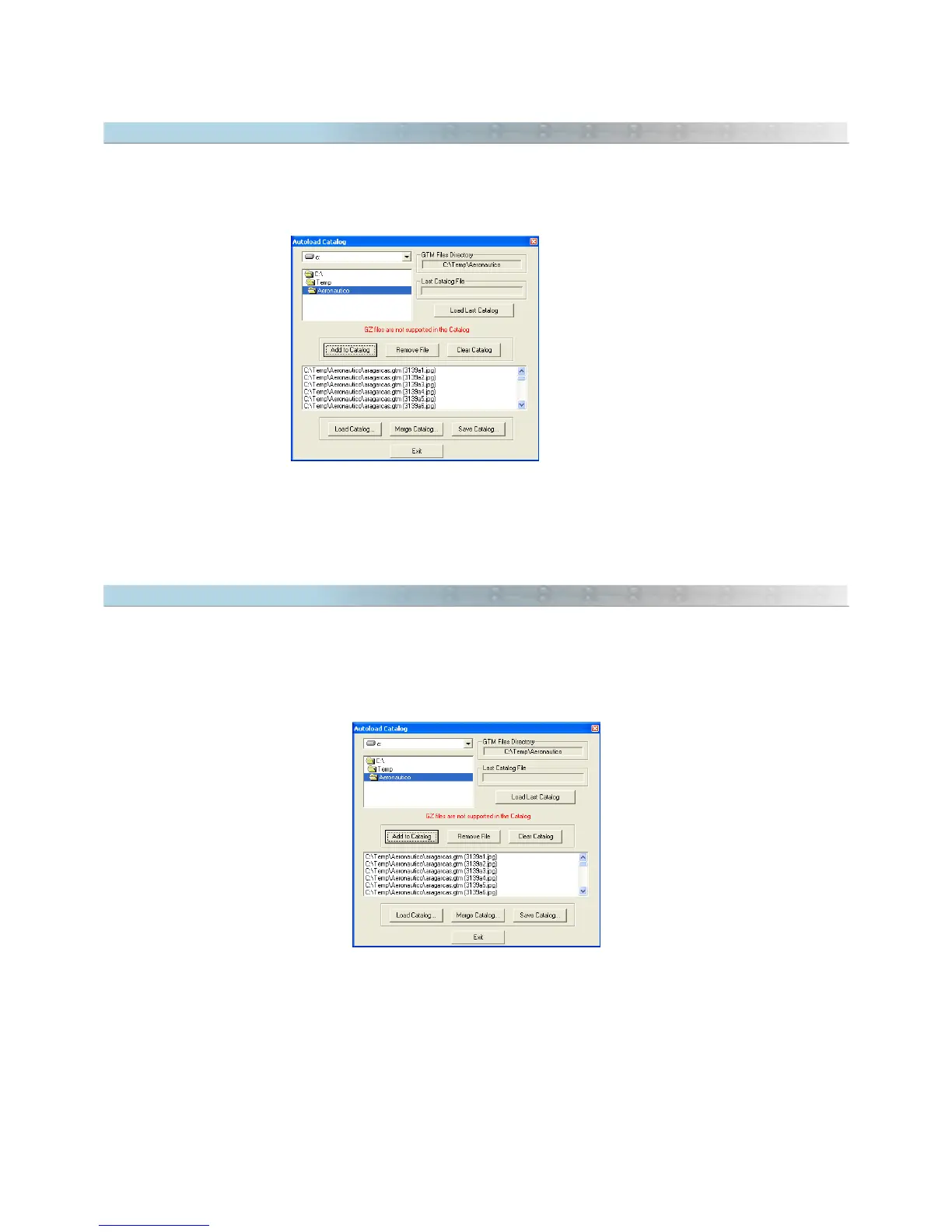
To combine files from the Image Catalog, choose the
Autoload Catalog
option in the
Tools
menu to open the
Catalog Window .
Then, press the <
Merge Catalog>
button and choose the Catalog file. The file will be automatically added to the
Catalog stored in GPS TrackMaker®'s memory.
15.4 Saving the Catalog in Disk
Catalog files are saved to disk in
CTG
format, which is nothing more than text files exclusive of the Catalog .
To save an Image Catalog file in disk, choose the
Autoload Catalog
option in the
Tools
menu to open the Catalog
Window.
Then, press the
<Save Catalog>
button.
159



 To Next Page