FC4200-UM-251-03-9370 36
ELECTRICAL SECTION
5. Transfer firmware data from the personal computer.
Send frmware to the plotter from the computer.
Drag and drop the frmware file onto the SEND.EXE icon when using Windows.
For DOS mode, use SENDB.EXE as shown below.
(For example: Firmware file name is "v2.40")
>SENDB v.2.40
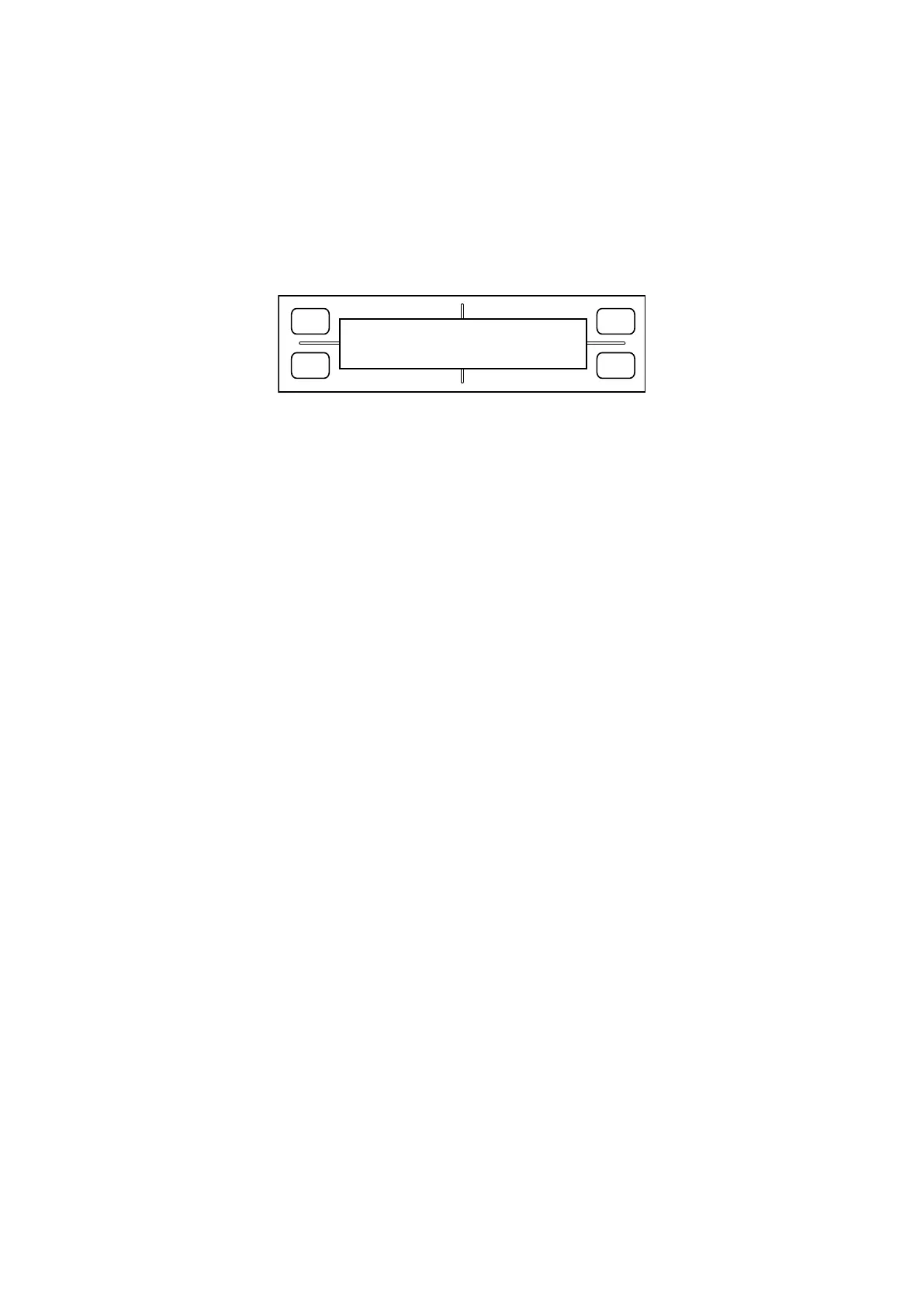
The display changes to display the following:
FORCE
SPEED
OFFSET
QUALITY
F1 F3
F4
F2
PROGRAM RECEIVING
**
KB COMPLETE
Number of bytes transferred
As the firmware data is successfully transferred, the number of transferred bytes shown on the LCD
increases. When the transfer finishes, the display automatically changes to “FLASH MEMORY CLEAR”
and “FLASH MEMORY WRITE,” and the system begins writing to flash memory.
Note:
If you are writing to a new board, the system will automatically perform a NOVRAM clear operation follow-
ing the write.
6. Switch off power when youʼre done.









 To Next Page