FC4200-UM-251-03-9370 35
ELECTRICAL SECTION
7.2 Writing to Flash Memory
To update the system frmware you need to have the following files. In addition, you need to use a com-
puter.
Firmware :FC4200-50 / 60 or FC4210
SEND.EXE :Utillity to transfer files using Windows
SENDB.EXE :Utillity to transfer files using DOS
1. Check that the power supply (J14) and control panel unit (J10) are connected to the main board.
Connect a personal computer to the Centronics terminal (J18).
Caution:
If you are writing to a new board for the first time, remove the motor and flex cable connectors before
performing the write.
2. Set the DIP switch to “Normal mode” or “Adjustment mode.”
3. Hold down both the “Right” and “Left” POSITION keys while turning on the power. When you hear a short
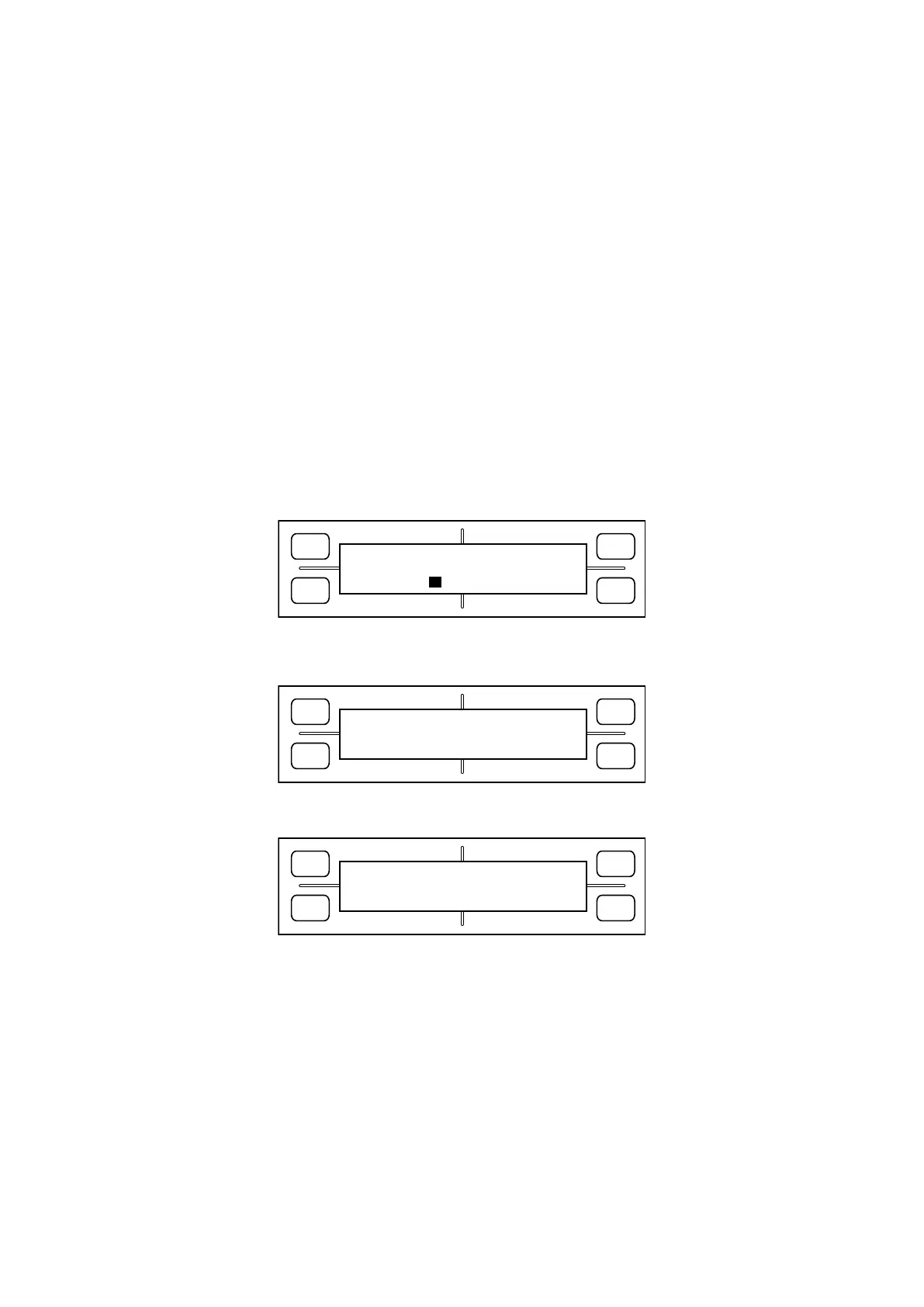
buzzer tone, release the keys. The LCD should display the following:
FORCE
SPEED
OFFSET
QUALITY
F1 F3
F4
F2
INPUT PASSWORD
4. Press the POSITION keys in the sequence “Up”, “Down”, “Right” and “Left”. A buzzer will sound, and the
LCD will display the following:
FORCE
SPEED
OFFSET
QUALITY
F1 F3
F4
F2
SELECT SEND MODE
GET-ACK ACK-GET
Press [F2] or [F4] depending on the type of computer you are using. (Normally, press [F2].)
The display changes to display the following:
FORCE
SPEED
OFFSET
QUALITY
F1 F3
F4
F2
PLEASE SEND PROGRAM!
PLOTTER (GET-ACK)









 To Next Page