FC4200-UM-251-03-9370 37
ELECTRICAL SECTION
7.3 Clearing Non-Volatile RAM
Caution:
Always perform the operation described here when using a new board for the first time. Note that this
operation deletes all previously set settings.
A NOVRAM clear is executed automatically after you write firmware to a new board. To execute a sepa-
rate NOVRAM (that is, not as part of this operation), follow the procedure given below.
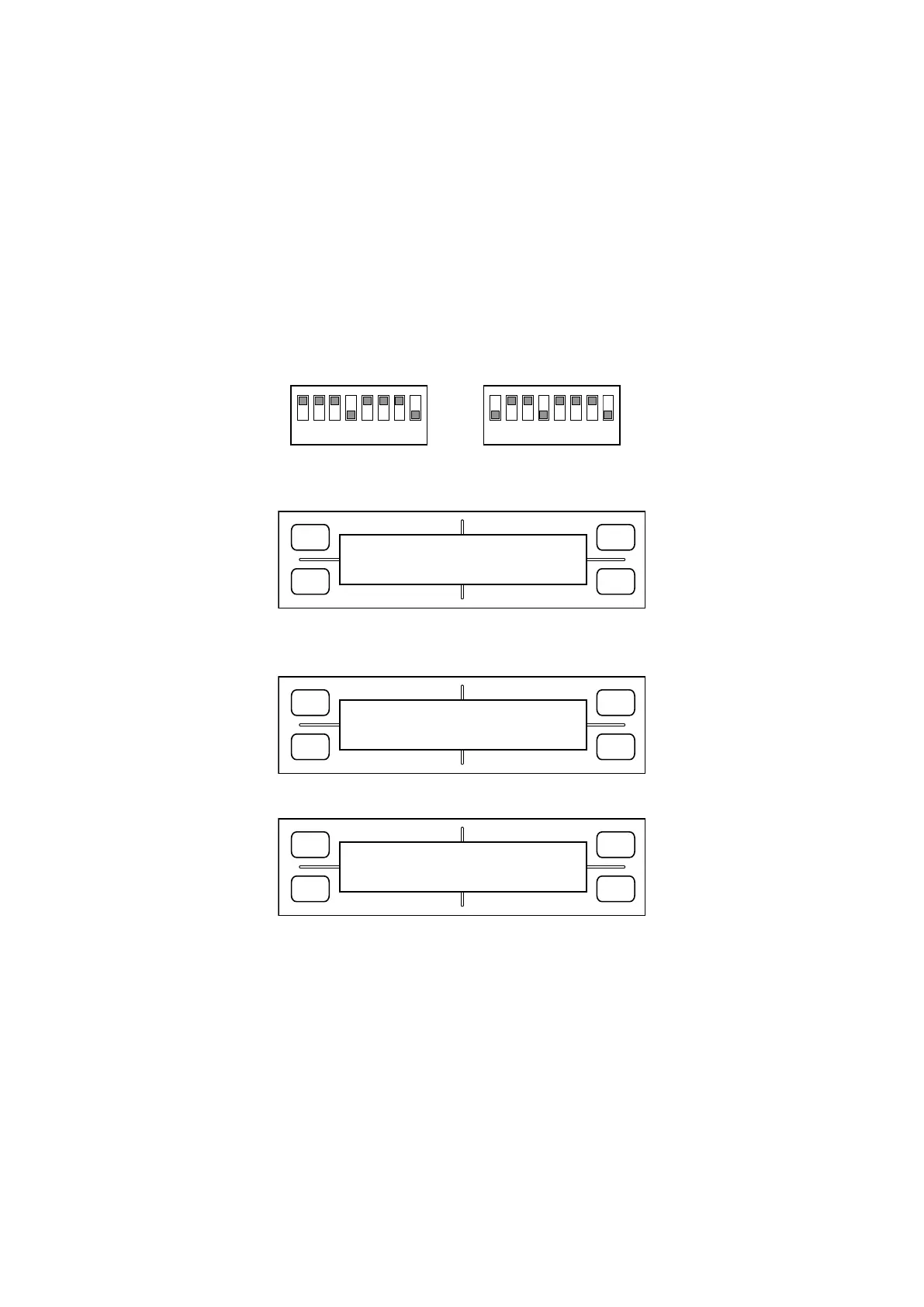
Check that the operation unit (J14) and power supply (J10) are connected to the main board. Set the DIP
switch as shown below and switch on power.
1
ON
OFF
2 3 4 5
FC4200-60 / FC4210-60
6 7 8
1
ON
OFF
2 3 4 5
FC4200-50
6 7 8
1. The LCD displays the following screen, and the system begins initializing the NOVRAM.
FORCE
SPEED
OFFSET
QUALITY
F1 F3
F4
F2
NOV RAM CLEAR MODE
OK!!
(The PROMPT lamp flashes as initialization proceeds.)
2. The system proceeds to write the initial values to the NOVRAM.
FORCE
SPEED
OFFSET
QUALITY
F1 F3
F4
F2
SET SUFFIX
STD[V2.10]
3. The following appears when initialization is complete.
FORCE
SPEED
OFFSET
QUALITY
F1 F3
F4
F2
SUFFIX SET MODE
POWER OFF THEN ON!
4. Switch off power.









 To Next Page