FC4200-UM-251-03-9370 40
ELECTRICAL SECTION
7.6 Adjusting the Pen Pressure
Required jigs and tools
• Collet gauges (500 g, 300 g, 50 g)
• Cutter plunger
1. Check that the carriage cover is in place. Fit the cutter plunger from which the blade has been removed
into the cutter holder.
2. Set the DIP switch to adjustment mode and switch on power.
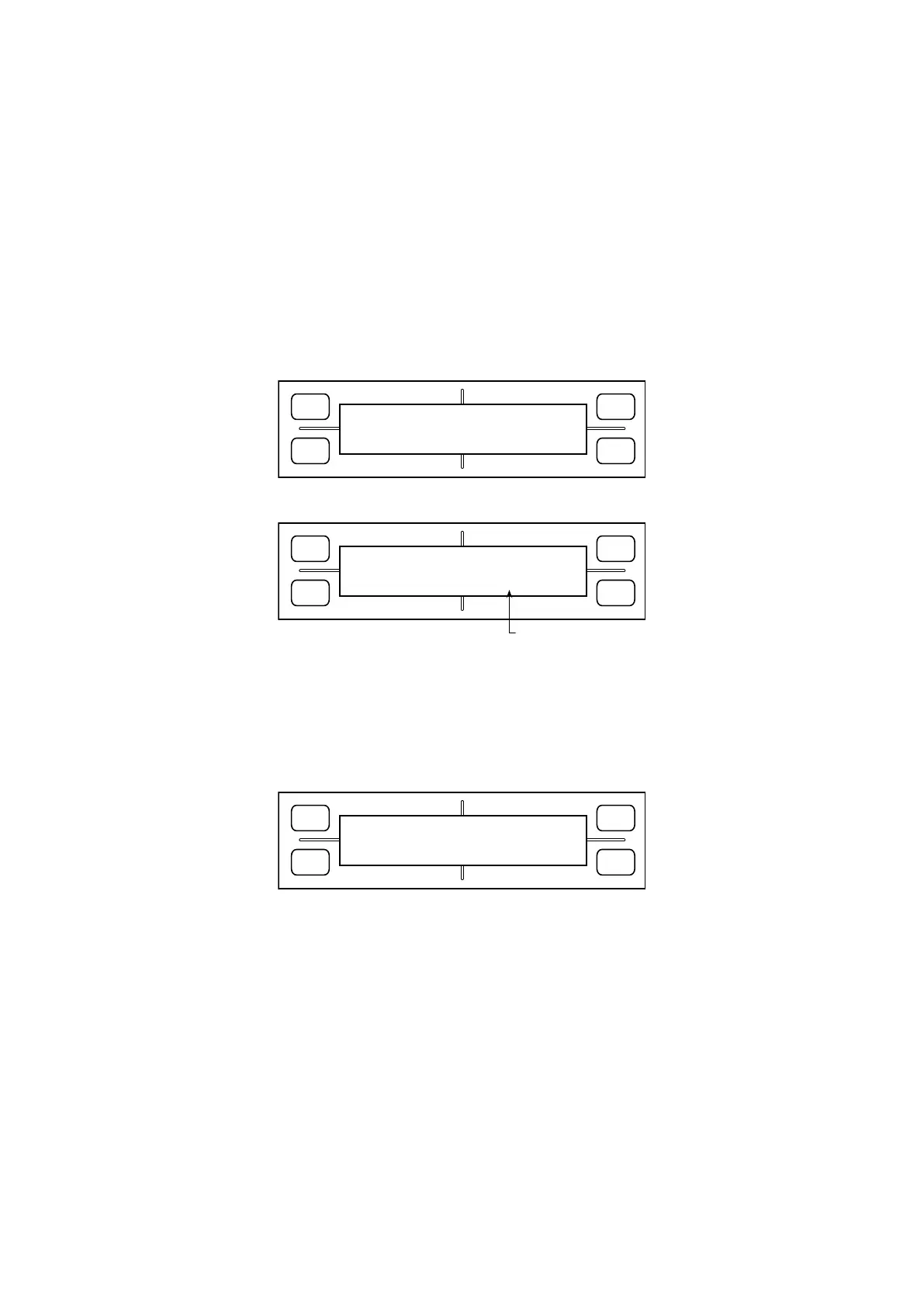
3. Hold down the [Next Page] key until the LCD displays the following:
FORCE
SPEED
OFFSET
QUALITY
F1 F3
F4
F2
PEN PRESS ADJUST
PRESS ENTER KEY!!
4. Press the [Enter] key. The LCD display changes to display the following:
FORCE
SPEED
OFFSET
QUALITY
F1 F3
F4
F2
PEN PRESS SETTING
24[
G
]
Use F4 key to change
5. Press the [Enter] key. When the LCD screen changes to display the following, measure the pen pressure
with a collet gauge. Use the [F1] through [F4] keys to adjust pen pressure until the pressure is within 24 ±
1 g. After adjustment, press the [Enter] key to go to the next step.
Target pen pressure
[F1] key: Increases pen pressure by a small amount. [F3] key: Reduces pen pressure by a small amount.
FORCE
SPEED
OFFSET
QUALITY
F1 F3
F4
F2
+1 24G -1
+10
*****
-10
Correction value
[F2] key: Increases pen pressure by a large amount. [F4] key: Reduces pen pressure by a large amount.
6. Next, when the LCD display changes to a 210 g setup screen, adjust the pen pressure to within 210 ± 10
g in the same way as described above.
7. Finally, on a 400 g setup screen, adjust the pen pressure to within 400 ± 20 g.
8. You will have the 2nd pen pressure adjustment menu when you are adjusting for the FC4210-60.
Adjust the 2nd pen pressure by same as the 1st pen pressure adjustment manner.
9. Following adjustment, the LCD display returns to the 24 g screen. At this screen, press the [Next Page]
key to make the next adjustment.









 To Next Page