FC4200-UM-251-03-9370 43
ELECTRICAL SECTION
7.9 Adjusting the Distance Accuracy
1. Set the DIP switch to adjustment mode and set micro trace. Attach a ceramic pen to the cutter holder and
switch on power.
2. Hold down the [Next Page] key until the LCD displays the following:
FORCE
SPEED
OFFSET
QUALITY
F1 F3
F4
F2
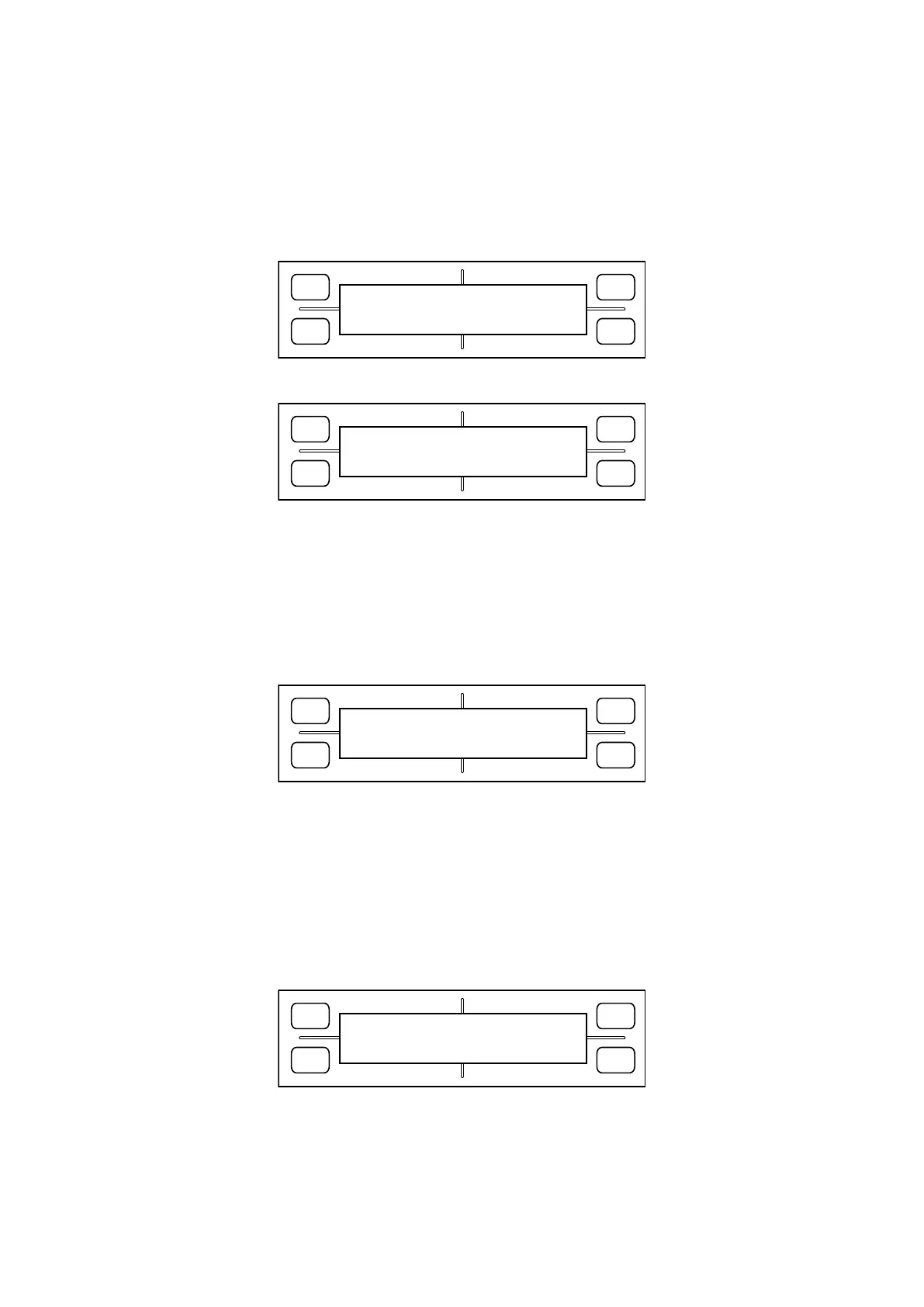
DISTANCE ADJUST
PRESS ENTER KEY!!
3. Press the [Enter] key. The LCD display changes to display the following:
FORCE
SPEED
OFFSET
QUALITY
F1 F3
F4
F2
ORIGNAL CLEAR
ADJ.DRAW INPUT
F1: Plots a distance adjustment pattern before distance adjustment.
F2: Plots a distance adjustment pattern after distance adjustment.
F3: Clears the set value for distance adjustment.
F4: Goes to a distance adjustment value input screen.
Select F1 to draw a distance adjustment pattern. After removing the paper, measure the lengths of X and
Y reference lines and diagonal lines.
4. Select F4 to switch to a distance adjustment value input screen.
FORCE
SPEED
OFFSET
QUALITY
F1 F3
F4
F2
DISTANCE ADJUST
X =+10 Y =-10
Enter differences in increments of 0.1 mm relative to X = 500 mm and Y = 400 mm.
F1: Increments the X axis difference value by 0.1 mm
F2: Decrements the X axis difference value by 0.1 mm
F3: Increments the Y axis difference value by 0.1 mm
F4: Decrements the Y axis difference value by 0.1 mm
* If the measured value is smaller than the reference value, enter a positive value.
5. After setting the values, press the [Enter] key. The LCD screen will switch to an X-Y length adjustment
input screen.
FORCE
SPEED
OFFSET
QUALITY
F1 F3
F4
F2
+0.1 X-Y LENG -0.1
+0.01 L=640.31 -0.01
Enter the measured values of diagonal lines using F1 through F4. Press the [Enter] key to confirm the
values youʼve entered.
6. Attach the paper again and press the [F2] key to draw a post-adjustment pattern and verify distance ac
-
curacy.









 To Next Page