FC4200-UM-251-03-9370 42
ELECTRICAL SECTION
7.8 Adjusting the Home Position
1. Set the DIP switch to adjustment mode and switch on power.
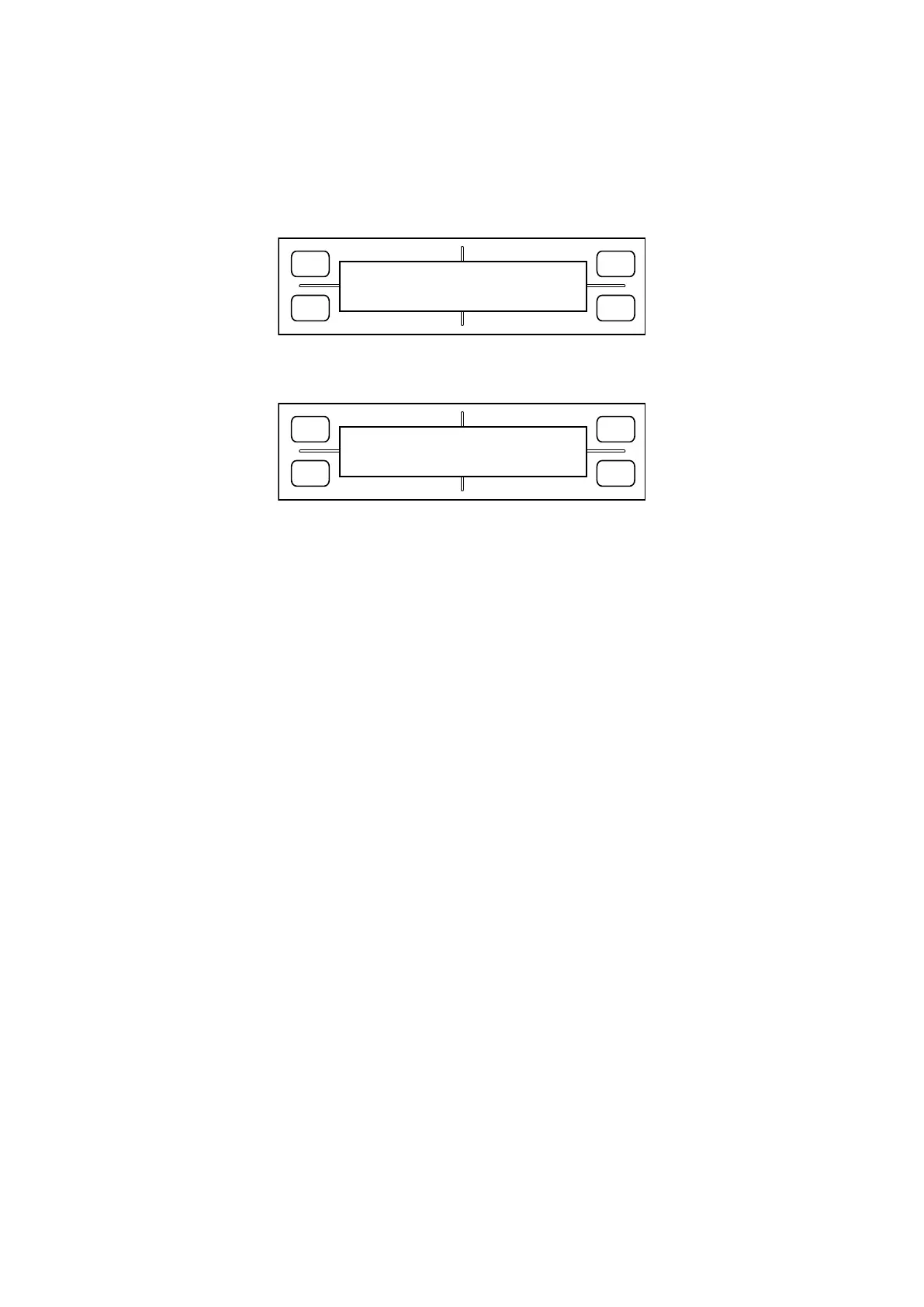
2. Hold down the [Next Page] key until the LCD displays the following:
FORCE
SPEED
OFFSET
QUALITY
F1 F3
F4
F2
HOME ADJ.
PRESS ENTER KEY!!
3. Press the [Enter] key. The plotter starts reading the home sensor. The LCD screen will switch to display
the following:
FORCE
SPEED
OFFSET
QUALITY
F1 F3
F4
F2
MOVE HOME POINT
PRESS ENTER KEY!!
4. Attach a pen-type magnifier to the cutter holder, and move to the home position using the position key.
After confirming the position, press the [Enter] key.
Note:
For more information on the mechanical dimensions of the home position, see the mechanism manufac-
turing specifications.
5. The plotter starts reading the home sensor again and returns to the display in 3. If the position is good,
press the [Enter] key to finish.
6. Switch off power, or proceed to the next adjustment.
Reference:
This adjustment does not affect the plotterʼs pen exchange adjustment.









 To Next Page