FC4200-UM-251-03-9370 45
ELECTRICAL SECTION
7.10 Adjusting the Mark Sensor Mechanical Position
1. Place a sheet of white paper on the panel, making sure that no part of it is raised above the surface.
2. Set the DIP switch to adjustment mode and switch on power.
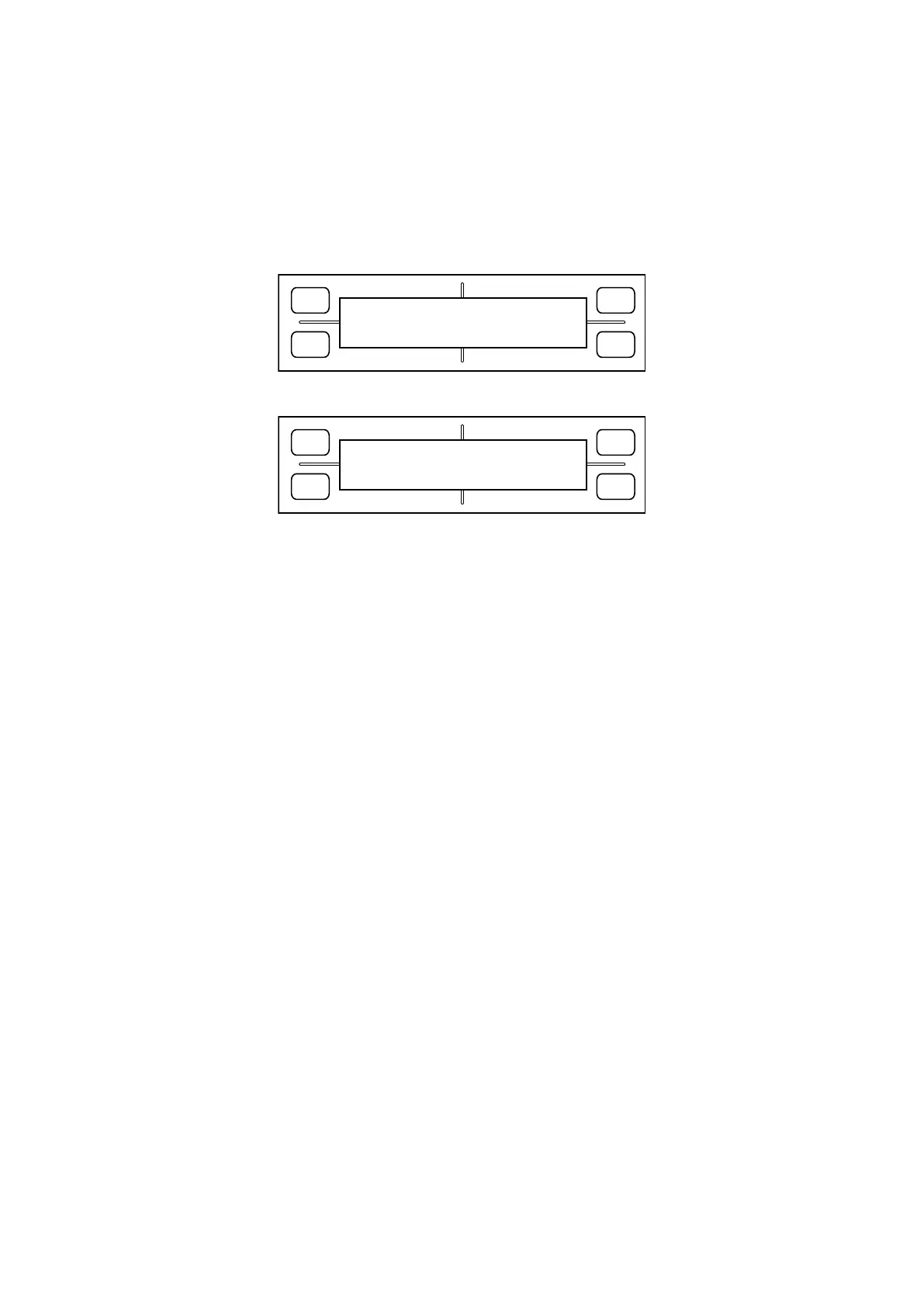
3. Hold down the [Next Page] key until the LCD displays the following:
FORCE
SPEED
OFFSET
QUALITY
F1 F3
F4
F2
MARK ADJUST
PRESS ENTER KEY!!
4. Press the [Enter] key. The LCD display changes to display the following:
FORCE
SPEED
OFFSET
QUALITY
F1 F3
F4
F2
MARK ADJUST
MOVE POSITION
5. Mount a ceramic pen in the pen holder, move the carriage to a blank area of the paper, and press the [Enter]
key. The plotter draws a square shape, reads it with a sensor, and corrects the position.
6. When done, switch off power, or perform the next adjustment.









 To Next Page