FC4200-UM-251-03-9370 38
ELECTRICAL SECTION
7.4 Setting Suffix
When you first switch on power after performing a NOVRAM clear, a suffix setup screen opens.
1. Set the DIP switch to adjustment mode (or normal mode) and switch on power.
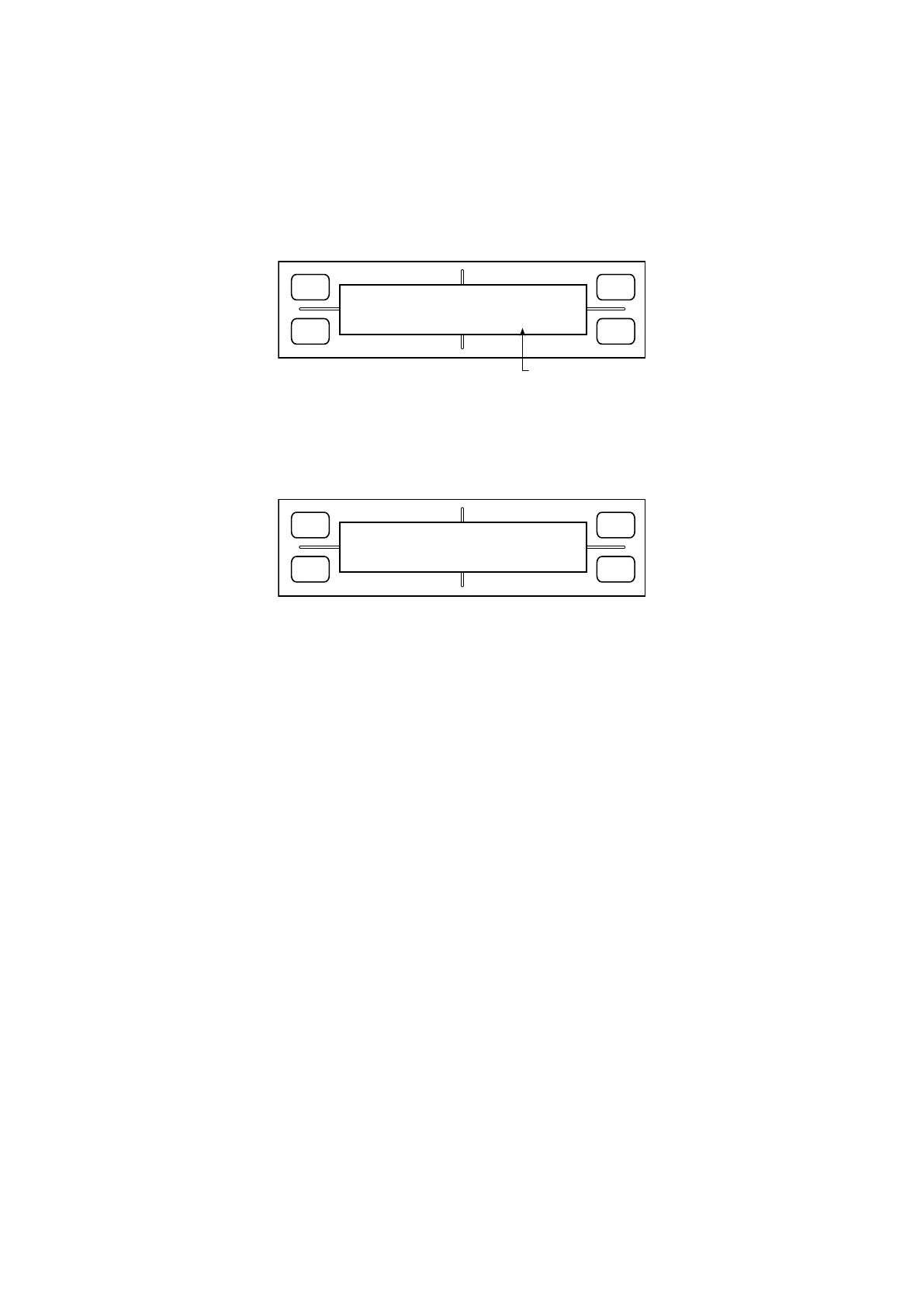
2. The LCD displays the following:
FORCE
SPEED
OFFSET
QUALITY
F1 F3
F4
F2
SET SUFFIX
STD[V
*
.
**
]
Firmware version
3. Press the F4 key to change the suffix display. Adjust to the one specified upon shipment before pressing
the Enter key.
4. The LCD displays the following. After confirming this display, switch off power.
FORCE
SPEED
OFFSET
QUALITY
F1 F3
F4
F2
SUFFIX SET MODE
POWER OFF THEN ON!









 To Next Page