FC4200-UM-251-03-9370 41
ELECTRICAL SECTION
7.7 Adjusting Pen Exchange (FC4200-50 / 60 only)
1. Set the DIP switch to adjustment mode and switch on power.
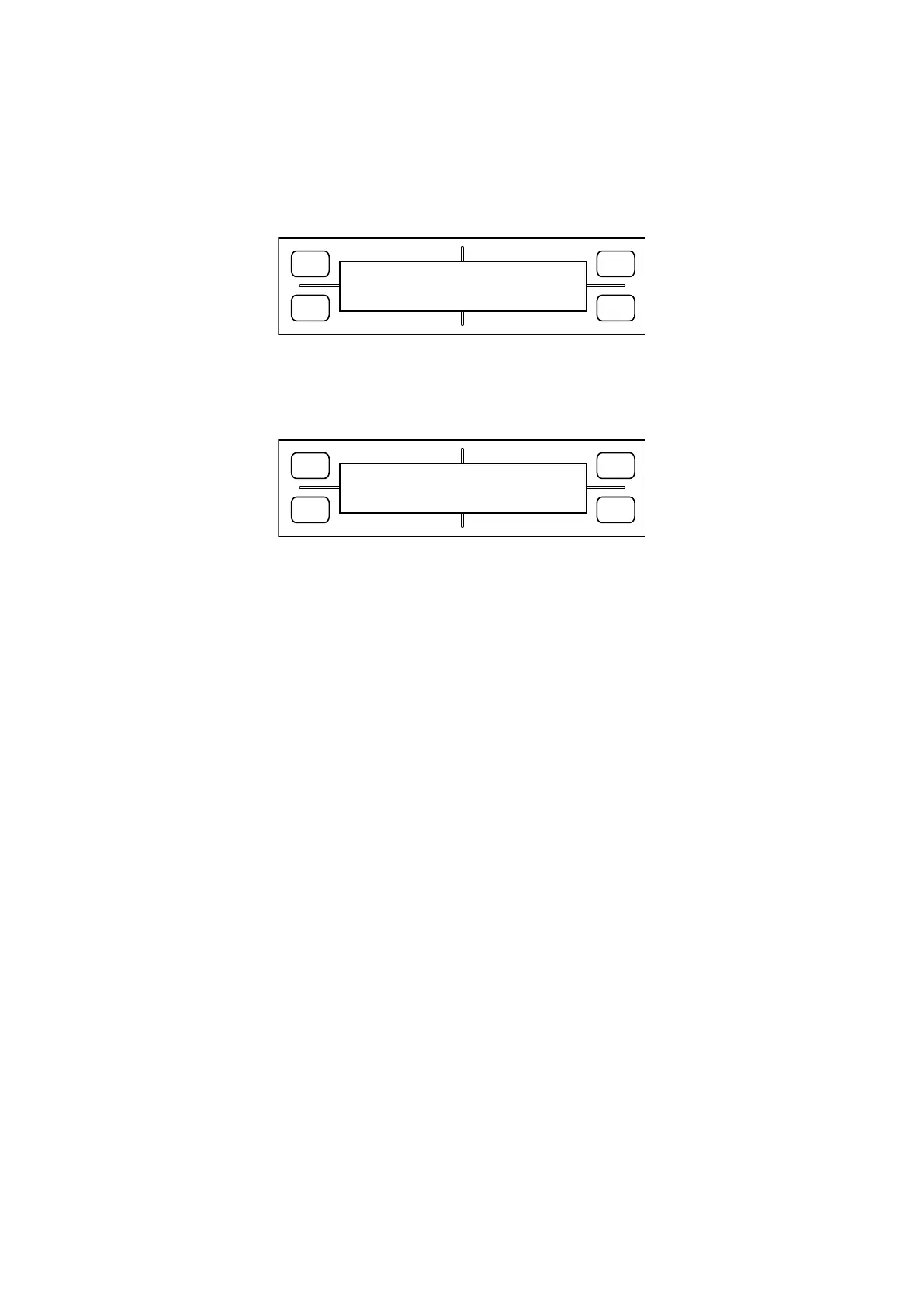
2. Hold down the [Next Page] key until the LCD displays the following:
FORCE
SPEED
OFFSET
QUALITY
F1 F3
F4
F2
PEN EXCHANG ADJUST
PRESS ENTER KEY!!
3. Attach pens to the pen station.
4. Press the [Enter] key. The LCD display changes to display the following:
Modify the correction value Change pens
FORCE
SPEED
OFFSET
QUALITY
F1 F3
F4
F2
UP CHANG
Y=+000 H=+000
Move the cursor to the left Move the cursor to the right
Thrust amount adjustment value Pen exchange height adjustment value
5. Press the [F3] key to prompt the plotter to perform a pen exchange and pen placement operations. Adjust
the Y and H values until the plotter can execute pen exchange and pen placement operations normally.
To move in the reverse direction, decrement the Y value.
To move in the thrust direction, increment the Y value. (Y is expressed in increments of 0.1 mm.)
To raise the pen holder, decrement the H value.
To lower the pen holder, increment the H value. (H is expressed in increments of 0.1 mm.)
Note:
Hold down the [F3] key as the plotter begins moving to get access to a pen. This causes the plotter to
stop, allowing you to easily check the pen height.
6. If the plotter has no problems changing pens, press the [Enter] key to finish.
7. Switch off power, or proceed to the next adjustment.









 To Next Page