FC4200-UM-251-03-9370 47
ELECTRICAL SECTION
7.12 Adjusting the Gain
1. Set the DIP switch to normal mode.
2. Hold down the [Left] position key while switching on power.
3. After an initialization operation, execute a gain adjustment program from the personal computer. The
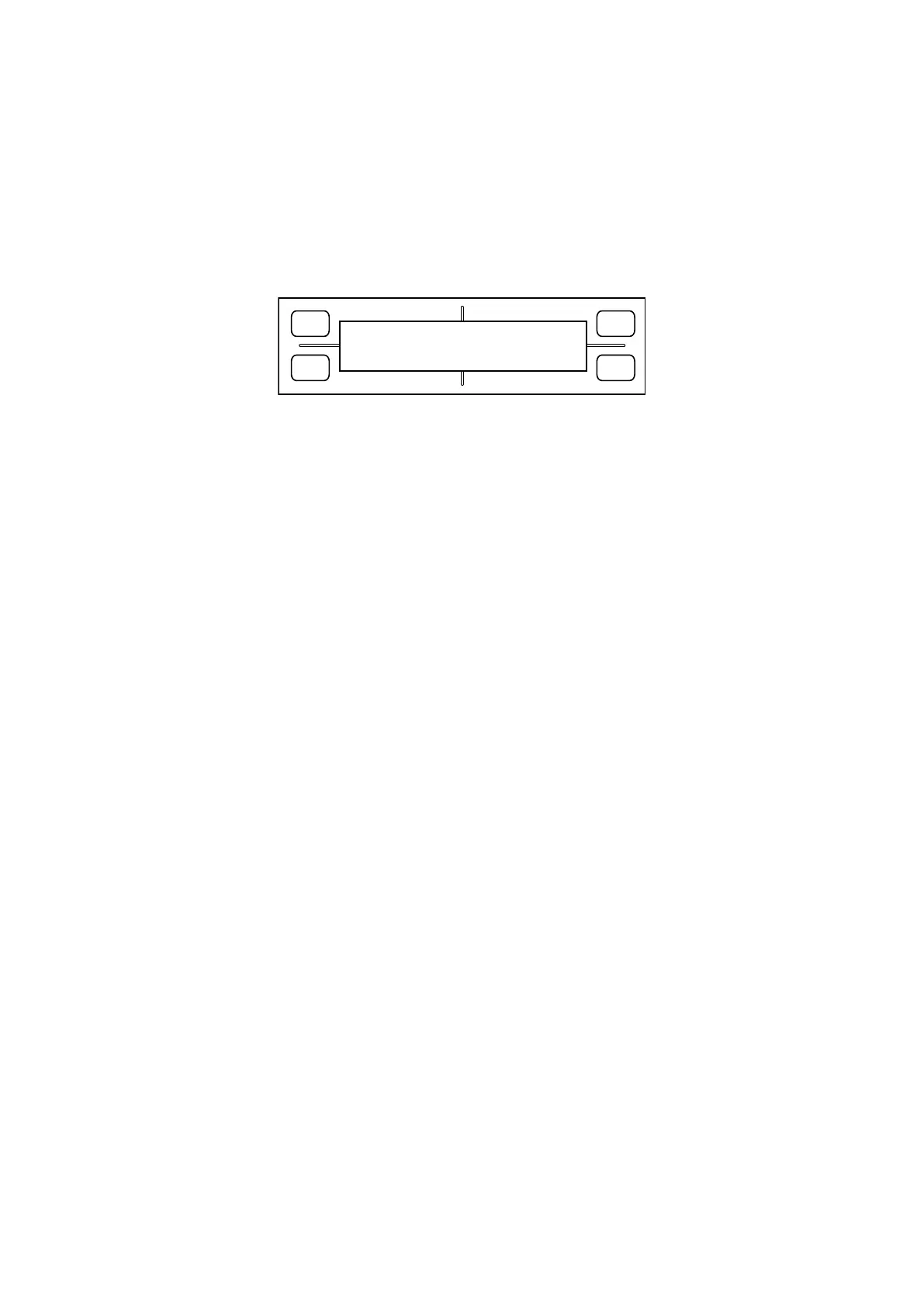
LCD displays the following:
FORCE
SPEED
OFFSET
QUALITY
F1 F3
F4
F2
GAIN SET
X= 65 Y= 60
4. Adjust the gain until MAX ERROR is equal to or less than 7.
[F1]: Increases the X gain. [F3]: Increases the Y gain.
[F2]: Reduces the X gain. [F4]: Reduces the Y gain.
After adjusting the gains, press the [Enter] key and confirm that a beeper sounds.
5. If NG, check the X and Y motor belt tension and repeat the gain adjustment from the beginning.
6. If OK, switch off power.









 To Next Page