FC4200-UM-251-03-9370 70
SPECIFYING THE PEN CONDITIONS
10.4 Running a Cutting Test
After specifying the blade type, FORCE, and SPEED settings, run a cutting test to actually confirm the com-
bined impact of your settings. Check how deeply the medium has been cut and the roundness of the cut cor-
ners. If the cut results are not satisfactory, specify your cutting conditions once more and then run another
cutting test. Repeat these two steps until the optimum cutting conditions are achieved.
Setting Procedure
1. Load the medium that will actually be used for cutting.
2. Press a function key from
to
to select the target COND No.
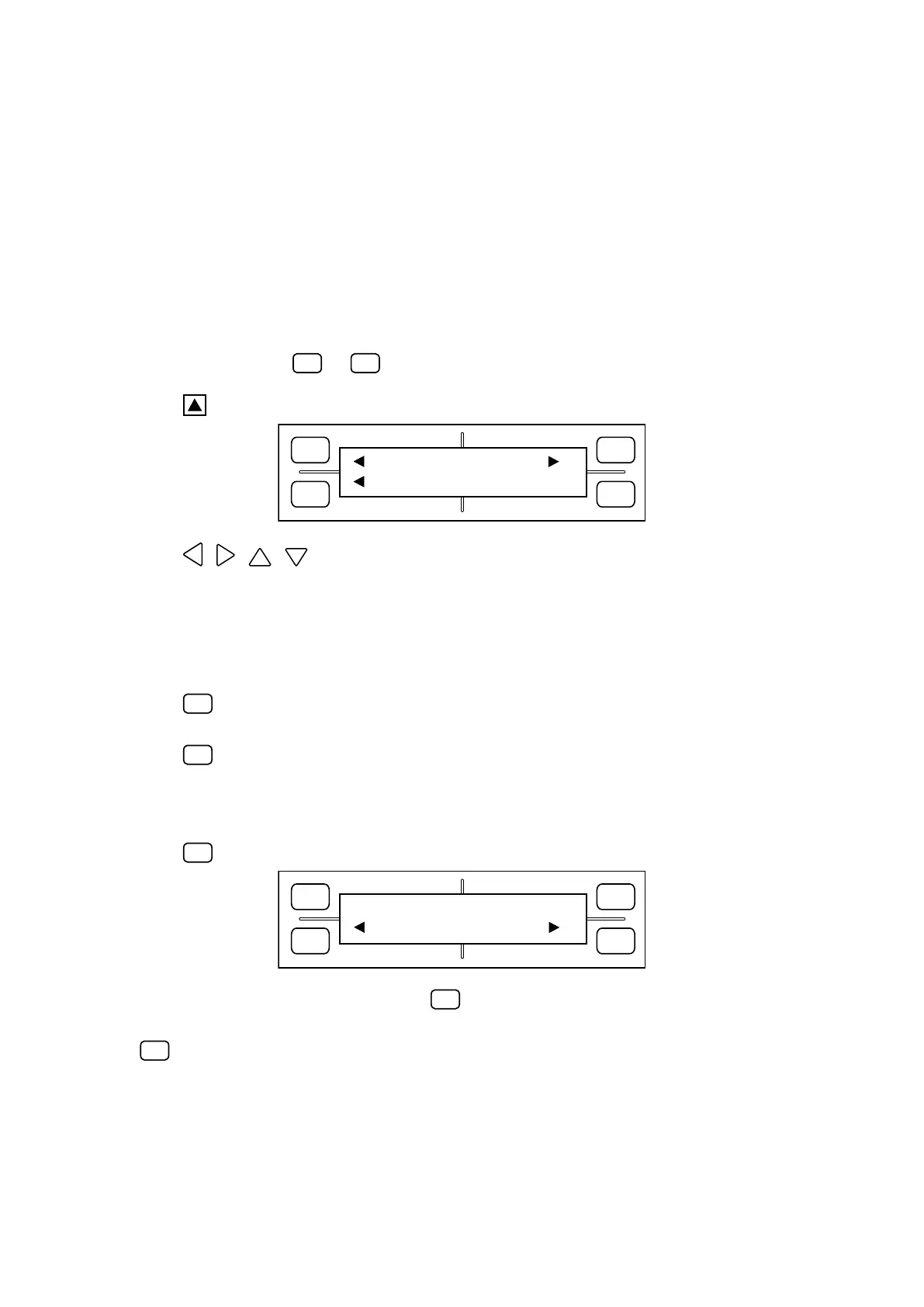
3. Press the TEST key to display the TEST menu below.
FORCE
SPEED
OFFSET
QUALITY
F1 F3
F4
F2
TEST1 TEST2
CUTTING PRO
4. Using the , , , POSITION keys, move the carriage to the position on the medium from
which you wish to start the cutting test.
Caution:
The cutter pen will start moving as soon as the TEST function is selected, so be sure to keep your hands,
hair, and so forth away from the plotterʼs moving parts.
5. Press the
(TEST 1) key to cut a single test pattern, consisting of a triangle within a square, at the
cutter penʼs current position.
Press the
(TEST 2) key to cut three test patterns, each consisting of a triangle within a square,
at the cutter penʼs current position. Among the three patterns, the first pattern is cut using the current
FORCE setting minus 1, the second pattern is cut using the current FORCE setting, and the third pattern
is cut using the current FORCE setting plus 1.
Press the
(CUTTING PRO) key to display the CUTTING PRO prompt menu shown below.
FORCE
SPEED
OFFSET
QUALITY
F1 F3
F4
F2
CUTTING PRO OK ?
YES NO
While the above menu is displayed, press the
(YES) key to cut out the CUTTING PRO characters
from the cutter penʼs current position. To return to Step (3) without running the CUTTING PRO test, press
the
(NO) key.









 To Next Page