FC4200-UM-251-03-9370 53
TEST MODES
8.2 Running the SELF TEST
Caution:
As soon as the F3 (SELF TEST) key is pressed to select this function in Step (4) below, the pen carriage
begins moving. Be sure to keep hands, hair, and so forth away from the plotterʼs moving parts.
The SELF TEST function prints a test pattern that allows you to check the plotterʼs operation independent
of its interface functions.
Setting Procedure
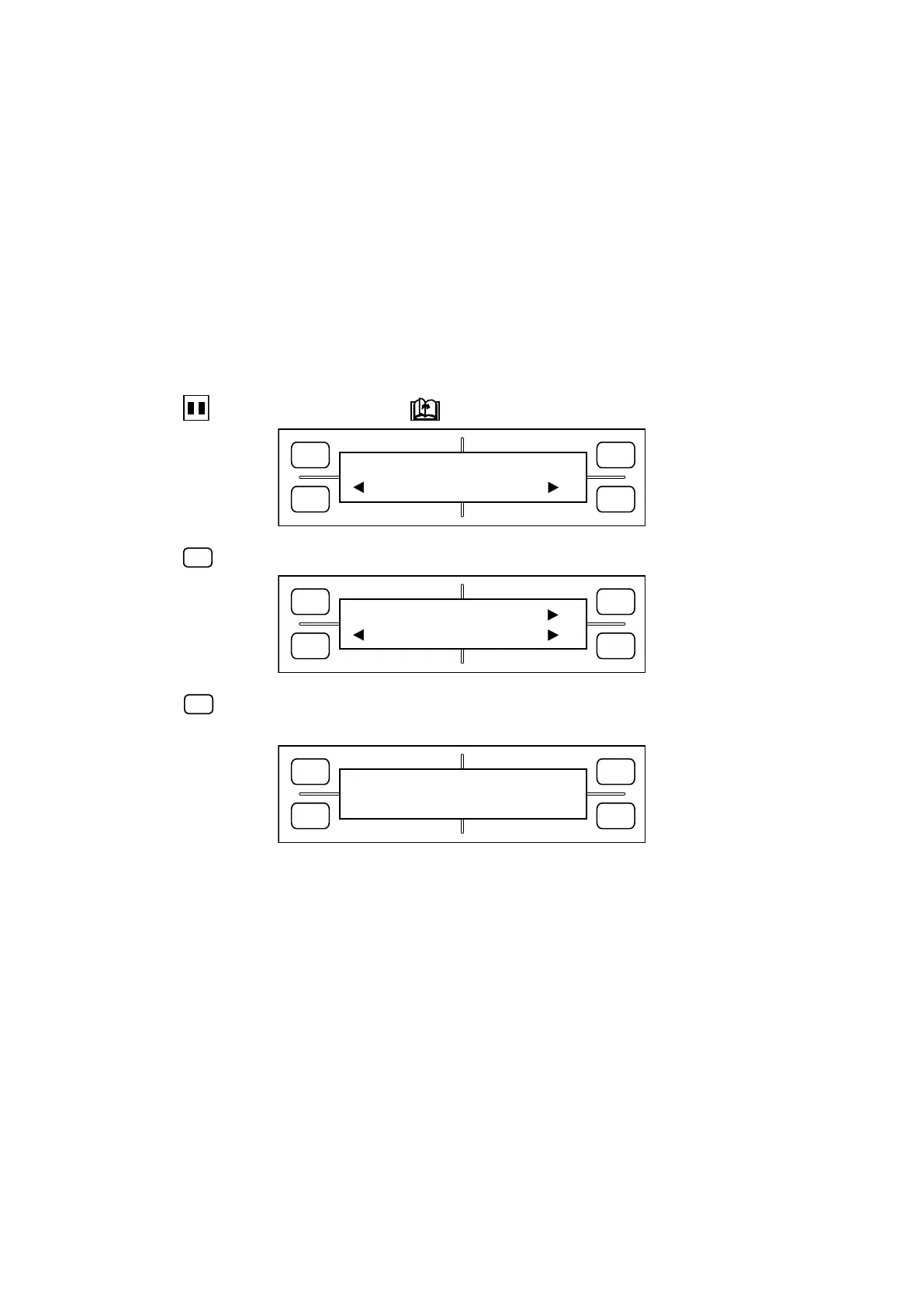
1. Load a medium of A3 size or larger in the plotter.
2. Press the
PAUSE key, then press the NEXT PAGE key until the menu below appears.
FORCE
SPEED
OFFSET
QUALITY
F1 F3
F4
F2
OPTION1 OPTION2
3. Press the
(OPTION2) key to display the menu below.
FORCE
SPEED
OFFSET
QUALITY
F1 F3
F4
F2
SELF TEST
COND. PAT. DUMP
4. When the
(SELF TEST) key is pressed, the menu below appears and the plotter begins plotting the
self test pattern.
FORCE
SPEED
OFFSET
QUALITY
F1 F3
F4
F2
SELF TEST
5. The plotter repeatedly plots the self test pattern until it is turned off. To terminate the self test, therefore,
turn off the plotter.









 To Next Page