x
(2) After properly positioning the pen, re-
turn the holder to its original position
in order to secure the pen in place.
Checkpoint
Ensure that the pen’s upper groove fits onto the upper part of the pen station’s pen bracket
After Turning On the Plotter
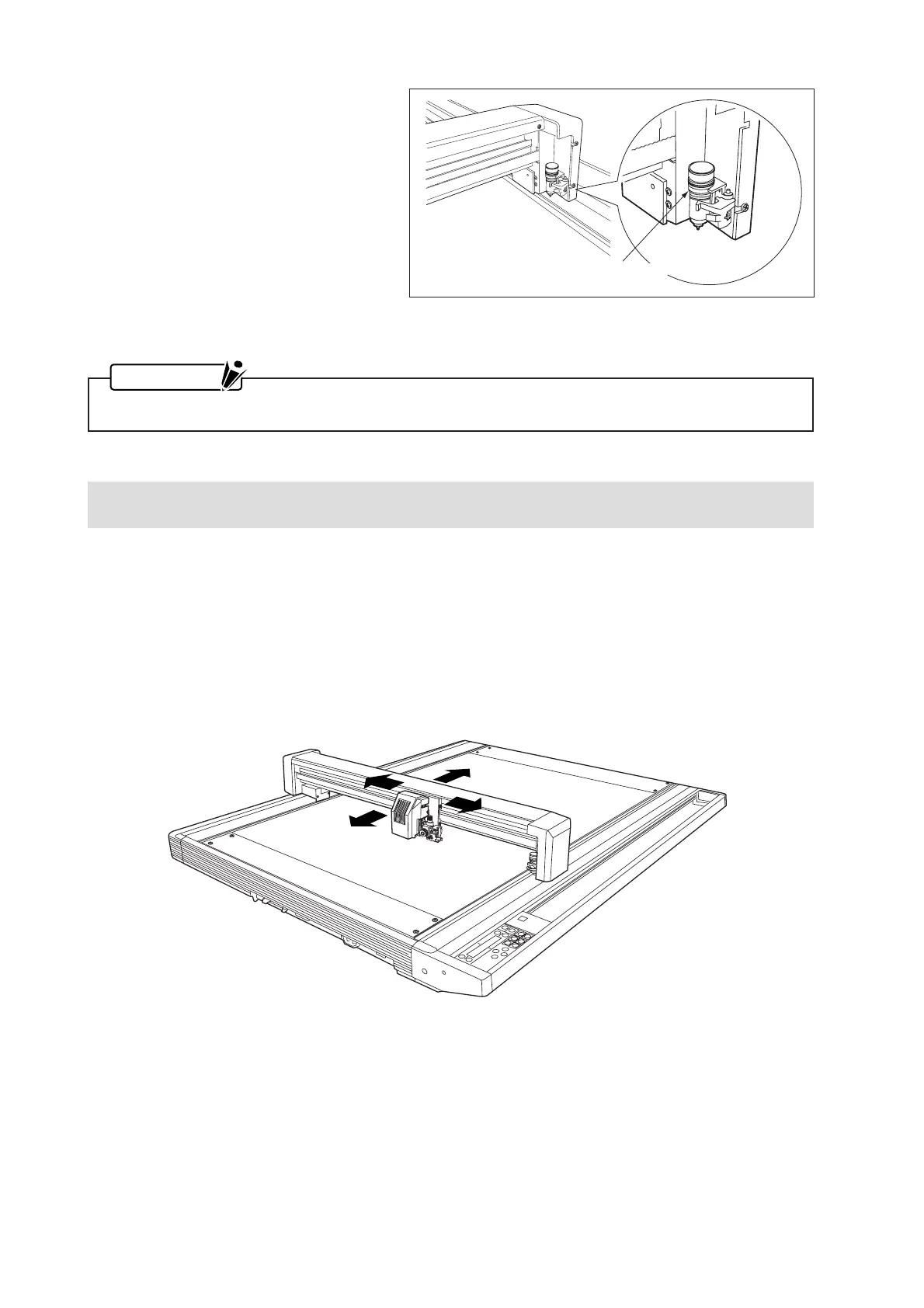
During a cutting operation and immediately afterward as well as when setting the plotter’s functions, the
pen carriage and the Y bar may suddenly move.
At such times, keep your hands, hair, and clothing out of the vicinity of the pen carriage and Y bar. Also do
not place other objects within that area.
To prevent human injury and poor cutting results, be careful not to allow your hands, hair, clothing, or other
foreign objects to get stuck or entangled with the pen carriage or Y bar when using the plotter.
Fit the pen’s upper groove
onto the bracket









 To Next Page