5 – 2
5.2 Using the COPY function
When data used for a cutting operation is stored in the plotter’s internal buffer memory, this function lets you
repeatedly cut duplicates of that data.
CAUTION
• While a COPY operation is in progress, do not send new data from the computer. The existing
data will be overwritten and erased by the new data.
• After completing a cutting operation, if you allow at least 10 seconds to lapse before sending the
next set of data, the existing data will be cleared and any data sent after the lapse of 10 seconds
or more will be saved as new cutting data that can be used in a COPY operation.
• If you send data of more than about two Mbytes, such data will exceed the maximum capacity of
the internal buffer memory and thus cannot be used for a COPY operation. (You can change the
size of the buffer that can be used for COPY operations by switching the ON/OFF status of the
SORTING parameter and so forth.)
• While using the COPY mode, be careful not to cut the exposed area of the plotter’s writing panel
that is not covered by the medium.
• When receiving data that is to be cut at a position that is separated from the origin point, the copy
of that data will also be cut at the same distance from the origin point. In order to cut down on
wasted space, try to specify the cutting data so that it will be cut as close as possible to the origin
point.
• Except when the MARK MODE setting is OFF, the plotter will enter the MARK MODE, read the
registration marks, and then make a single copy.
Setting Procedure
(1) Perform a cutting operation using the target data in order to save it in the internal buffer memory.
(2) Using the , , , POSITION keys, move the pen carriage to the position on the medium
where you wish to make the copy.
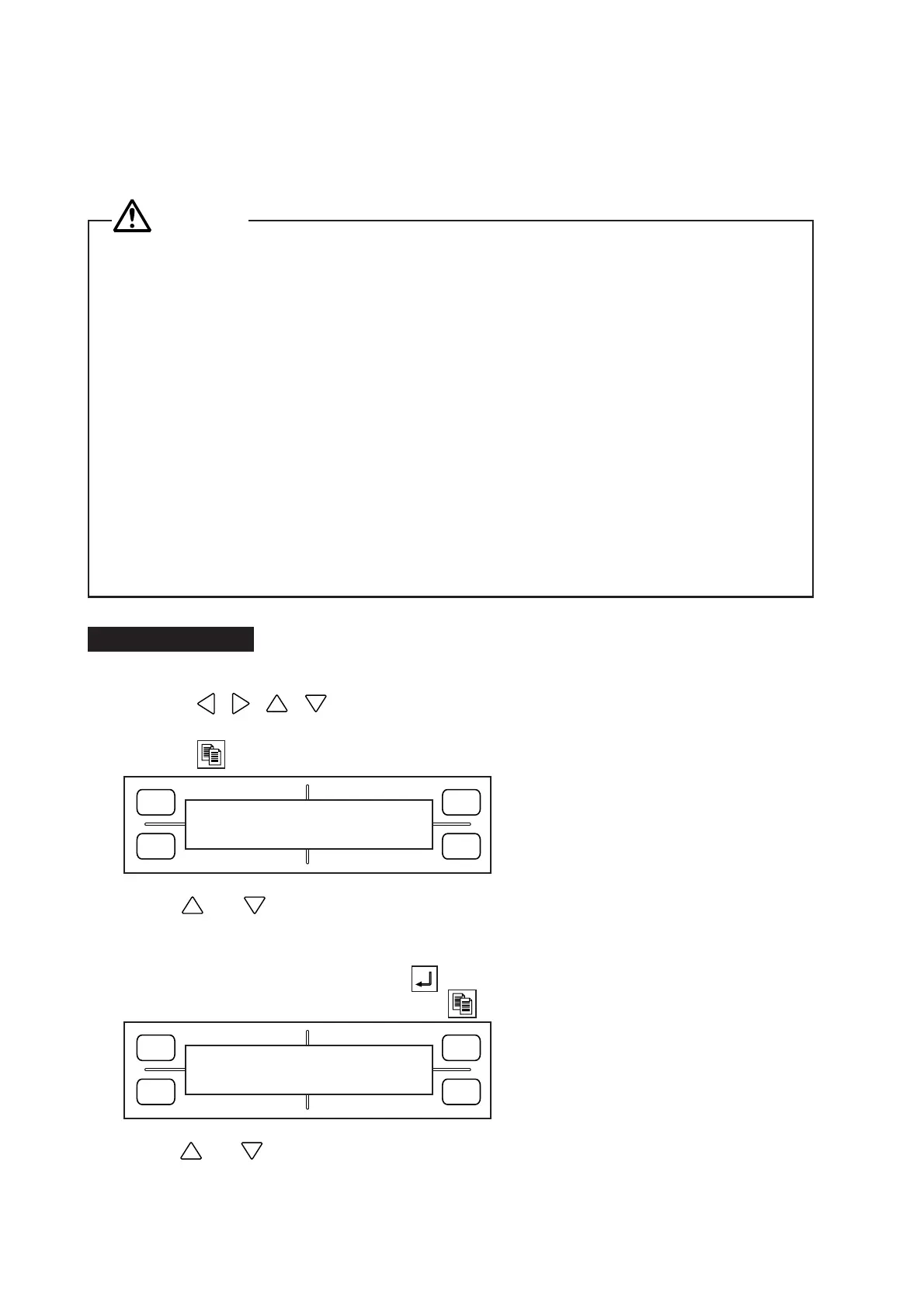
(3) Press the COPY key to display the menu below.
(4) Use the and POSITION keys to specify the COUNT parameter which determines how many
copies will be made. The COUNT parameter can be set to a numeral no higher than the number of
copies that could be cut from one sheet of the currently loaded medium.
(5) To initiate the COPY operation, press the ENTER key.
To set the COPY SPACE parameter, press the COPY key to display the menu below.
(6) Use the and POSITION keys to set the COPY SPACE parameter in a range from 1 to 10 mm.
Your COPY SPACE setting will be retained in the plotter’s internal RAM even while the plotter is turned
off.
FORCE
SPEED
OFFSET
QUALITY
F1 F3
F4
F2
COPY MODE
COUNT 1
FORCE
SPEED
OFFSET
QUALITY
F1 F3
F4
F2
COPY SPACE
1mm









 To Next Page