4 – 1
4. SPECIFYING THE PEN CONDITIONS
In preparation for starting a cutting operation, this chapter provides instructions on achieving optimum
cutting conditions by specifying the cutter pen’s blade type as well as the cutting FORCE, cutting SPEED,
cutter OFFSET, and cutting QUALITY settings.
The cutter pen conditions for cutting media consists of the following five elements.
(1) Extended length of the cutter blade: See the table below to adjust the extended length of the cutter
blade to suit the thickness of the medium being used. For instructions, see Section 2.4, “Adjusting the
Length of the Cutter Blade.”
(2) Cutting FORCE: Specify the FORCE setting based on the reference FORCE values listed in the table
below.
(3) Cutting SPEED: Specify the SPEED setting based on the reference SPEED values listed in the table
below.
(4) Cutter OFFSET: Specify the OFFSET setting based on the reference values listed in the table below.
(5) Cutting QUALITY: Specify the QUALITY setting based on the reference values listed in the table
below.
4.1 The Cutter Pen’s Conditions
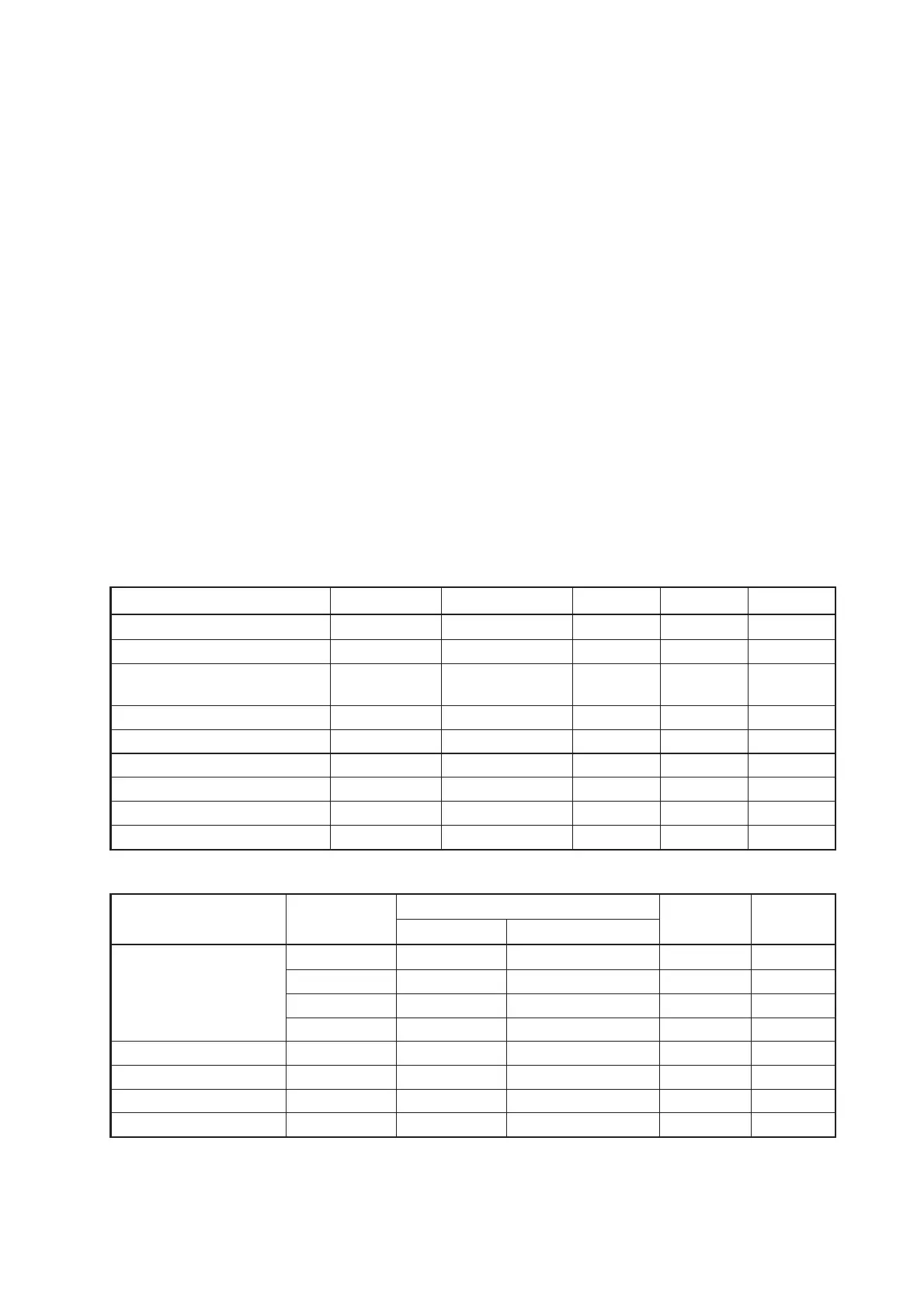
Optimum Cutting Conditions by Media Type
Medium Thickness
(mm)
Blade used FORCE SPEED QUALITY
Film for outdoor signs 0.05 to 0.08 CB09UA 10 to 14 30 or less 2 to 3
Decorative film 0.08 to 0.1 CB09UA 14 to 17 30 or less 2 to 3
Transparent or
0.08 to 0.1 CB09UA 14 to 20 30 or less 2 to 3
semi-transparent film
Reflective film 0.08 to 0.1 CB09UA 14 to 20 30 or less 2 to 3
Fluorescent film 0.20 to 0.25 CB09UA, CB15U 20 to 24 10 to 20 2 to 3
Rubber for sandblasting 0.5 to 1.5 CB15U-K30 17 to 36 10 to 20 1 to 3
Thick paper 0.3 to 0.5 CB15U 28 to 40 10 to 20 1 to 2
Compressed styrofoam 0.8 CB15U-K30 37 to 42 10 to 20 1 to 2
High-luminance reflective film 0.25 to 0.3 CB15UA 23 to 24 5 to 25 1
Blade Part Nos., Displayed Blade Types, and OFFSET Values
Blade material
Blade’s
Display indication
Specifiable Default
part no.
Blade type Displayed OFFSET
range OFFSET
Supersteel blades CB09UA 09U 0 ±5 17
CB15-10U 15-10U 0 ±5 18
CB15U 15U 0 ±5 28
CB15U-K30 15U-K30 0 ±5 28
Ceramic blade CB15-10C 15-10C 0 ±5 18
Sapphire blade CB15-05S 15-05S 0 ±5 9
Other OTHER 1 1 to 45 1
Plotting pen PEN None None 0
When a blade type has been selected, the default OFFSET value can be adjusted within a ±5 range.
Select OTHER when you will use a hard-to-cut medium that requires an OFFSET setting that is not listed under any of
the blade types.
Select PEN for a plotting pen.









 To Next Page