7 – 5
7.5 Selecting the LENGTH UNIT
Your plotter’s display panel can show coordinate values in units of either millimeters or inches. This LENGTH
UNIT function lets you switch the unit of length shown on the display panel.
Setting Procedure
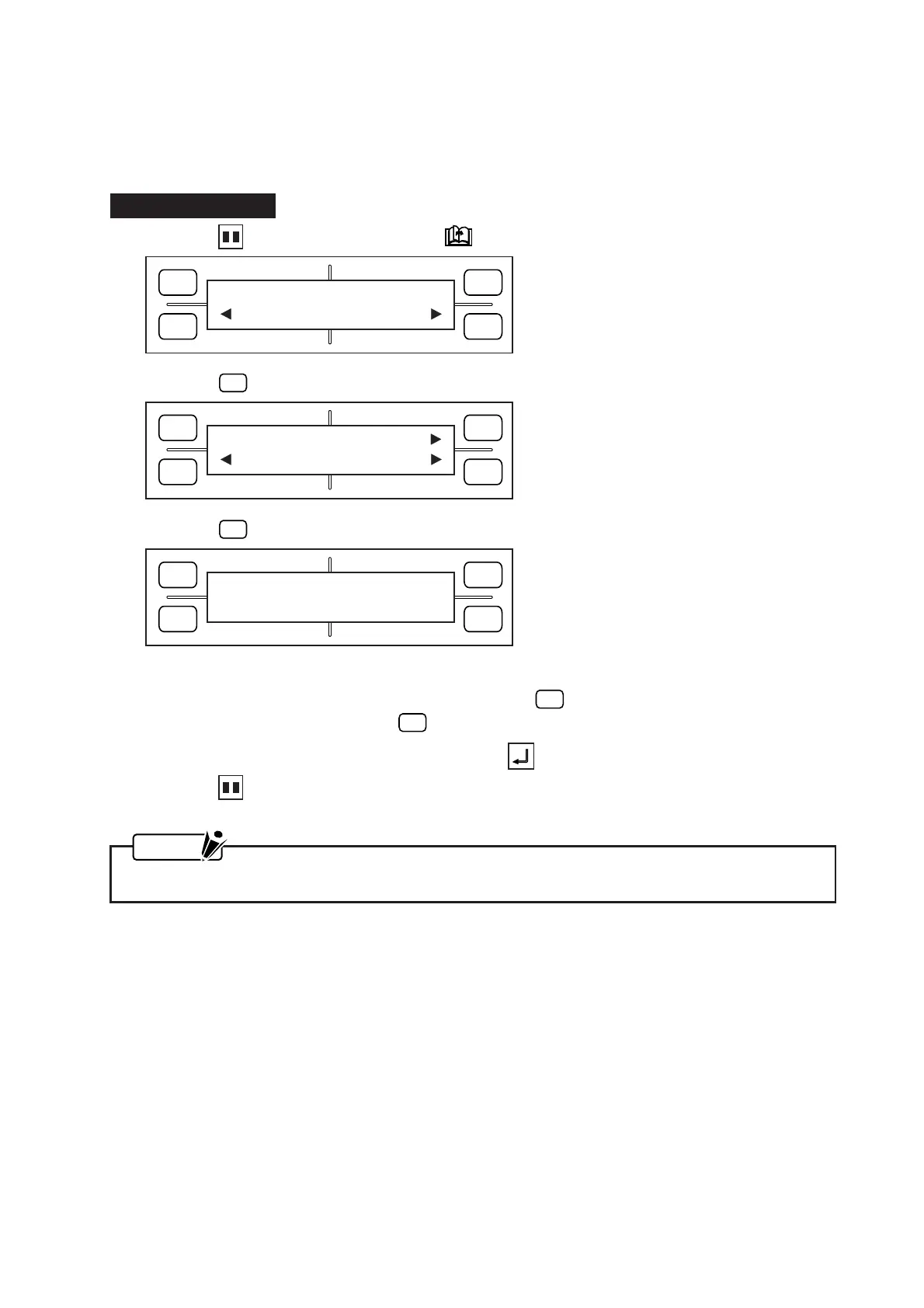
(1) Press the PAUSE key, then press the NEXT PAGE key until the menu below appears.
(2) Press the
F4
(OPTION 2) key to display the menu below.
(3) Press the
F2
(LENGTH UNIT) key to display the menu below.
(4) The currently selected unit is indicated by the asterisk (
*
) symbol.
To display coordinate distances in millimeters, press the
F2
(mm) key.
To display them in inches, press the
F4
(inch) key.
(5) When the displayed setting is satisfactory, press the ENTER key to register your setting.
(6) Press the PAUSE key to return the plotter to READY status.
NOTE
Your LENGTH UNIT setting will be retained in the plotter’s RAM even while the plotter is turned off.
FORCE
SPEED
OFFSET
QUALITY
F1 F3
F4
F2
OPTION1 OPTION2
FORCE
SPEED
OFFSET
QUALITY
F1 F3
F4
F2
DIST ADJ
L UNIT TEST
FORCE
SPEED
OFFSET
QUALITY
F1 F3
F4
F2
LENGTH UNIT
*
mm inch









 To Next Page